
Wedding Budget & Guest List
Made for couples planning a wedding.
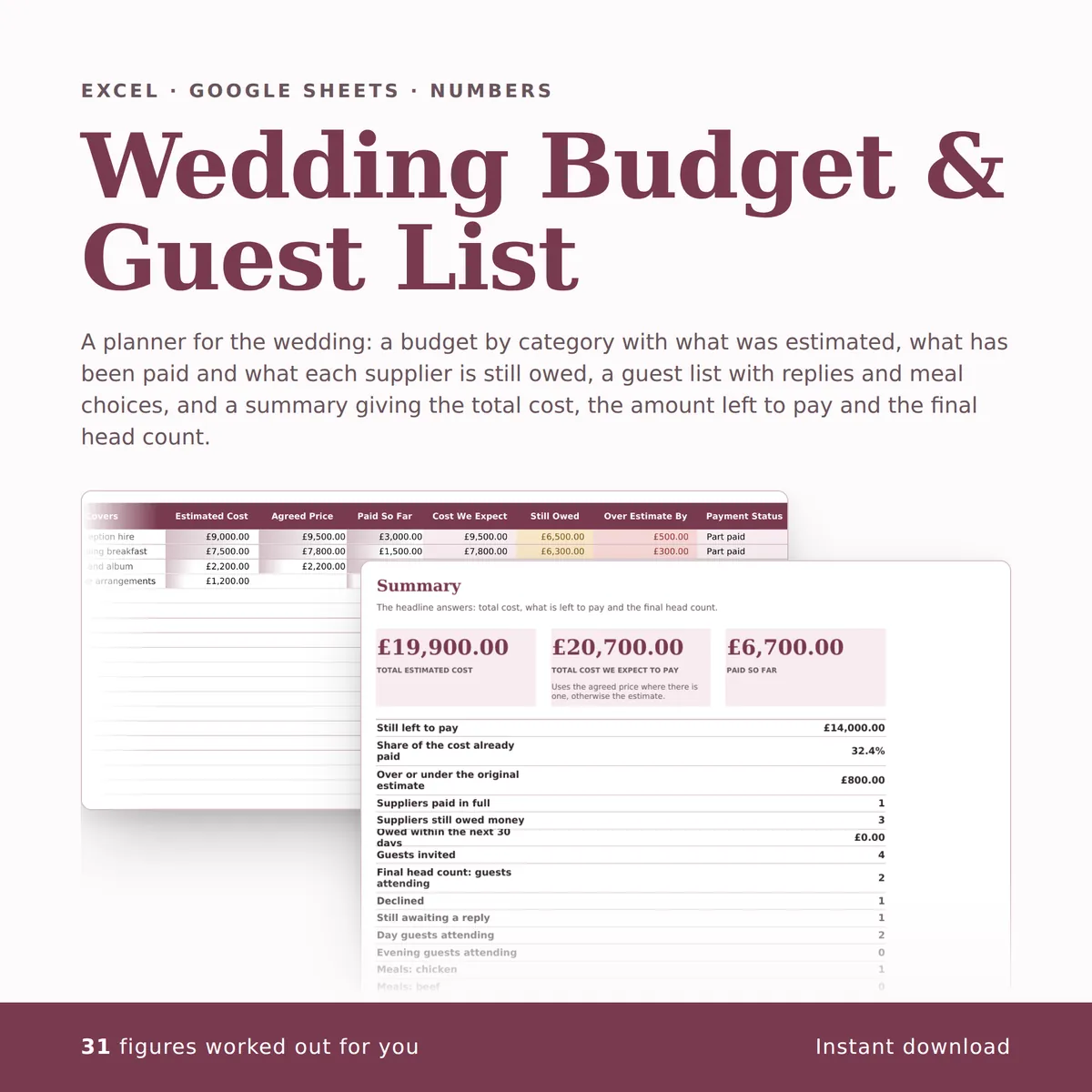
A planner for the wedding: a budget by category with what was estimated, what has been paid and what each supplier is still owed, a guest list with replies and meal choices, and a summary giving the total cost, the amount left to pay and the final head count. The summary carries a chart that redraws itself as you type.
Of the 26 columns, you fill in 19 and the other 7 work themselves out, and all 24 figures on the summary do too. There is room for 450 rows of your own.
£4.99one payment, yours to keep
- Opens in Excel, Google Sheets and Numbers
- Delivered straight away
- No macros, nothing to install
- Change it free before you buy
Payment is handled by Stripe. Your card details go to them and never to us. Sales are final, which is why every tab, column and calculation is shown on this page first.
Already have a spreadsheet of your own? Check it for mistakes, free.
- A new row is typed into the Budget tab, one cell at a time, in the white cells a person fills in.
- The shaded cells in that row fill themselves in.
- The figures on the Summary tab change to include the new row.
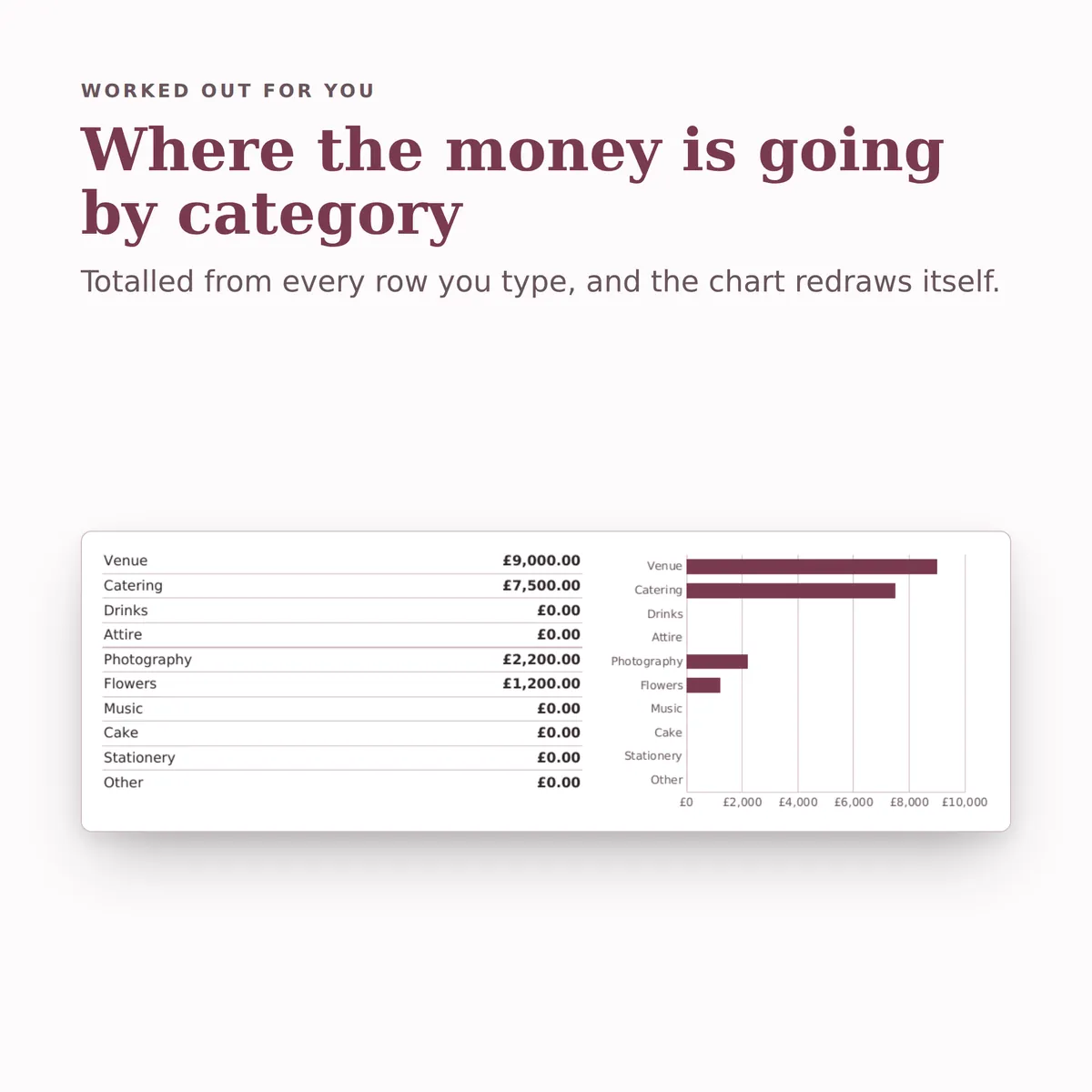
- The chart, Where the money is going by category, redraws with it.
Everything inside, before you pay
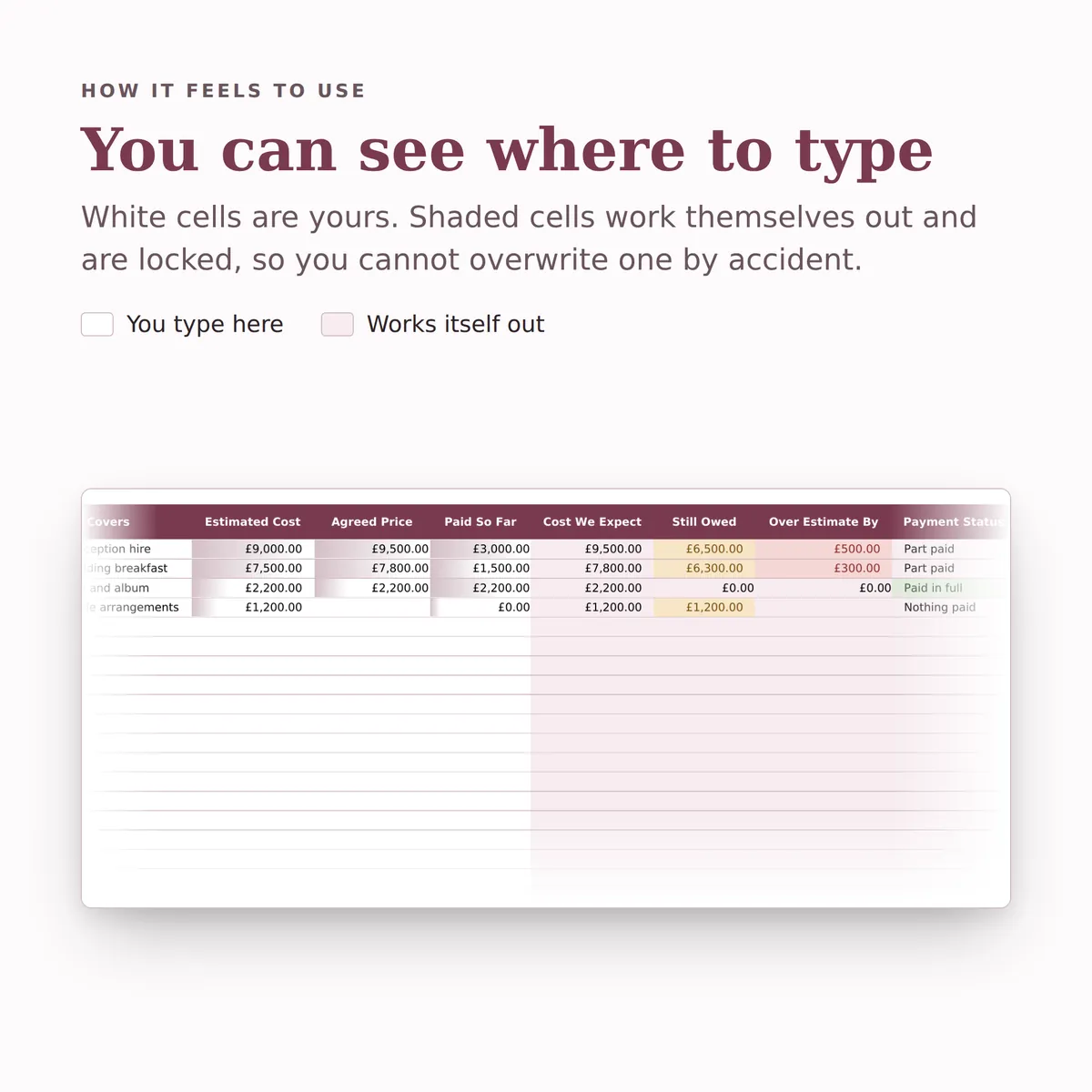
This is the whole design: every tab, every column and how each calculated one is worked out. White cells are yours to fill in; the shaded ones work themselves out and are locked so a formula cannot be overwritten by accident. There is room for 450 rows. Open any tab to see its columns.
Budget
14 columns
| Column | What goes in it | Worked out as |
|---|---|---|
| Category | Pick one: Venue, Catering, Drinks, Attire, Photography, Flowers, Music, Cake, Stationery or Other. | |
| Supplier | Type any text. | |
| What It Covers | Type any text. | |
| Estimated Cost | Type an amount in £. | |
| Agreed Price | Type an amount in £. | |
| Paid So Far | Type an amount in £. | |
| Cost We Expect | Fills itself in. | Worked out from this row's Estimated Cost and Agreed Price. The formulaIF(AND(ISBLANK([estimate]),ISBLANK([agreed_price])),"",IF(ISBLANK([agreed_price]),[estimate],[agreed_price])) |
| Still Owed | Fills itself in. | Worked out from this row's Estimated Cost, Agreed Price and Paid So Far. The formulaIF(AND(ISBLANK([estimate]),ISBLANK([agreed_price])),"",IF(ISBLANK([agreed_price]),[estimate],[agreed_price])-[paid]) |
| Over Estimate By | Fills itself in. | The Agreed Price minus the Estimated Cost. The formulaIF(OR(ISBLANK([estimate]),ISBLANK([agreed_price])),"",[agreed_price]-[estimate]) |
| Payment Status | Fills itself in. | Worked out from this row's Estimated Cost, Agreed Price and Paid So Far. The formulaIF(AND(ISBLANK([estimate]),ISBLANK([agreed_price])),"",IF(IF(ISBLANK([agreed_price]),[estimate],[agreed_price])-[paid]<=0,"Paid in full",IF([paid]>0,"Part paid","Nothing paid"))) |
| Balance Due On | The date the remaining balance has to reach the supplier.Type a date. | |
| Days Until Due | Fills itself in. | Worked out from this row's Balance Due On. The formulaIF(ISBLANK([final_due]),"",[final_due]-TODAY()) |
| Contact | Type any text. | |
| Notes | Type any text. |
Guest List
12 columns
| Column | What goes in it | Worked out as |
|---|---|---|
| Guest Name | Type any text. | |
| Side | Pick one: Bride, Groom or Both. | |
| Group | Pick one: Close family, Wider family, Friends, Work, Neighbours or Children. | |
| Day Or Evening | Pick one: Day guest or Evening only. | |
| Invite Sent | Tick it when it applies. | |
| Reply | Pick one: Awaiting reply, Attending or Declined. | |
| Replied On | Type a date. | |
| Meal Choice | Pick one: Chicken, Beef, Fish, Vegetarian, Vegan or Children's meal. | |
| Dietary Notes | Type any text. | |
| Table No | Type a number. | |
| Counts In Head Count | Fills itself in. | Worked out from this row's Reply. The formulaIF(ISBLANK([rsvp]),"",IF([rsvp]="Attending",1,0)) |
| Meal Still Needed | Fills itself in. | Worked out from this row's Reply and Meal Choice. The formulaIF(ISBLANK([rsvp]),"",IF(AND([rsvp]="Attending",ISBLANK([meal])),"Meal choice needed","")) |
Summary
24 figures
| Figure | Worked out as |
|---|---|
| Total estimated cost | The total of Estimated Cost on Budget. The formulaSUM([Budget!estimate]) |
| Total cost we expect to pay | Uses the agreed price where there is one, otherwise the estimate. The total of Cost We Expect on Budget. The formulaSUM([Budget!expected_cost]) |
| Paid so far | The total of Paid So Far on Budget. The formulaSUM([Budget!paid]) |
| Still left to pay | The total of Still Owed on Budget. The formulaSUM([Budget!balance]) |
| Share of the cost already paid | Worked out from Paid So Far and Cost We Expect on Budget. The formulaIFERROR(SUM([Budget!paid])/SUM([Budget!expected_cost]),0) |
| Over or under the original estimate | The total of Over Estimate By on Budget. The formulaSUM([Budget!variance]) |
| Suppliers paid in full | The number of rows on Budget where Payment Status is “Paid in full”. The formulaCOUNTIF([Budget!payment_status],"Paid in full") |
| Suppliers still owed money | The number of rows on Budget where Still Owed is above 0. The formulaCOUNTIF([Budget!balance],">0") |
| Owed within the next 30 days | Worked out from Still Owed and Balance Due On on Budget. The formulaSUMIFS([Budget!balance],[Budget!final_due],">="&TODAY(),[Budget!final_due],"<="&TODAY()+30) |
| Guests invited | The number of rows on Guest List with Guest Name filled in. The formulaCOUNTA([Guest List!guest_name]) |
| Final head count: guests attending | The number of rows on Guest List where Reply is “Attending”. The formulaCOUNTIF([Guest List!rsvp],"Attending") |
| Declined | The number of rows on Guest List where Reply is “Declined”. The formulaCOUNTIF([Guest List!rsvp],"Declined") |
| Still awaiting a reply | Worked out from Guest Name and Reply on Guest List. The formulaCOUNTA([Guest List!guest_name])-COUNTIF([Guest List!rsvp],"Attending")-COUNTIF([Guest List!rsvp],"Declined") |
| Day guests attending | The number of rows on Guest List where Reply is “Attending” and Day Or Evening is “Day guest”. The formulaCOUNTIFS([Guest List!rsvp],"Attending",[Guest List!day_evening],"Day guest") |
| Evening guests attending | The number of rows on Guest List where Reply is “Attending” and Day Or Evening is “Evening only”. The formulaCOUNTIFS([Guest List!rsvp],"Attending",[Guest List!day_evening],"Evening only") |
| Meals: chicken | The number of rows on Guest List where Reply is “Attending” and Meal Choice is “Chicken”. The formulaCOUNTIFS([Guest List!rsvp],"Attending",[Guest List!meal],"Chicken") |
| Meals: beef | The number of rows on Guest List where Reply is “Attending” and Meal Choice is “Beef”. The formulaCOUNTIFS([Guest List!rsvp],"Attending",[Guest List!meal],"Beef") |
| Meals: fish | The number of rows on Guest List where Reply is “Attending” and Meal Choice is “Fish”. The formulaCOUNTIFS([Guest List!rsvp],"Attending",[Guest List!meal],"Fish") |
| Meals: vegetarian | The number of rows on Guest List where Reply is “Attending” and Meal Choice is “Vegetarian”. The formulaCOUNTIFS([Guest List!rsvp],"Attending",[Guest List!meal],"Vegetarian") |
| Meals: vegan | The number of rows on Guest List where Reply is “Attending” and Meal Choice is “Vegan”. The formulaCOUNTIFS([Guest List!rsvp],"Attending",[Guest List!meal],"Vegan") |
| Meals: children | The number of rows on Guest List where Reply is “Attending” and Meal Choice is “Children's meal”. The formulaCOUNTIFS([Guest List!rsvp],"Attending",[Guest List!meal],"Children's meal") |
| Attending guests with no meal chosen yet | The number of rows on Guest List where Reply is “Attending” and Meal Choice is “”. The formulaCOUNTIFS([Guest List!rsvp],"Attending",[Guest List!meal],"") |
| Catering cost per attending guest | Worked out from Category and Cost We Expect on Budget and Reply on Guest List. The formulaIFERROR(SUMIF([Budget!category],"Catering",[Budget!expected_cost])/COUNTIF([Guest List!rsvp],"Attending"),0) |
| Total cost per attending guest | Worked out from Cost We Expect on Budget and Reply on Guest List. The formulaIFERROR(SUM([Budget!expected_cost])/COUNTIF([Guest List!rsvp],"Attending"),0) |
More in Occasions
-
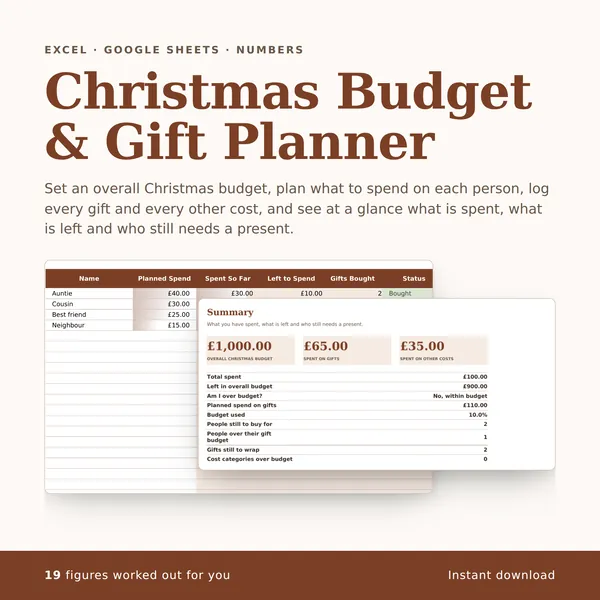
Christmas Budget & Gift Planner
Set an overall Christmas budget, plan what to spend on each person, log every gift and every other cost, and see at a glance what is spent, what is left and who still needs a present.
19 figures work themselves out£4.99
-
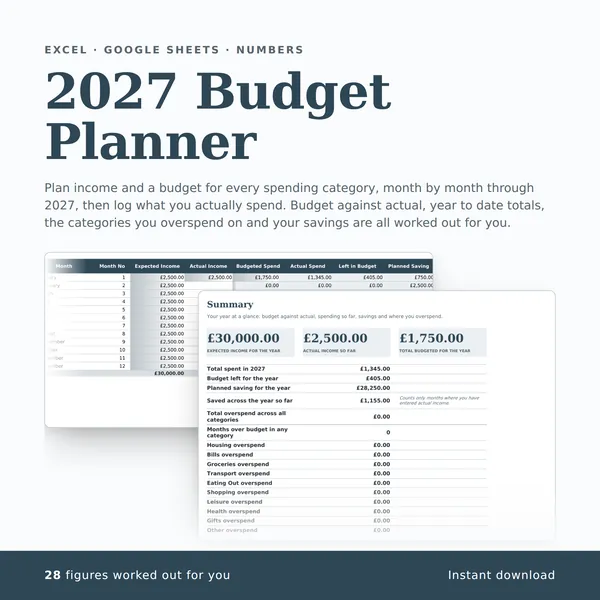
2027 Budget Planner
Plan income and a budget for every spending category, month by month through 2027, then log what you actually spend. Budget against actual, year to date totals, the categories you overspend on and your savings are all worked out for you.
28 figures work themselves out£4.99
-
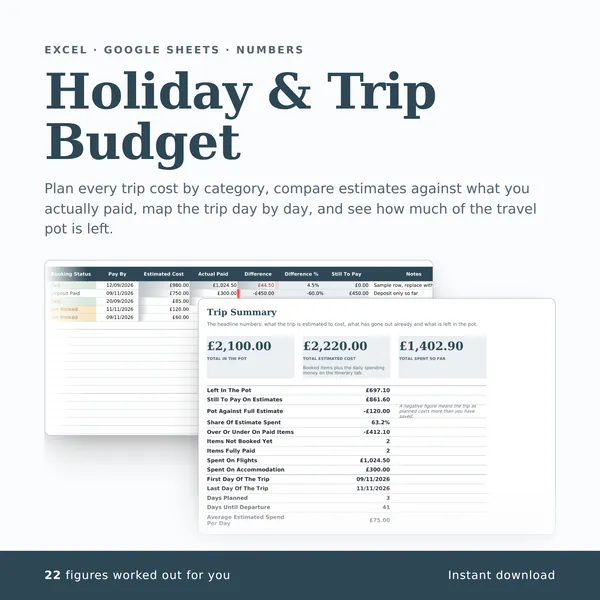
Holiday & Trip Budget
Plan every trip cost by category, compare estimates against what you actually paid, map the trip day by day, and see how much of the travel pot is left.
22 figures work themselves out£4.99
-
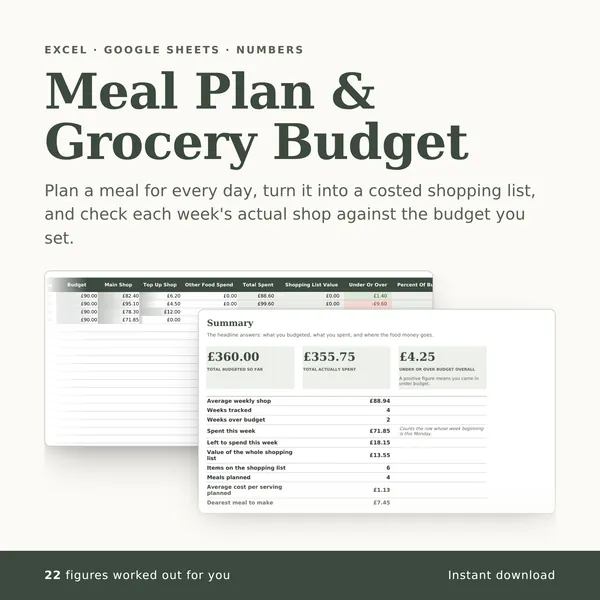
Meal Plan & Grocery Budget
Plan a meal for every day, turn it into a costed shopping list, and check each week's actual shop against the budget you set.
22 figures work themselves out£4.99