Templates › Plans and occasions
2027 Budget Planner
Made for anyone planning a fresh start for the new year.
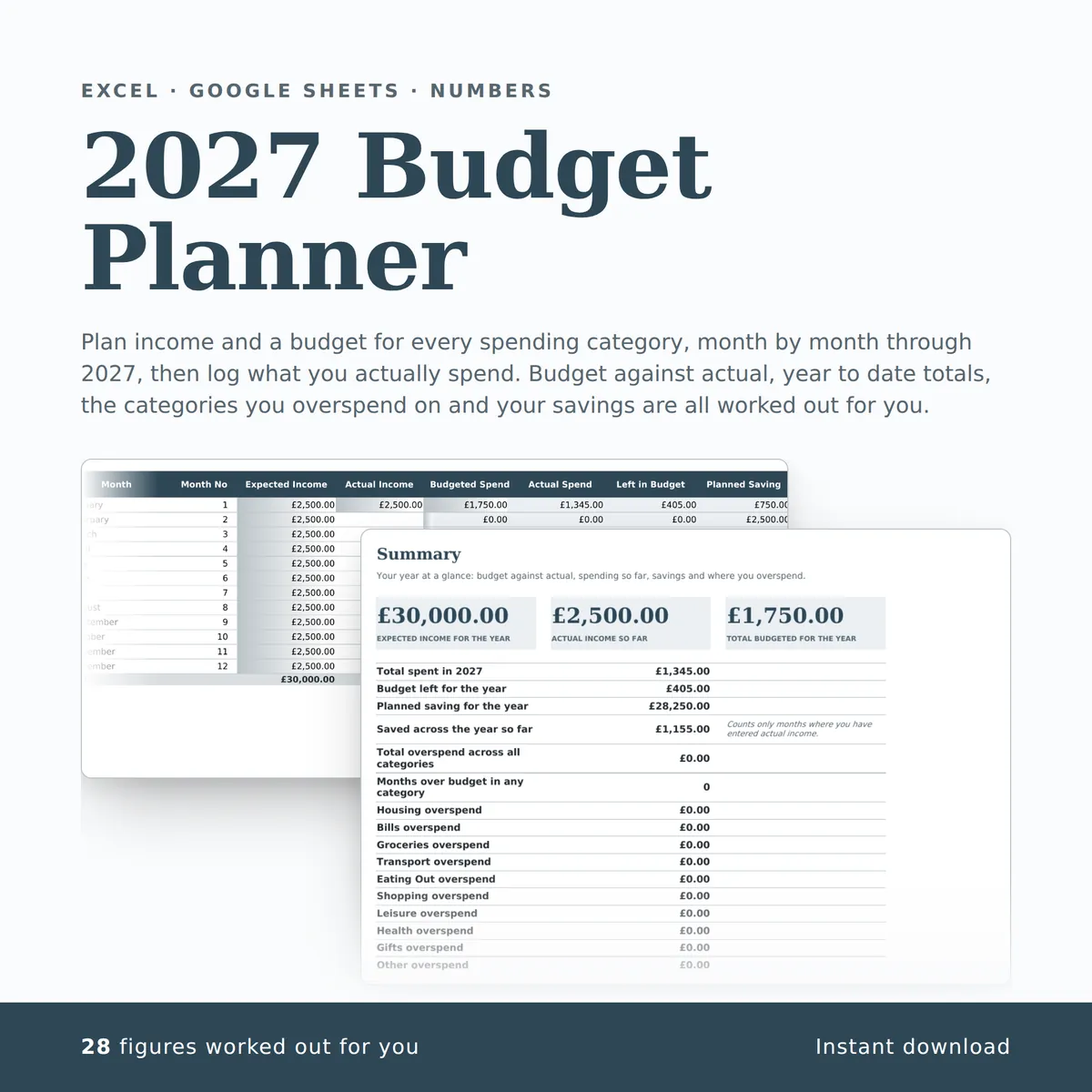
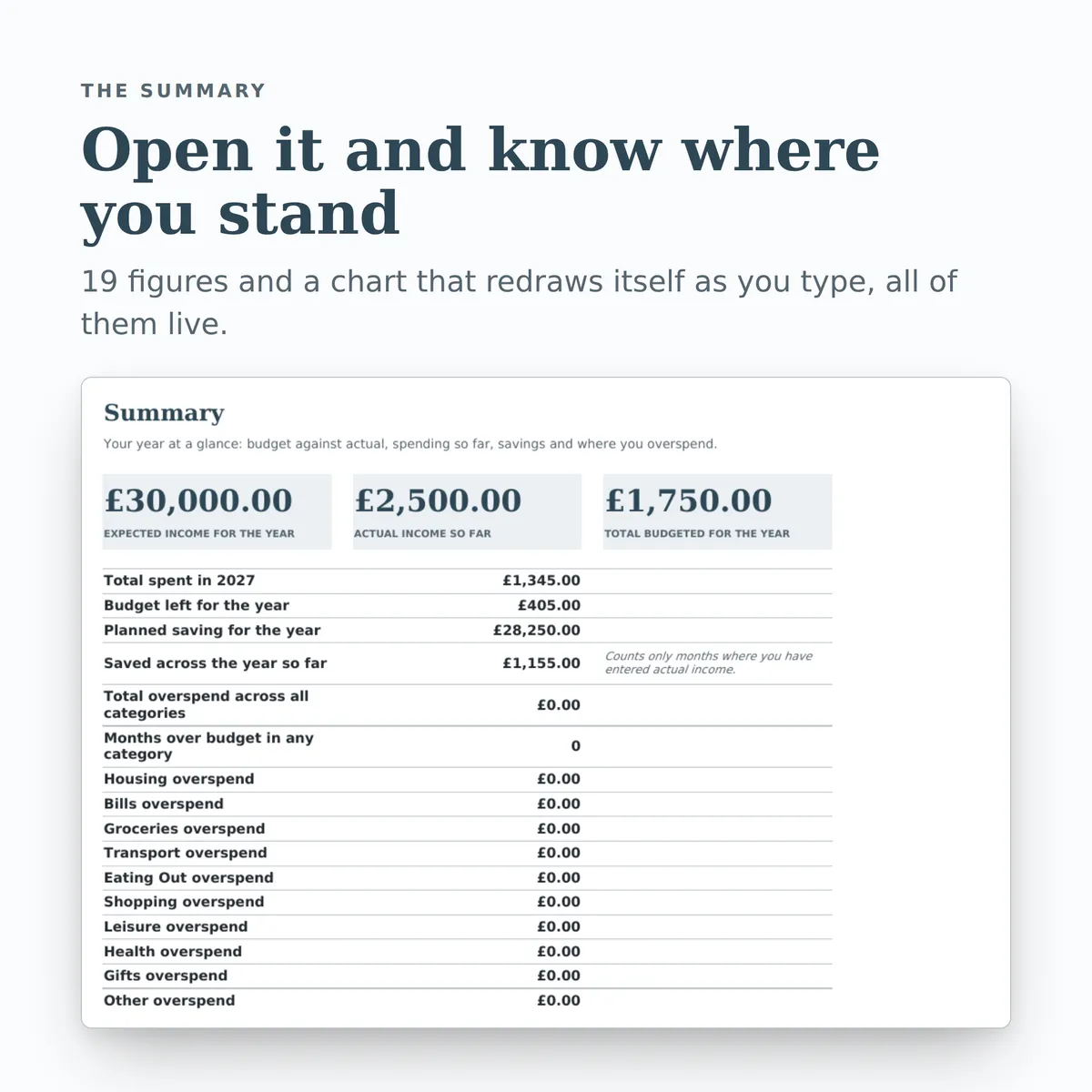
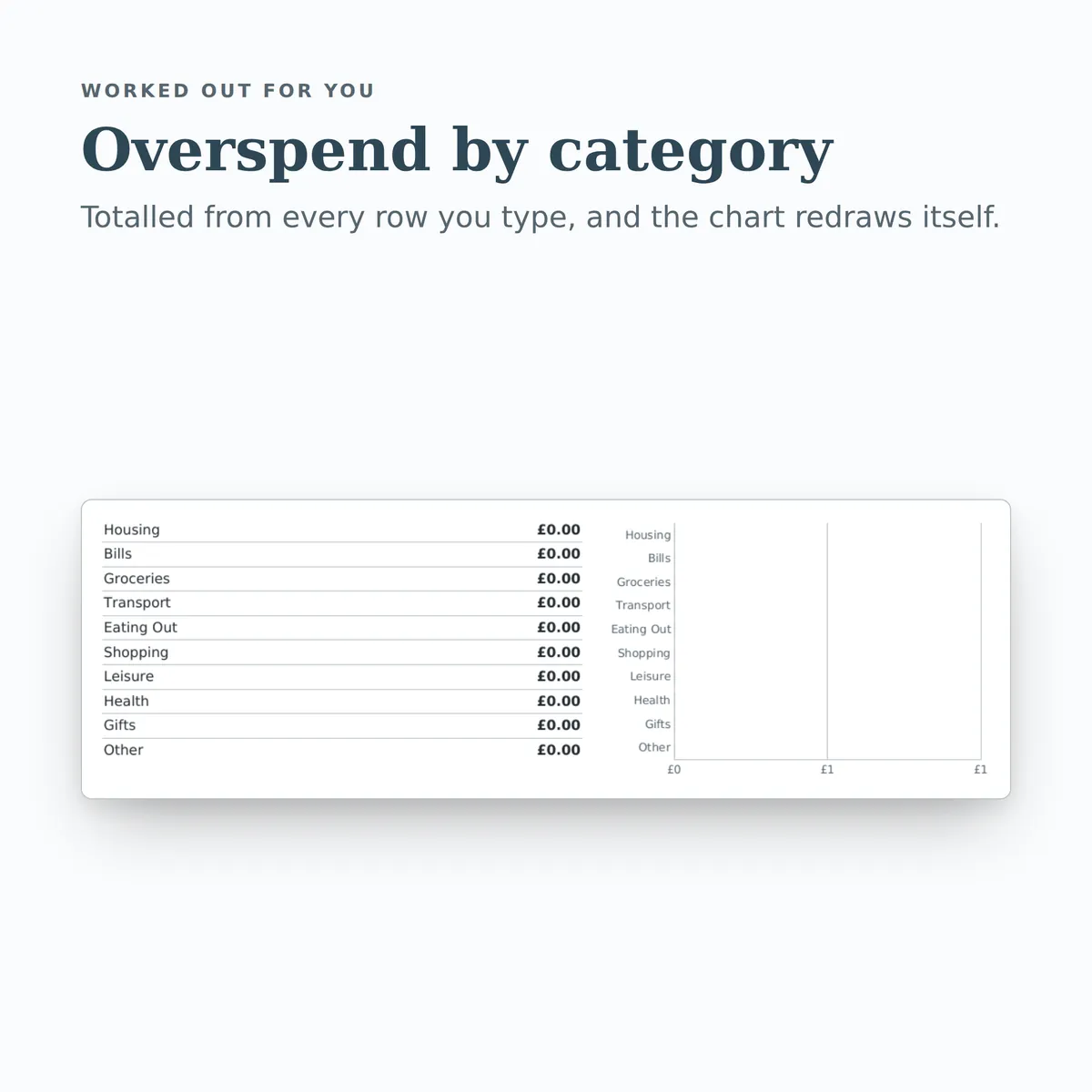
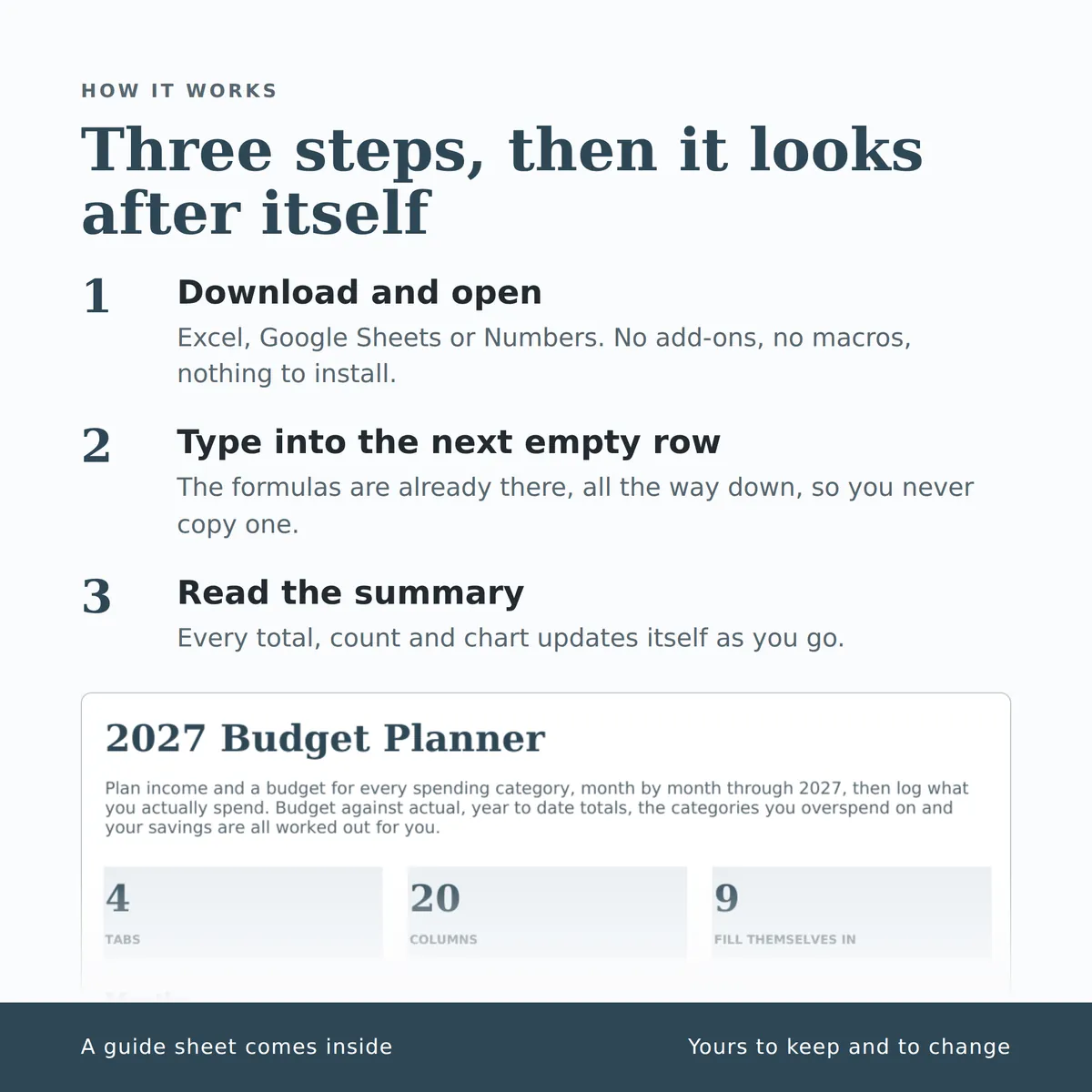
Plan income and a budget for every spending category, month by month through 2027, then log what you actually spend. Budget against actual, year to date totals, the categories you overspend on and your savings are all worked out for you. The summary carries a chart that redraws itself as you type.
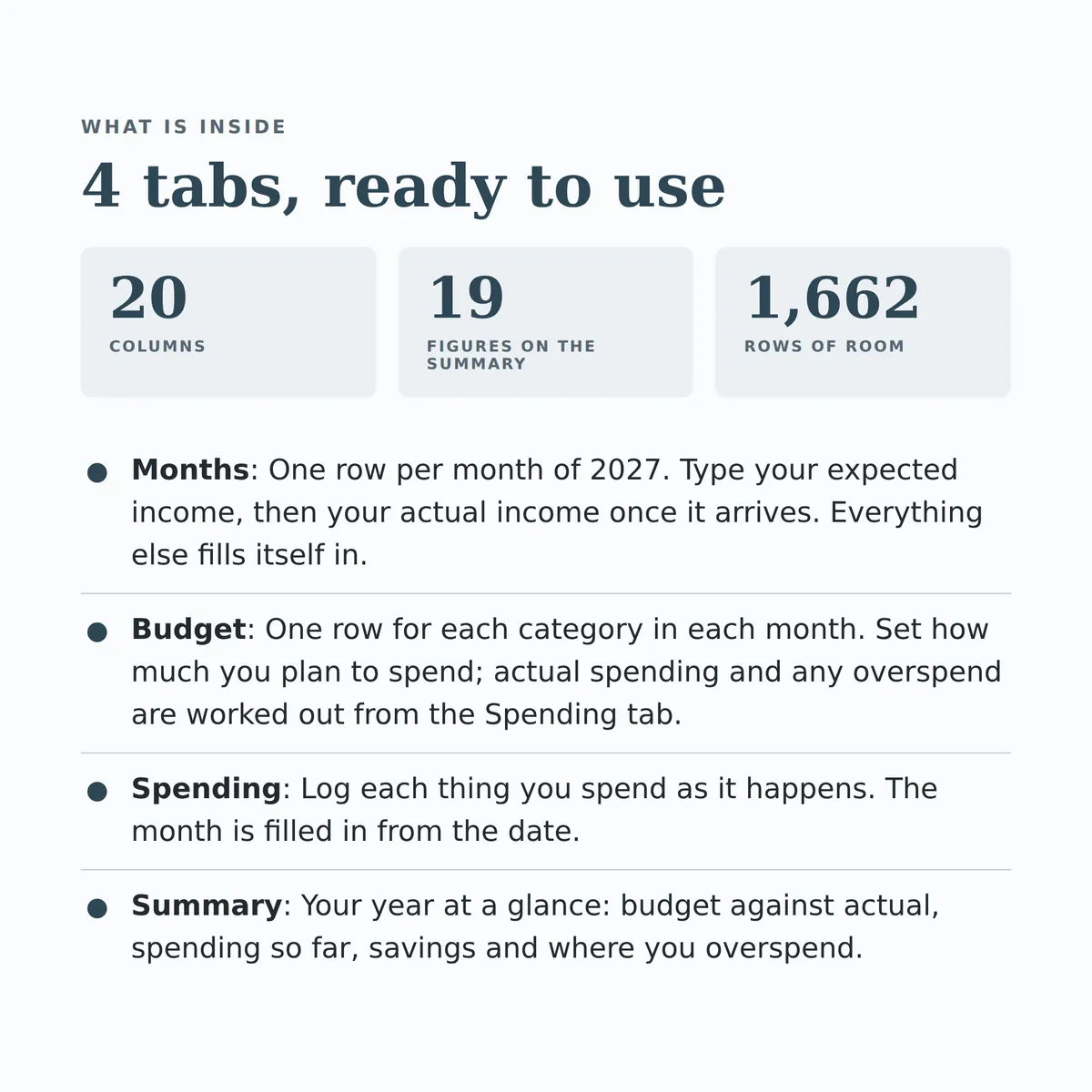
- Tabs
- 4
- Columns
- 20
- Fill themselves in
- 28
£4.99one payment, yours to keep
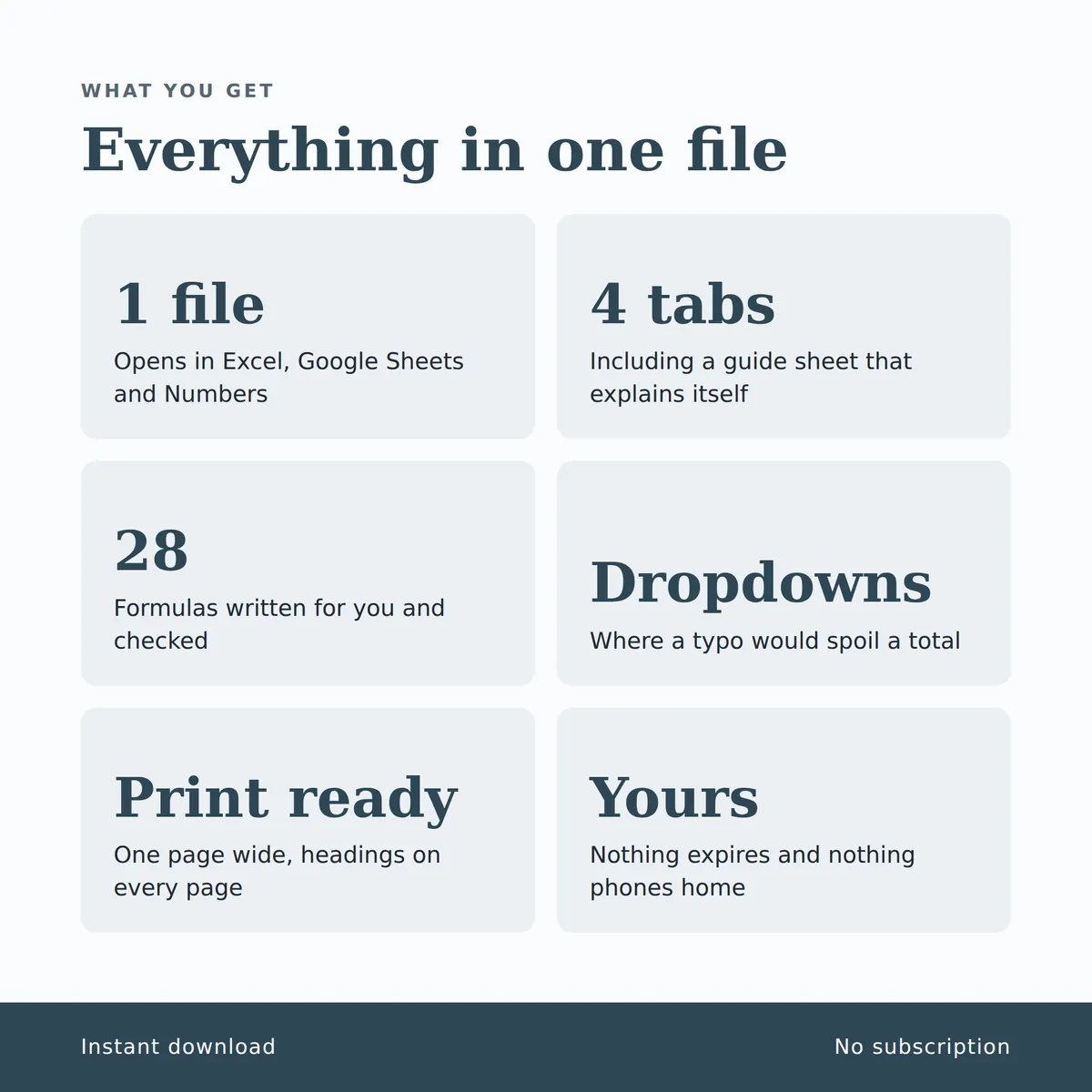
- Opens in Excel, Google Sheets and Numbers
- Delivered straight away
- No macros, nothing to install
- Change it free before you buy
Payment is handled by Stripe. Your card details go to them and never to us. Sales are final, which is why every tab, column and calculation is shown on this page first.
Everything inside, before you pay
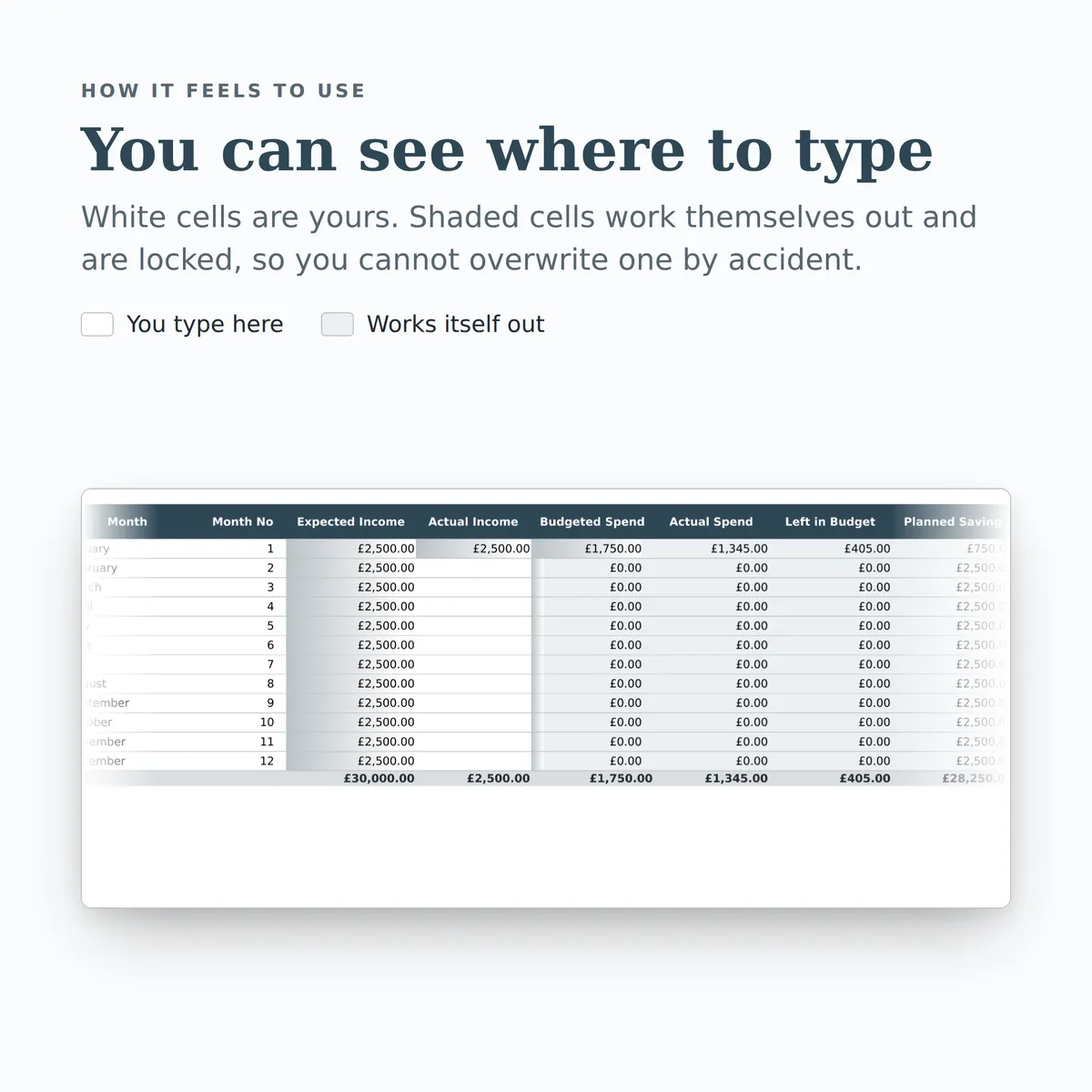
This is the whole design: every tab, every column and how each calculated one is worked out. White cells are yours to fill in; the shaded ones work themselves out and are locked so a formula cannot be overwritten by accident. There is room for 1,662 rows.
Months
| Column | Type | Worked out as |
|---|---|---|
| Month | text | |
| Month No | number | |
| Expected Income | currency | |
| Actual Income | currency | |
| Budgeted Spend | currency | IF(ISBLANK([month_no]), "", SUMIF([Budget!month], [month], [Budget!budget])) |
| Actual Spend | currency | IF(ISBLANK([month_no]), "", SUMIFS([Spending!amount], [Spending!date], ">="&DATE(2027, [month_no], 1), [Spending!date], "<="&EOMONTH(DATE(2027, [month_no], 1), 0))) |
| Left in Budget | currency | IF(ISBLANK([month_no]), "", SUMIF([Budget!month], [month], [Budget!budget]) - SUMIFS([Spending!amount], [Spending!date], ">="&DATE(2027, [month_no], 1), [Spending!date], "<="&EOMONTH(DATE(2027, [month_no], 1), 0))) |
| Planned Saving | currency | IF(ISBLANK([month_no]), "", [expected_income] - SUMIF([Budget!month], [month], [Budget!budget])) |
| Actually Saved | currency | IF(OR(ISBLANK([month_no]), ISBLANK([actual_income])), "", [actual_income] - SUMIFS([Spending!amount], [Spending!date], ">="&DATE(2027, [month_no], 1), [Spending!date], "<="&EOMONTH(DATE(2027, [month_no], 1), 0))) |
Budget
| Column | Type | Worked out as |
|---|---|---|
| Month | choice (list) | |
| Category | choice (list) | |
| Budget | currency | |
| Actual Spend | currency | IF(ISBLANK([budget]), "", SUMIFS([Spending!amount], [Spending!month], [month], [Spending!category], [category])) |
| Left in Budget | currency | IF(ISBLANK([budget]), "", [budget] - SUMIFS([Spending!amount], [Spending!month], [month], [Spending!category], [category])) |
| Overspent By | currency | IF(ISBLANK([budget]), "", MAX(0, SUMIFS([Spending!amount], [Spending!month], [month], [Spending!category], [category]) - [budget])) |
Spending
| Column | Type | Worked out as |
|---|---|---|
| Date | date | |
| Description | text | |
| Category | choice (list) | |
| Amount | currency | |
| Month | text | IF(ISBLANK([date]), "", INDEX([Months!month], MATCH(MONTH([date]), [Months!month_no], 0))) |
Summary
| Measure | Worked out as |
|---|---|
| Expected income for the year | SUM([Months!expected_income]) |
| Actual income so far | SUM([Months!actual_income]) |
| Total budgeted for the year | SUM([Budget!budget]) |
| Total spent in 2027 | SUMIFS([Spending!amount], [Spending!date], ">="&DATE(2027, 1, 1), [Spending!date], "<="&DATE(2027, 12, 31)) |
| Budget left for the year | SUM([Budget!budget]) - SUMIFS([Spending!amount], [Spending!date], ">="&DATE(2027, 1, 1), [Spending!date], "<="&DATE(2027, 12, 31)) |
| Planned saving for the year | SUM([Months!expected_income]) - SUM([Budget!budget]) |
| Saved across the year so far | SUM([Months!saved]) |
| Total overspend across all categories | SUM([Budget!overspent]) |
| Months over budget in any category | COUNTIF([Budget!overspent], ">0") |
| Housing overspend | SUMIF([Budget!category], "Housing", [Budget!overspent]) |
| Bills overspend | SUMIF([Budget!category], "Bills", [Budget!overspent]) |
| Groceries overspend | SUMIF([Budget!category], "Groceries", [Budget!overspent]) |
| Transport overspend | SUMIF([Budget!category], "Transport", [Budget!overspent]) |
| Eating Out overspend | SUMIF([Budget!category], "Eating Out", [Budget!overspent]) |
| Shopping overspend | SUMIF([Budget!category], "Shopping", [Budget!overspent]) |
| Leisure overspend | SUMIF([Budget!category], "Leisure", [Budget!overspent]) |
| Health overspend | SUMIF([Budget!category], "Health", [Budget!overspent]) |
| Gifts overspend | SUMIF([Budget!category], "Gifts", [Budget!overspent]) |
| Other overspend | SUMIF([Budget!category], "Other", [Budget!overspent]) |
More in Plans and occasions
-
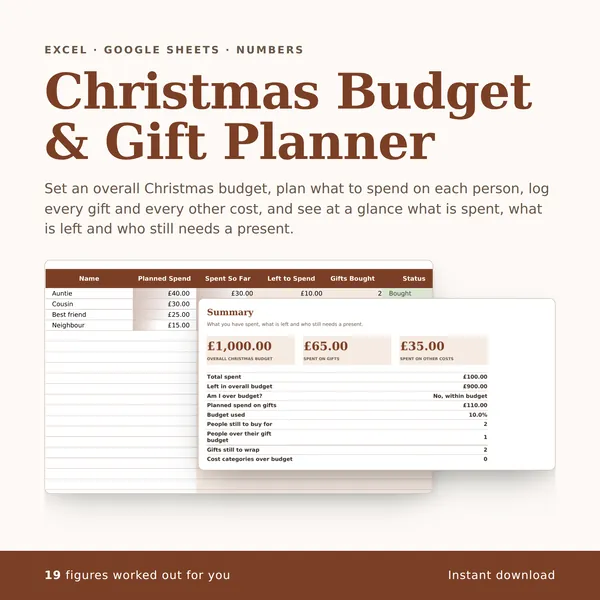
Christmas Budget & Gift Planner
Set an overall Christmas budget, plan what to spend on each person, log every gift and every other cost, and see at a glance what is spent, what is left and who still needs a present.
21 columns, 19 fill themselves in£4.99
-
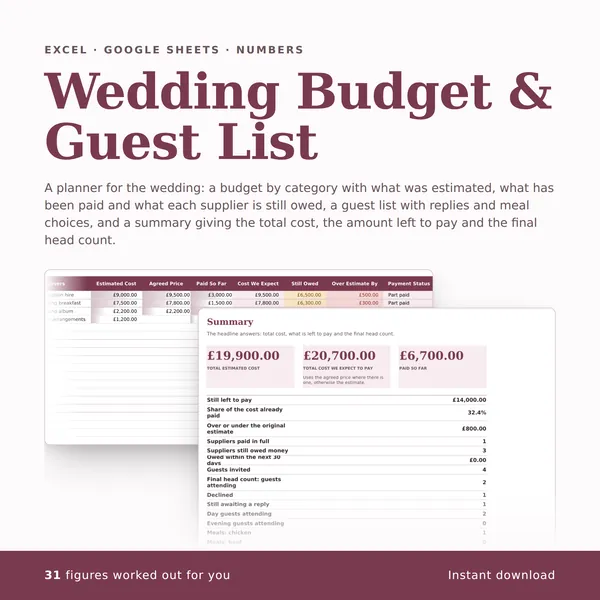
Wedding Budget & Guest List
A planner for the wedding: a budget by category with what was estimated, what has been paid and what each supplier is still owed, a guest list with replies and meal choices, and a summary giving the total cost, the amount left to pay and the final head count.
26 columns, 31 fill themselves in£4.99
-
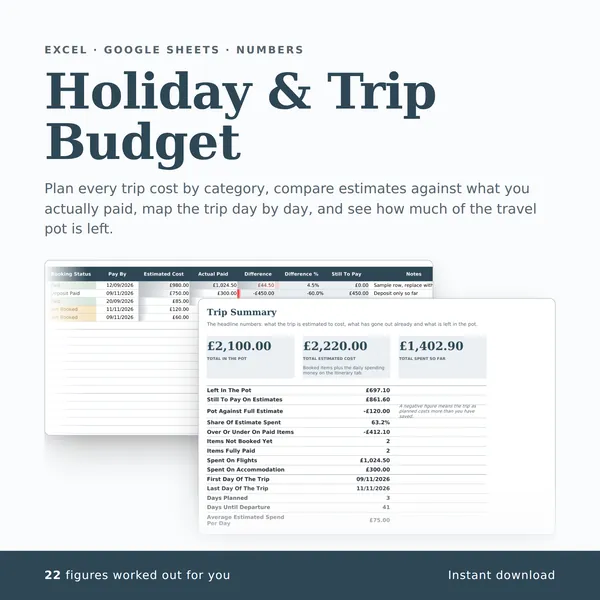
Holiday & Trip Budget
Plan every trip cost by category, compare estimates against what you actually paid, map the trip day by day, and see how much of the travel pot is left.
26 columns, 22 fill themselves in£4.99
-
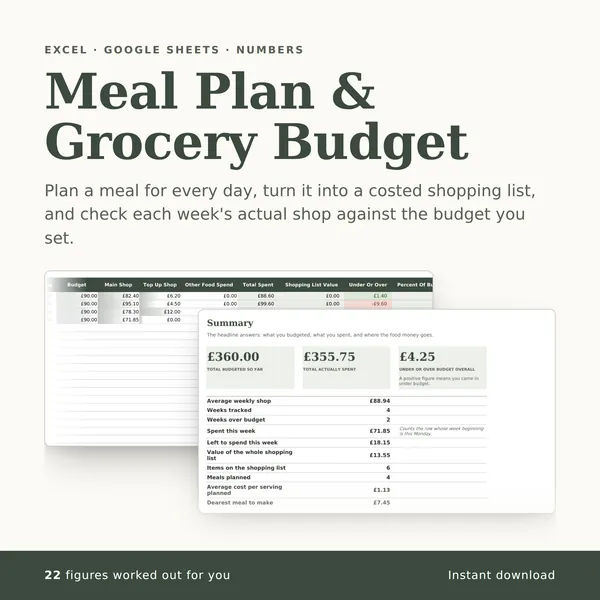
Meal Plan & Grocery Budget
Plan a meal for every day, turn it into a costed shopping list, and check each week's actual shop against the budget you set.
28 columns, 22 fill themselves in£4.99