
Christmas Budget & Gift Planner
Made for anyone who wants Christmas without the January shock.
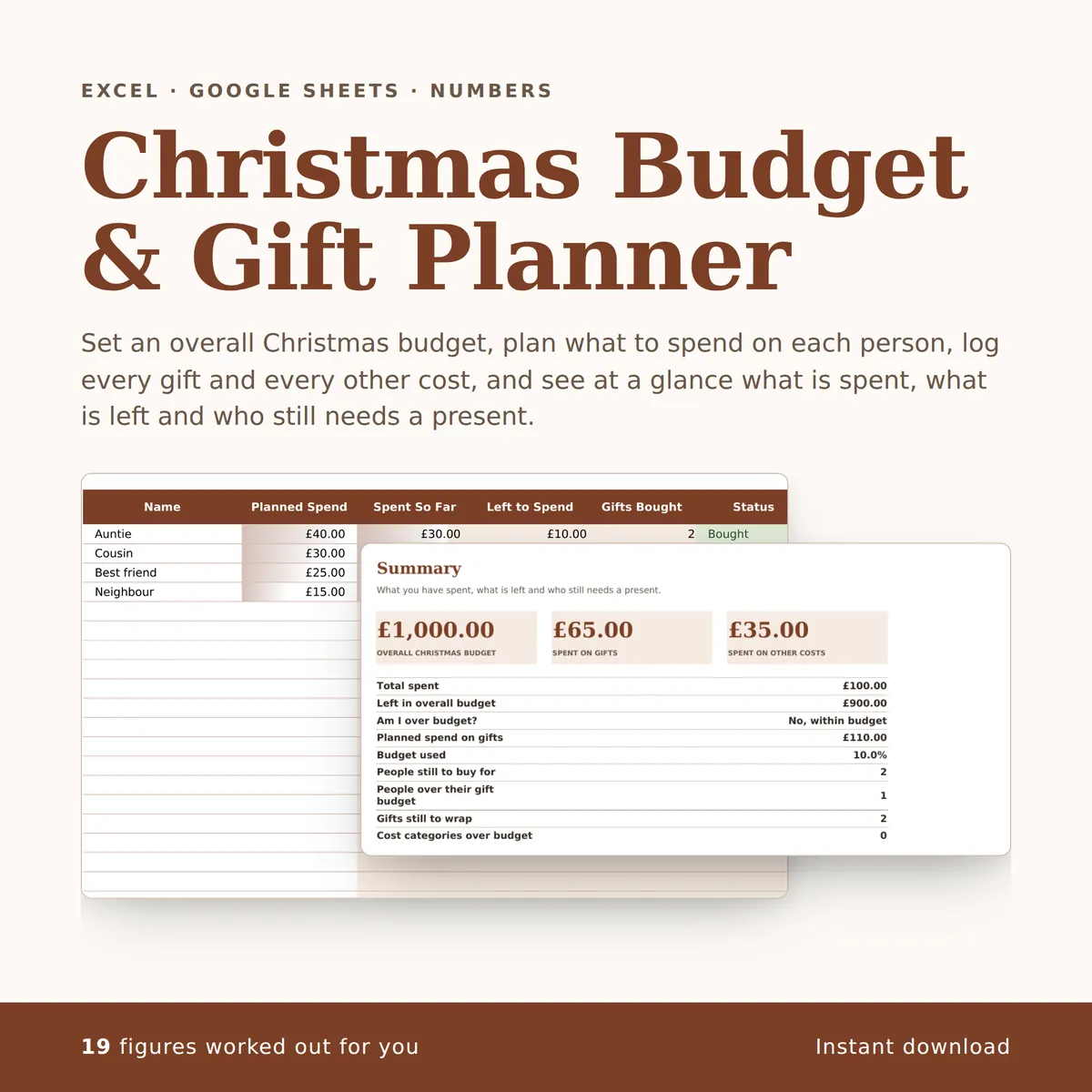
Set an overall Christmas budget, plan what to spend on each person, log every gift and every other cost, and see at a glance what is spent, what is left and who still needs a present. The summary carries a chart that redraws itself as you type.
Of the 21 columns, you fill in 14 and the other 7 work themselves out, and all 12 figures on the summary do too. There is room for 380 rows of your own.
£4.99one payment, yours to keep
- Opens in Excel, Google Sheets and Numbers
- Delivered straight away
- No macros, nothing to install
- Change it free before you buy
Payment is handled by Stripe. Your card details go to them and never to us. Sales are final, which is why every tab, column and calculation is shown on this page first.
Already have a spreadsheet of your own? Check it for mistakes, free.
- A new row is typed into the Other Costs tab, one cell at a time, in the white cells a person fills in.
- The figures on the Summary tab change to include the new row.
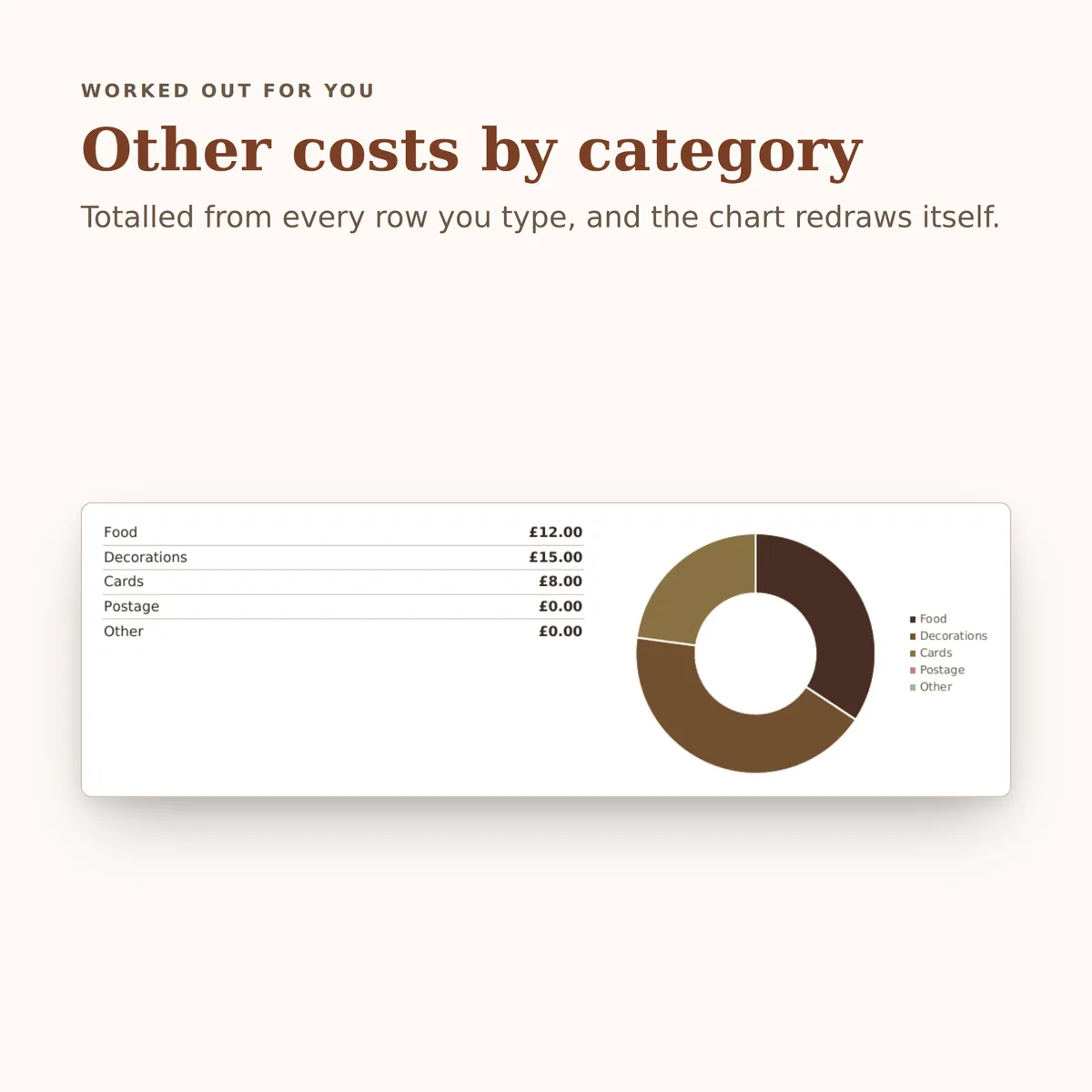
- The chart, Other costs by category, redraws with it.
Everything inside, before you pay
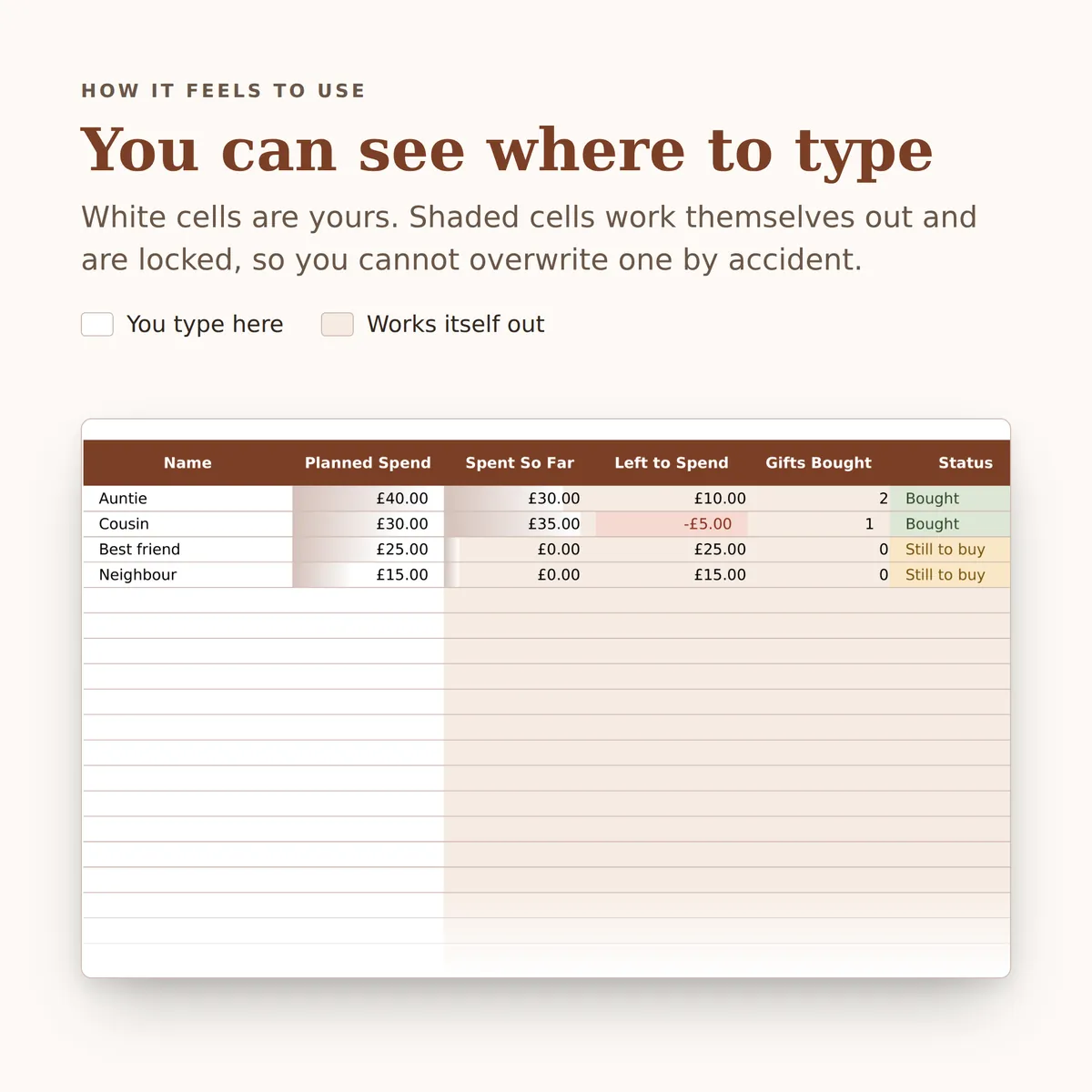
This is the whole design: every tab, every column and how each calculated one is worked out. White cells are yours to fill in; the shaded ones work themselves out and are locked so a formula cannot be overwritten by accident. There is room for 380 rows. Open any tab to see its columns.
Budgets
5 columns
| Column | What goes in it | Worked out as |
|---|---|---|
| Budget | Pick one: Overall Christmas, Food, Decorations, Cards, Postage or Other. | |
| Budget Amount | Type an amount in £. | |
| Spent So Far | Overall Christmas counts gifts and every other cost together.Fills itself in. | Worked out from this row's Budget, using Cost on Gifts and Cost and Category on Other Costs. The formulaIF(ISBLANK([line]), "", IF([line]="Overall Christmas", SUM([Gifts!cost])+SUM([Other Costs!cost]), SUMIF([Other Costs!category], [line], [Other Costs!cost]))) |
| Left to Spend | Fills itself in. | Worked out from this row's Budget, Budget Amount and Spent So Far. The formulaIF(OR(ISBLANK([line]), ISBLANK([budget])), "", [budget]-[spent]) |
| Status | Fills itself in. | Worked out from this row's Budget, Budget Amount and Spent So Far. The formulaIF(OR(ISBLANK([line]), ISBLANK([budget])), "", IF([spent]>[budget], "Over budget", "Within budget")) |
People
6 columns
| Column | What goes in it | Worked out as |
|---|---|---|
| Name | Type any text. | |
| Planned Spend | Type an amount in £. | |
| Spent So Far | Fills itself in. | The total of Cost on Gifts where For matches this row's Name. The formulaIF(ISBLANK([name]), "", SUMIF([Gifts!recipient], [name], [Gifts!cost])) |
| Left to Spend | Fills itself in. | Worked out from this row's Name and Planned Spend, using For and Cost on Gifts. The formulaIF(OR(ISBLANK([name]), ISBLANK([planned])), "", [planned]-SUMIF([Gifts!recipient], [name], [Gifts!cost])) |
| Gifts Bought | Fills itself in. | The number of rows on Gifts where For matches this row's Name. The formulaIF(ISBLANK([name]), "", COUNTIF([Gifts!recipient], [name])) |
| Status | Fills itself in. | Worked out from this row's Name, using For on Gifts. The formulaIF(ISBLANK([name]), "", IF(COUNTIF([Gifts!recipient], [name])=0, "Still to buy", "Bought")) |
Gifts
6 columns
| Column | What goes in it |
|---|---|
| Date Bought | Type a date. |
| For | Pick one of the Name entries on People. |
| Gift | Type any text. |
| Where From | Type any text. |
| Cost | Type an amount in £. |
| Wrapped | Tick it when it applies. |
Other Costs
4 columns
| Column | What goes in it |
|---|---|
| Date | Type a date. |
| Category | Pick one: Food, Decorations, Cards, Postage or Other. |
| What For | Type any text. |
| Cost | Type an amount in £. |
Summary
12 figures
| Figure | Worked out as |
|---|---|
| Overall Christmas budget | The total of Budget Amount on Budgets where Budget is “Overall Christmas”. The formulaSUMIF([Budgets!line], "Overall Christmas", [Budgets!budget]) |
| Spent on gifts | The total of Cost on Gifts. The formulaSUM([Gifts!cost]) |
| Spent on other costs | The total of Cost on Other Costs. The formulaSUM([Other Costs!cost]) |
| Total spent | Worked out from Cost on Gifts and Cost on Other Costs. The formulaSUM([Gifts!cost])+SUM([Other Costs!cost]) |
| Left in overall budget | Worked out from Budget and Budget Amount on Budgets, Cost on Gifts and Cost on Other Costs. The formulaSUMIF([Budgets!line], "Overall Christmas", [Budgets!budget])-SUM([Gifts!cost])-SUM([Other Costs!cost]) |
| Am I over budget? | Worked out from Budget and Budget Amount on Budgets, Cost on Gifts and Cost on Other Costs. The formulaIF(SUMIF([Budgets!line], "Overall Christmas", [Budgets!budget])=0, "Set an overall budget", IF(SUM([Gifts!cost])+SUM([Other Costs!cost])>SUMIF([Budgets!line], "Overall Christmas", [Budgets!budget]), "Yes, over budget", "No, within budget")) |
| Planned spend on gifts | The total of Planned Spend on People. The formulaSUM([People!planned]) |
| Budget used | Worked out from Cost on Gifts, Cost on Other Costs and Budget and Budget Amount on Budgets. The formulaIFERROR((SUM([Gifts!cost])+SUM([Other Costs!cost]))/SUMIF([Budgets!line], "Overall Christmas", [Budgets!budget]), 0) |
| People still to buy for | The number of rows on People where Status is “Still to buy”. The formulaCOUNTIF([People!status], "Still to buy") |
| People over their gift budget | The number of rows on People where Left to Spend is below 0. The formulaCOUNTIF([People!remaining], "<0") |
| Gifts still to wrap | Worked out from Wrapped on Gifts. The formulaCOUNTIF([Gifts!wrapped], FALSE) |
| Cost categories over budget | The number of rows on Budgets where Status is “Over budget” and Budget is not Overall Christmas. The formulaCOUNTIFS([Budgets!status], "Over budget", [Budgets!line], "<>Overall Christmas") |
More in Occasions
-
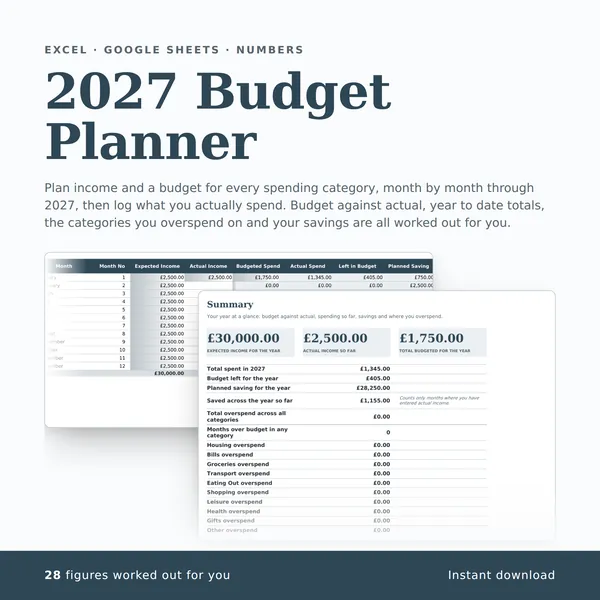
2027 Budget Planner
Plan income and a budget for every spending category, month by month through 2027, then log what you actually spend. Budget against actual, year to date totals, the categories you overspend on and your savings are all worked out for you.
28 figures work themselves out£4.99
-
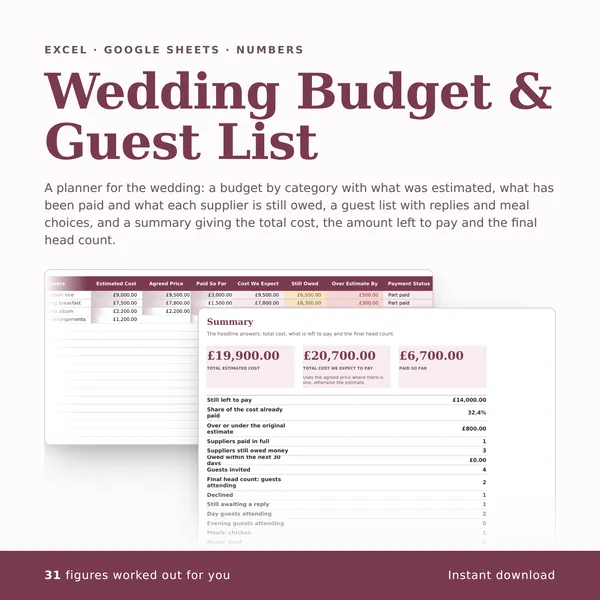
Wedding Budget & Guest List
A planner for the wedding: a budget by category with what was estimated, what has been paid and what each supplier is still owed, a guest list with replies and meal choices, and a summary giving the total cost, the amount left to pay and the final head count.
31 figures work themselves out£4.99
-
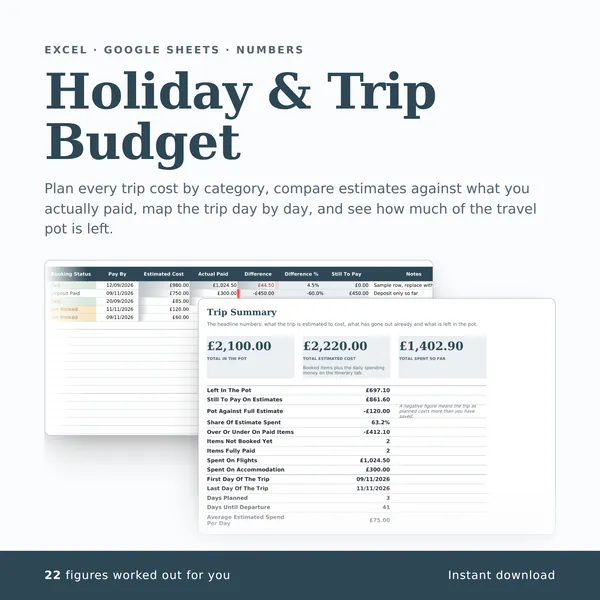
Holiday & Trip Budget
Plan every trip cost by category, compare estimates against what you actually paid, map the trip day by day, and see how much of the travel pot is left.
22 figures work themselves out£4.99
-
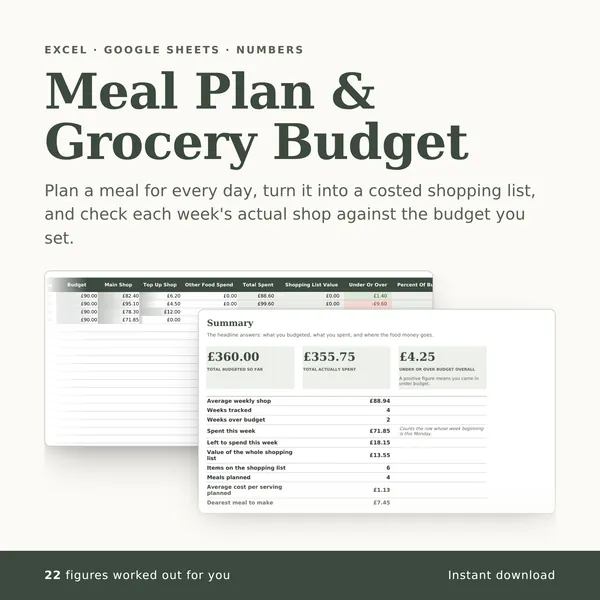
Meal Plan & Grocery Budget
Plan a meal for every day, turn it into a costed shopping list, and check each week's actual shop against the budget you set.
22 figures work themselves out£4.99