Volunteer Rota
Made for anyone organising volunteers.
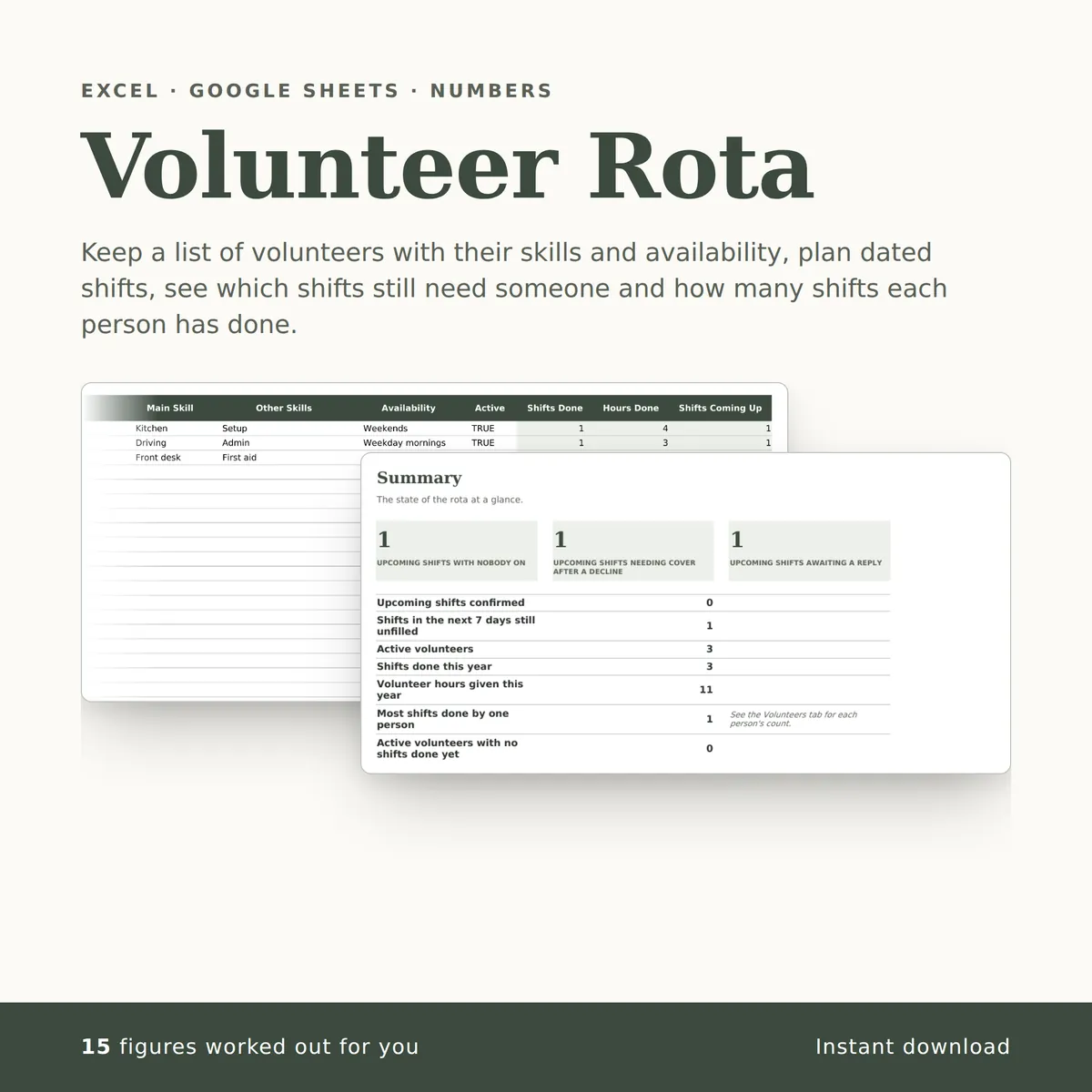
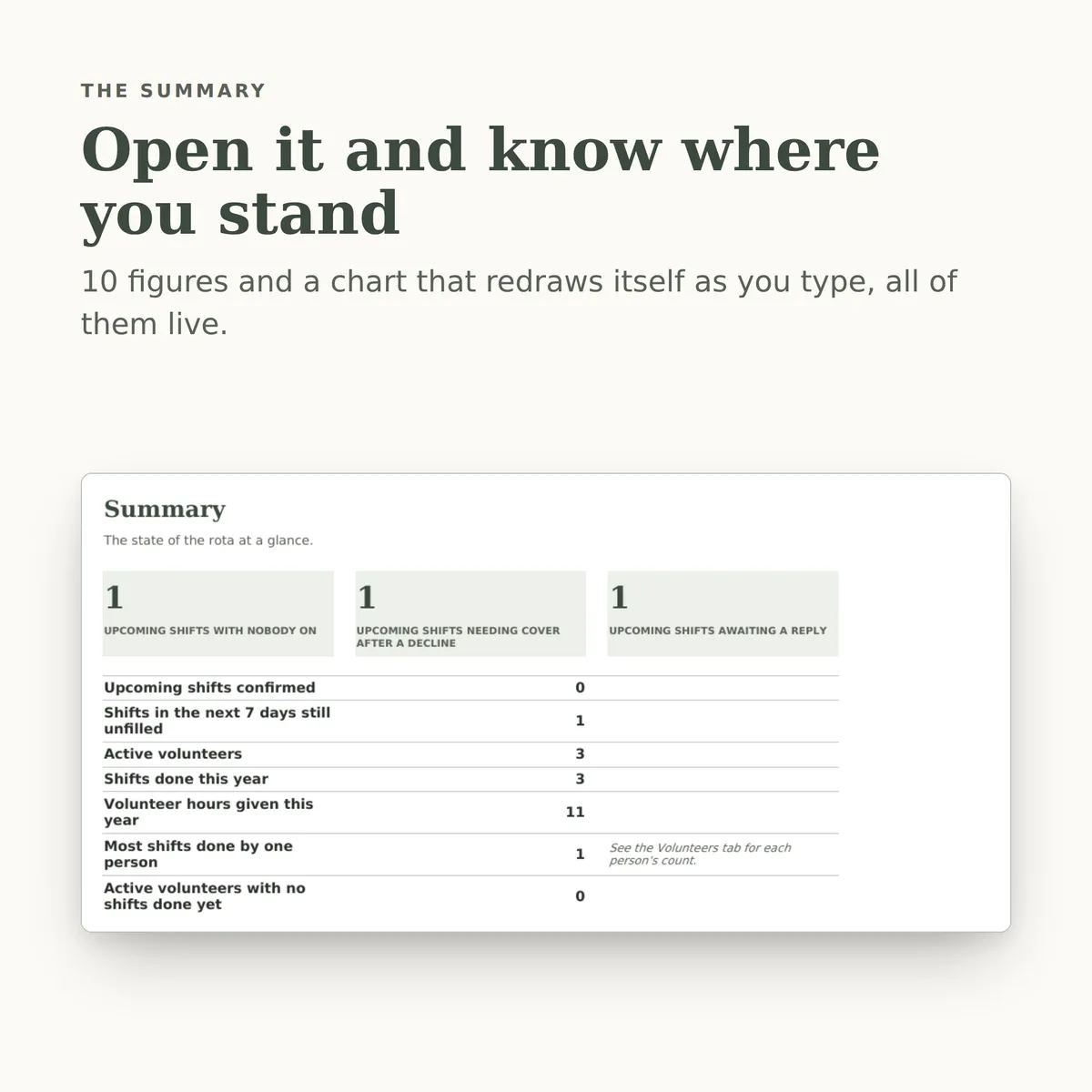
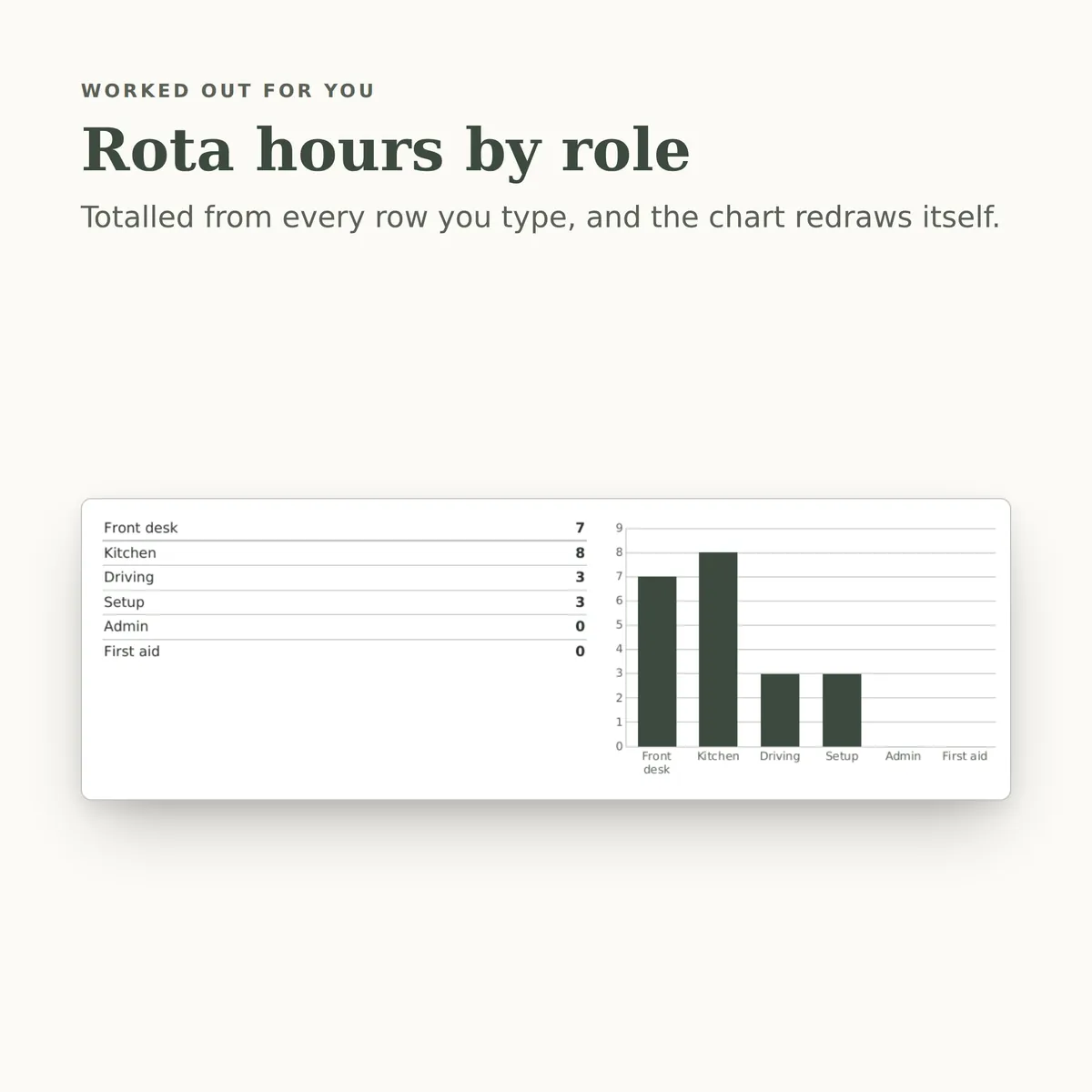
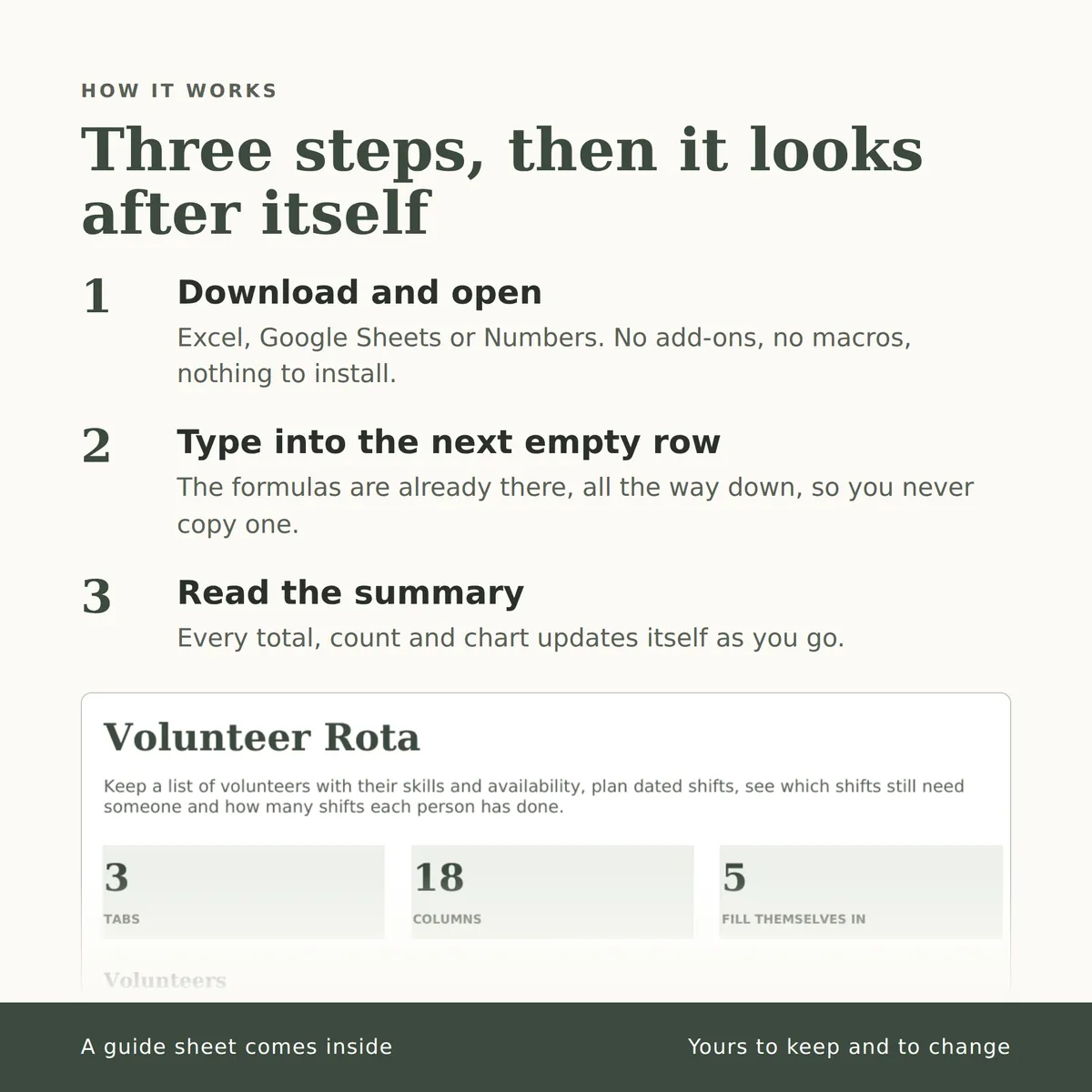
Keep a list of volunteers with their skills and availability, plan dated shifts, see which shifts still need someone and how many shifts each person has done. The summary carries a chart that redraws itself as you type.
- Tabs
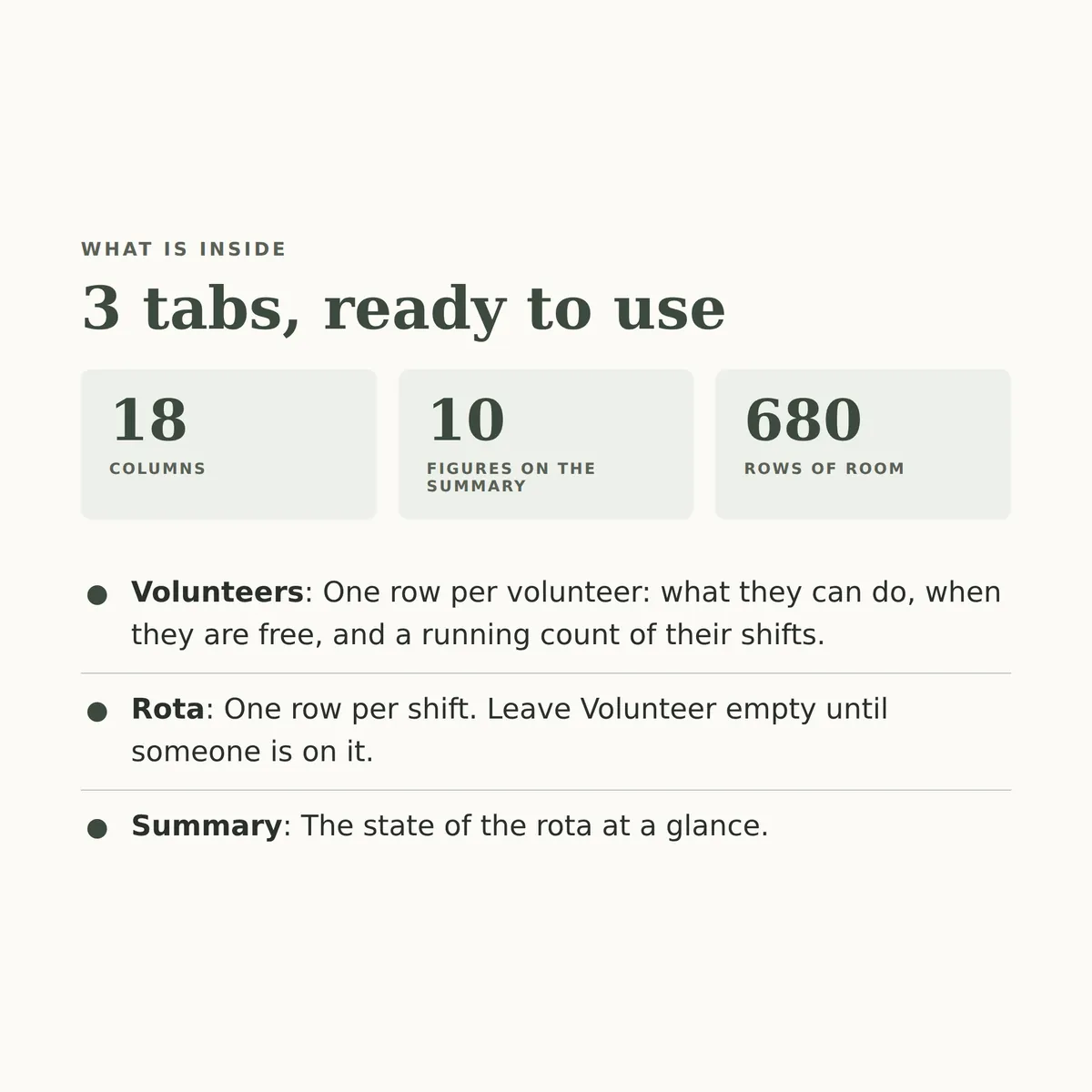
- 3
- Columns
- 18
- Fill themselves in
- 15
£7one payment, yours to keep
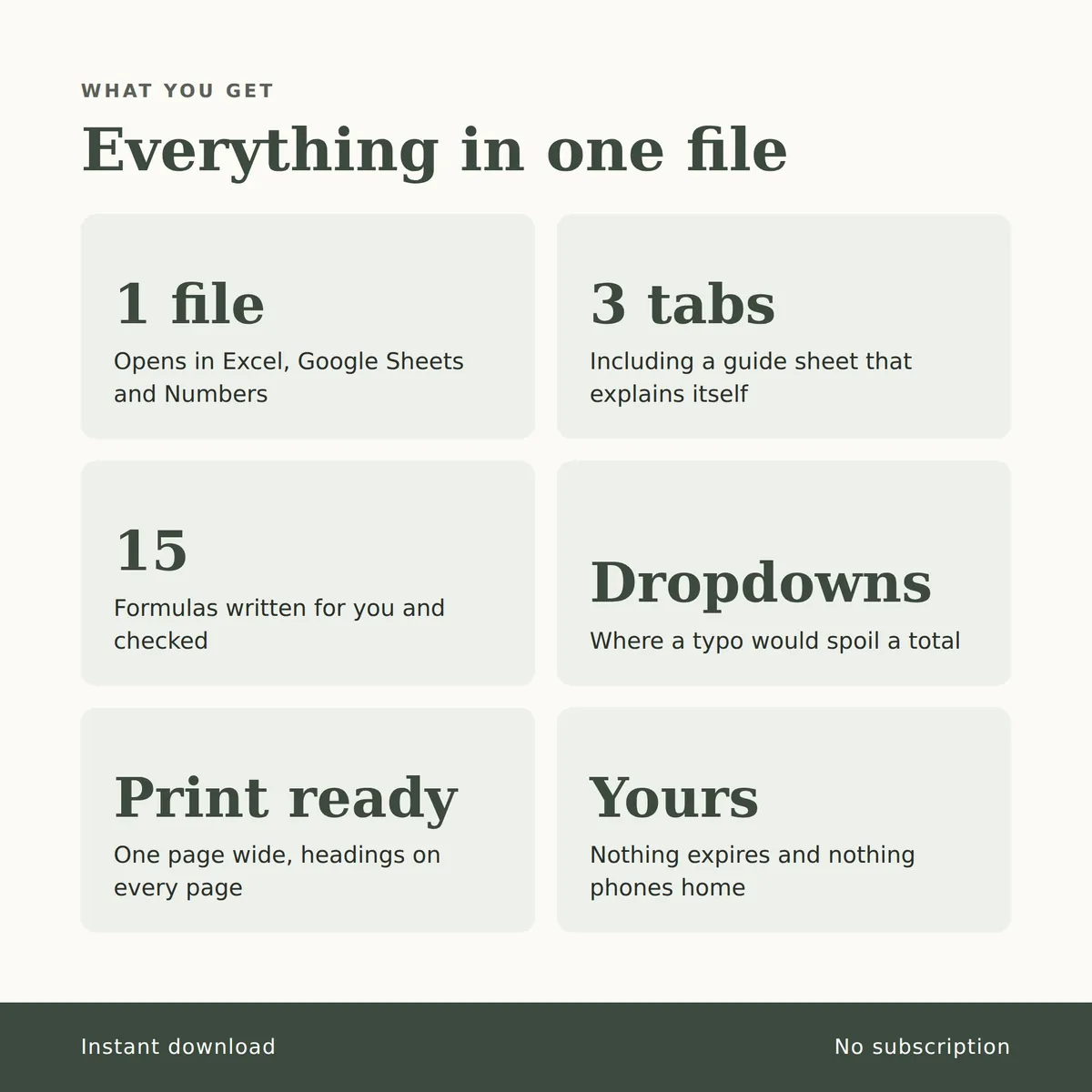
- Opens in Excel, Google Sheets and Numbers
- Delivered straight away
- No macros, nothing to install
- Change it free before you buy
Payment is handled by Stripe. Your card details go to them and never to us. Sales are final, which is why every tab, column and calculation is shown on this page first.
Everything inside, before you pay
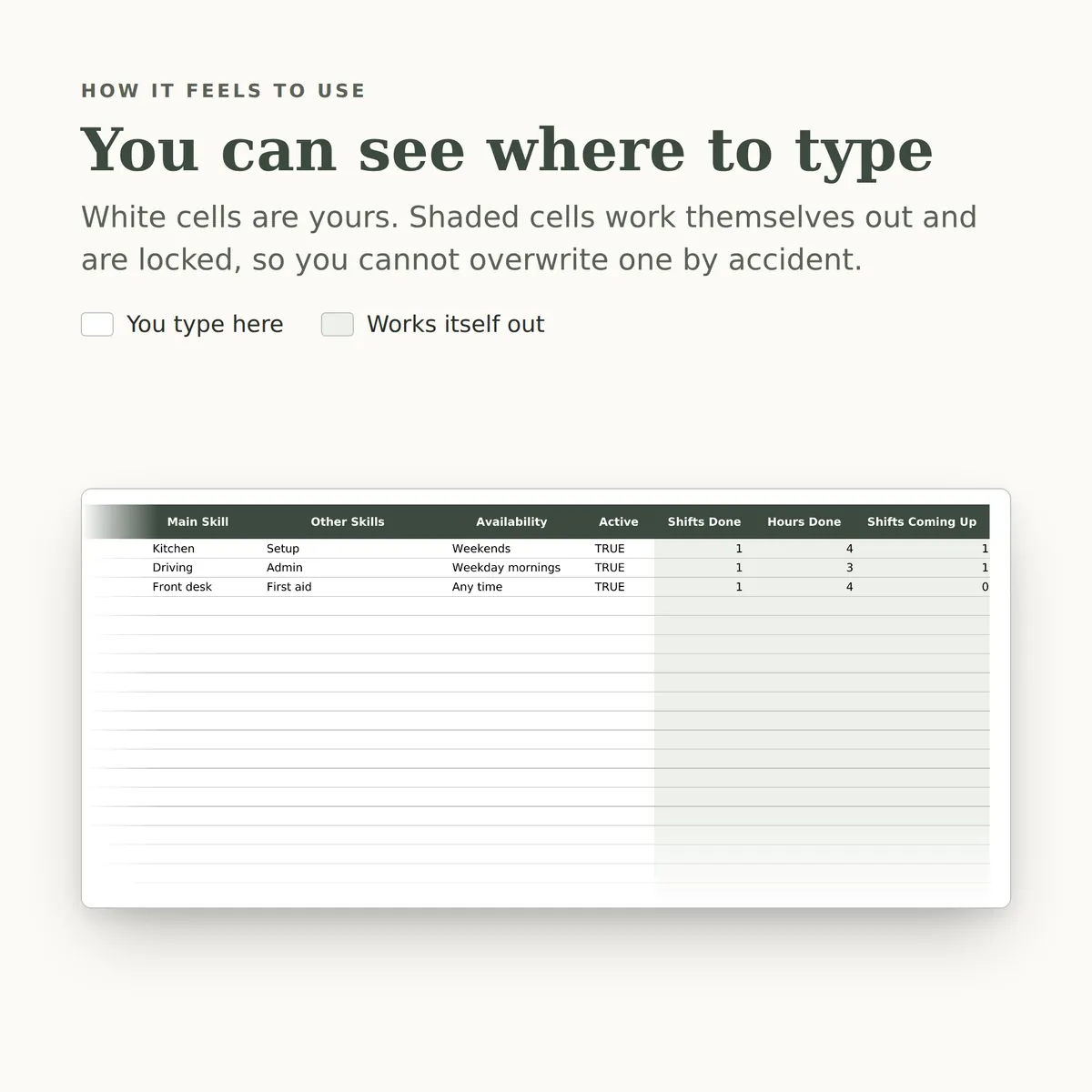
This is the whole design: every tab, every column and how each calculated one is worked out. White cells are yours to fill in; the shaded ones work themselves out and are locked so a formula cannot be overwritten by accident. There is room for 680 rows.
Volunteers
| Column | Type | Worked out as |
|---|---|---|
| Name | text | |
| Contact | text | |
| Main Skill | choice (list) | |
| Other Skills | text | |
| Availability | choice (list) | |
| Active | bool | |
| Shifts Done | number | IF(ISBLANK([name]), "", COUNTIFS([Rota!volunteer], [name], [Rota!confirmed], "Yes", [Rota!date], "<="&TODAY())) |
| Hours Done | number | IF(ISBLANK([name]), "", SUMIFS([Rota!hours], [Rota!volunteer], [name], [Rota!confirmed], "Yes", [Rota!date], "<="&TODAY())) |
| Shifts Coming Up | number | IF(ISBLANK([name]), "", COUNTIFS([Rota!volunteer], [name], [Rota!date], ">"&TODAY())) |
Rota
| Column | Type | Worked out as |
|---|---|---|
| Date | date | |
| Shift | choice (list) | |
| Role | choice (list) | |
| Hours | number | |
| Volunteer | choice (from Volunteers › name) | |
| Confirmed | choice (list) | |
| Status | text | IF(ISBLANK([date]), "", IF(ISBLANK([volunteer]), "Unfilled", IF([confirmed]="Declined", "Needs cover", IF([confirmed]="Yes", "Confirmed", "Awaiting reply")))) |
| Days Away | number | IF(ISBLANK([date]), "", [date]-TODAY()) |
| Notes | text |
Summary
| Measure | Worked out as |
|---|---|
| Upcoming shifts with nobody on | COUNTIFS([Rota!status], "Unfilled", [Rota!date], ">="&TODAY()) |
| Upcoming shifts needing cover after a decline | COUNTIFS([Rota!status], "Needs cover", [Rota!date], ">="&TODAY()) |
| Upcoming shifts awaiting a reply | COUNTIFS([Rota!status], "Awaiting reply", [Rota!date], ">="&TODAY()) |
| Upcoming shifts confirmed | COUNTIFS([Rota!status], "Confirmed", [Rota!date], ">="&TODAY()) |
| Shifts in the next 7 days still unfilled | COUNTIFS([Rota!status], "Unfilled", [Rota!date], ">="&TODAY(), [Rota!date], "<="&(TODAY()+7)) + COUNTIFS([Rota!status], "Needs cover", [Rota!date], ">="&TODAY(), [Rota!date], "<="&(TODAY()+7)) |
| Active volunteers | COUNTIF([Volunteers!active], TRUE) |
| Shifts done this year | COUNTIFS([Rota!confirmed], "Yes", [Rota!date], ">="&DATE(YEAR(TODAY()),1,1), [Rota!date], "<="&TODAY()) |
| Volunteer hours given this year | SUMIFS([Rota!hours], [Rota!confirmed], "Yes", [Rota!date], ">="&DATE(YEAR(TODAY()),1,1), [Rota!date], "<="&TODAY()) |
| Most shifts done by one person | MAX([Volunteers!shifts_done]) |
| Active volunteers with no shifts done yet | COUNTIFS([Volunteers!active], TRUE, [Volunteers!shifts_done], 0) |
More in Clubs and groups
-
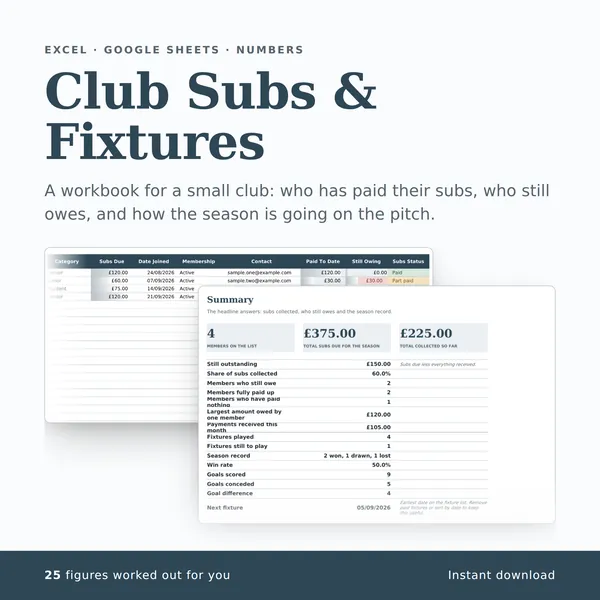
Club Subs & Fixtures
A workbook for a small club: who has paid their subs, who still owes, and how the season is going on the pitch.
25 columns, 25 fill themselves in£7
-
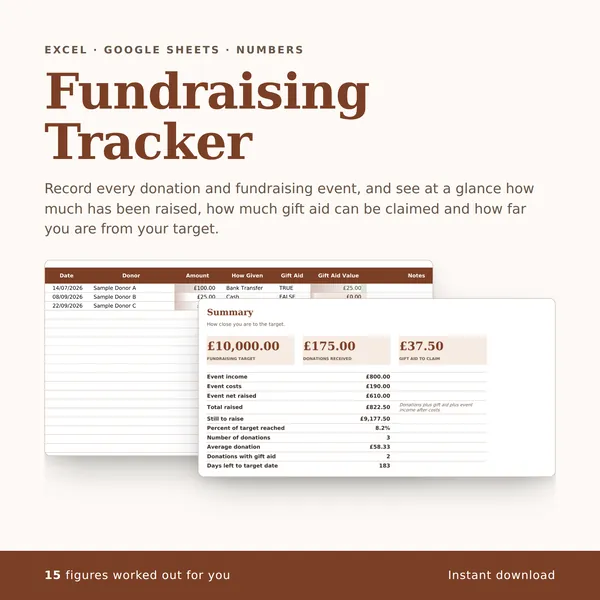
Fundraising Tracker
Record every donation and fundraising event, and see at a glance how much has been raised, how much gift aid can be claimed and how far you are from your target.
17 columns, 15 fill themselves in£7
-
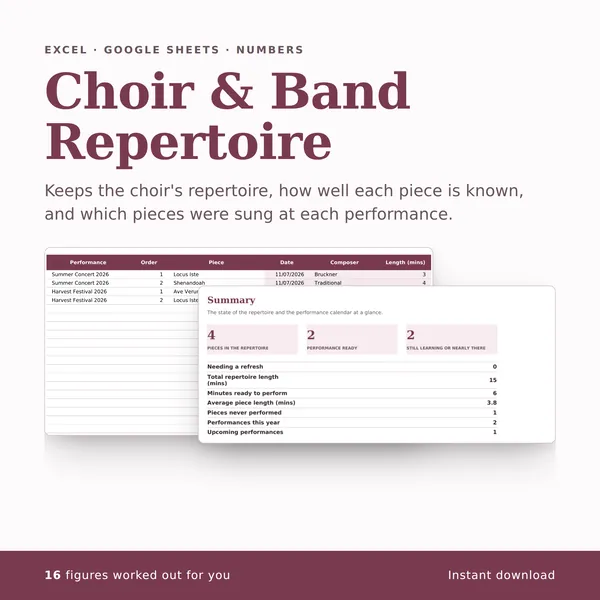
Choir & Band Repertoire
Keeps the choir's repertoire, how well each piece is known, and which pieces were sung at each performance.
19 columns, 16 fill themselves in£7