
Club Subs & Fixtures
Made for treasurers and secretaries of small clubs.
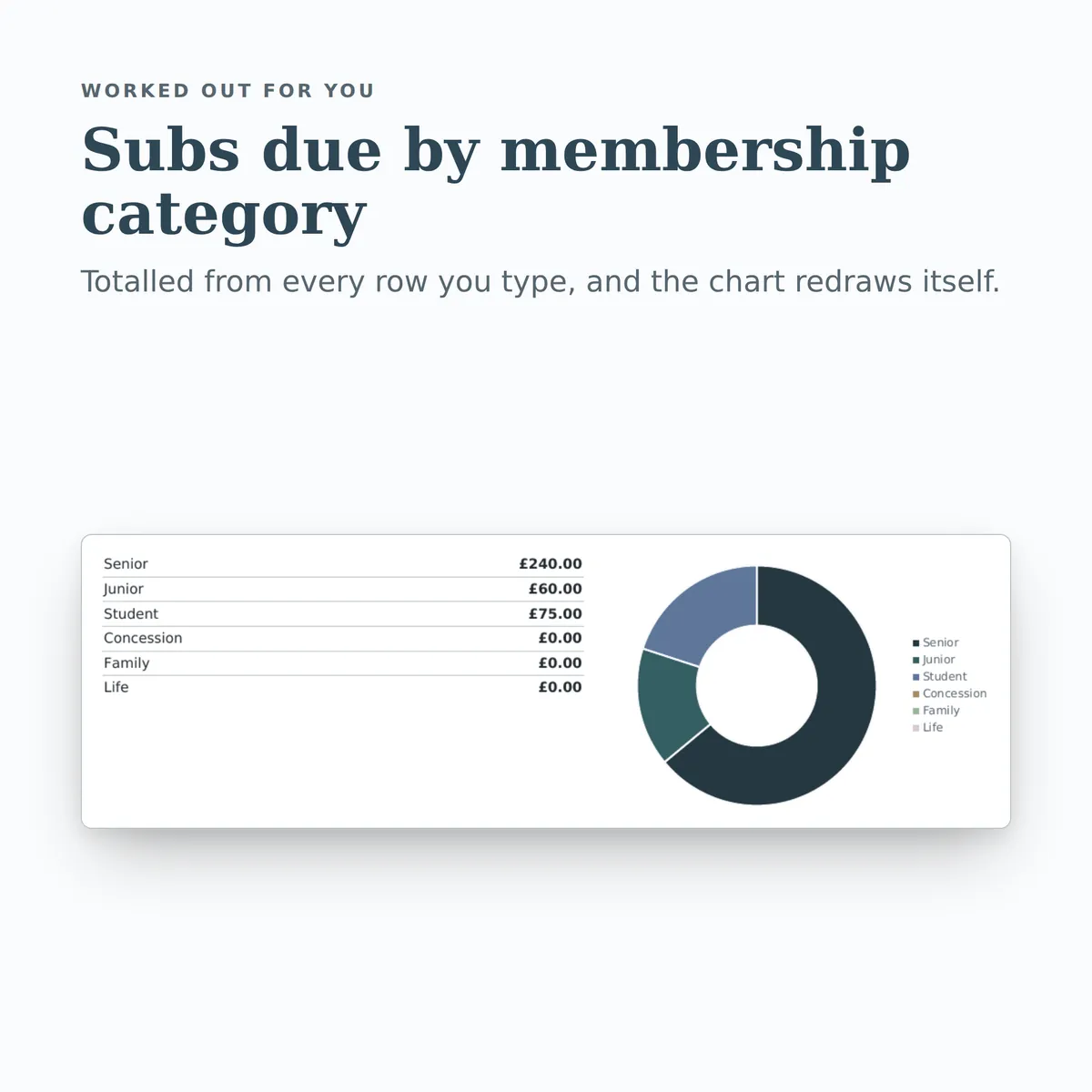
A workbook for a small club: who has paid their subs, who still owes, and how the season is going on the pitch. The summary carries a chart that redraws itself as you type.
Of the 25 columns, you fill in 18 and the other 7 work themselves out, and all 18 figures on the summary do too. There is room for 830 rows of your own.
£4.99one payment, yours to keep
- Opens in Excel, Google Sheets and Numbers
- Delivered straight away
- No macros, nothing to install
- Change it free before you buy
Payment is handled by Stripe. Your card details go to them and never to us. Sales are final, which is why every tab, column and calculation is shown on this page first.
Already have a spreadsheet of your own? Check it for mistakes, free.

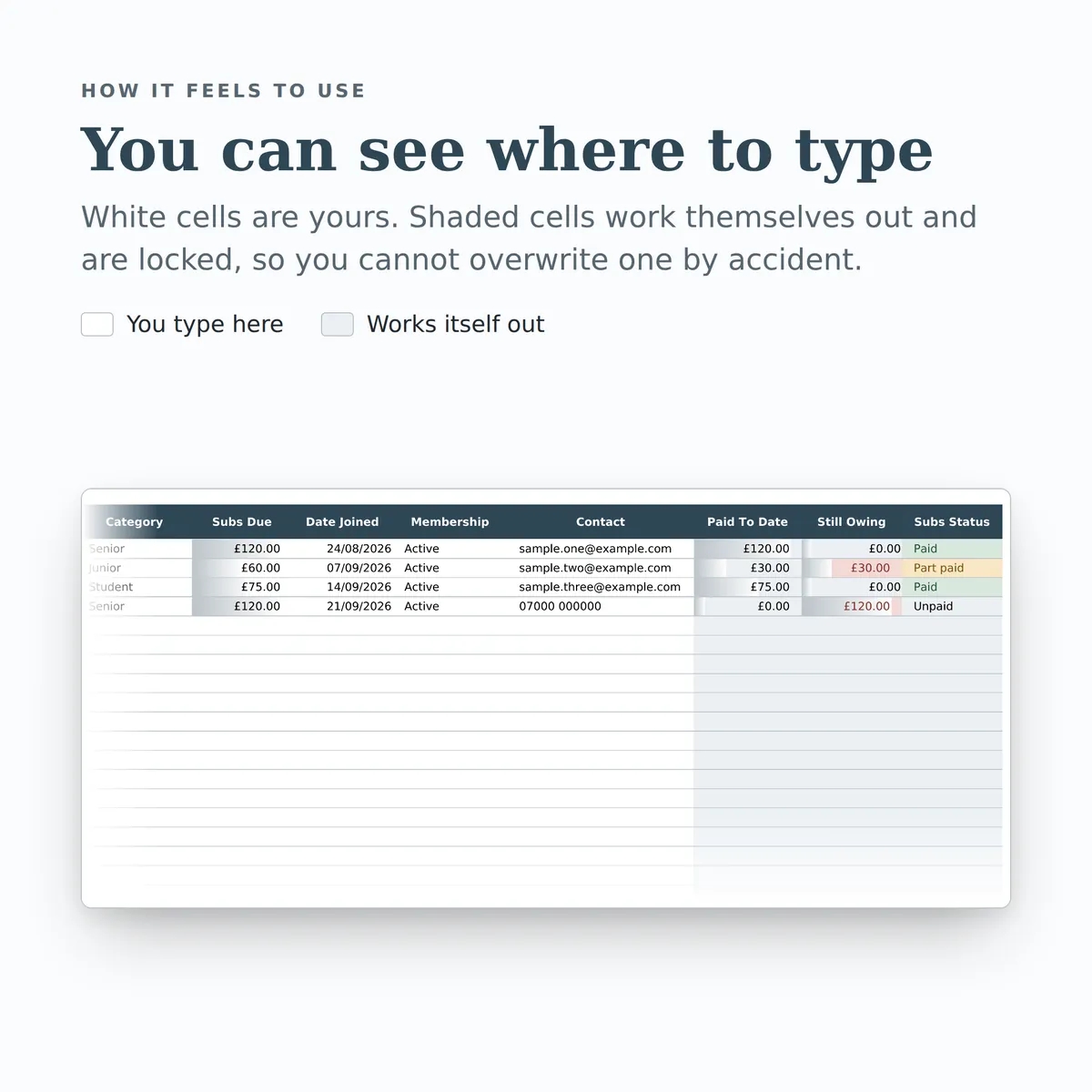
- A new row is typed into the Members tab, one cell at a time, in the white cells a person fills in.
- The shaded cells in that row fill themselves in.
- The figures on the Summary tab change to include the new row.
- The chart, Subs due by membership category, redraws with it.
Everything inside, before you pay
This is the whole design: every tab, every column and how each calculated one is worked out. White cells are yours to fill in; the shaded ones work themselves out and are locked so a formula cannot be overwritten by accident. There is room for 830 rows. Open any tab to see its columns.
Members
9 columns
| Column | What goes in it | Worked out as |
|---|---|---|
| Member Name | Payments are matched to this name, so keep it spelled the same way on the Payments tab.Type any text. | |
| Category | Pick one: Senior, Junior, Student, Concession, Family or Life. | |
| Subs Due | Type an amount in £. | |
| Date Joined | Type a date. | |
| Membership | Pick one: Active, Lapsed or Resigned. | |
| Contact | Phone or email, whichever you use most.Type any text. | |
| Paid To Date | Fills itself in. | The total of Amount on Payments where Member matches this row's Member Name. The formulaIF(ISBLANK([full_name]), "", SUMIF([Payments!member], [full_name], [Payments!amount])) |
| Still Owing | Fills itself in. | Worked out from this row's Member Name and Subs Due, using Member and Amount on Payments. The formulaIF(OR(ISBLANK([full_name]), ISBLANK([subs_due])), "", ROUND([subs_due] - SUMIF([Payments!member], [full_name], [Payments!amount]), 2)) |
| Subs Status | Fills itself in. | Worked out from this row's Member Name and Subs Due, using Member and Amount on Payments. The formulaIF(OR(ISBLANK([full_name]), ISBLANK([subs_due])), "", IF(SUMIF([Payments!member], [full_name], [Payments!amount]) >= [subs_due], "Paid", IF(SUMIF([Payments!member], [full_name], [Payments!amount]) > 0, "Part paid", "Unpaid"))) |
Payments
6 columns
| Column | What goes in it | Worked out as |
|---|---|---|
| Date Received | Type a date. | |
| Member | Pick one of the Member Name entries on Members. | |
| Amount | Type an amount in £. | |
| Method | Pick one: Bank transfer, Cash, Card, Cheque or Standing order. | |
| Reference | Bank reference or receipt number, if you have one.Type any text. | |
| Month | Fills itself in. | Worked out from this row's Date Received. The formulaIF(ISBLANK([payment_date]), "", TEXT([payment_date], "MMM YYYY")) |
Fixtures
10 columns
| Column | What goes in it | Worked out as |
|---|---|---|
| Date | Type a date. | |
| Opponent | Type any text. | |
| Home or Away | Pick one: Home, Away or Neutral. | |
| Competition | Pick one: League, Cup or Friendly. | |
| Our Score | Type a number. | |
| Their Score | Type a number. | |
| Result | Fills itself in. | Worked out from this row's Our Score and Their Score. The formulaIF(OR(ISBLANK([goals_for]), ISBLANK([goals_against])), "", IF([goals_for] > [goals_against], "Win", IF([goals_for] = [goals_against], "Draw", "Loss"))) |
| Goal Difference | Fills itself in. | The Our Score minus the Their Score. The formulaIF(OR(ISBLANK([goals_for]), ISBLANK([goals_against])), "", [goals_for] - [goals_against]) |
| Scoreline | Fills itself in. | Worked out from this row's Our Score and Their Score. The formulaIF(OR(ISBLANK([goals_for]), ISBLANK([goals_against])), "", [goals_for] & " v " & [goals_against]) |
| Notes | Type any text. |
Summary
18 figures
| Figure | Worked out as |
|---|---|
| Members on the list | The number of rows on Members with Member Name filled in. The formulaCOUNTA([Members!full_name]) |
| Total subs due for the season | The total of Subs Due on Members. The formulaSUM([Members!subs_due]) |
| Total collected so far | The total of Amount on Payments. The formulaSUM([Payments!amount]) |
| Still outstanding | Subs due less everything received. The total of Still Owing on Members. The formulaSUM([Members!balance]) |
| Share of subs collected | Worked out from Amount on Payments and Subs Due on Members. The formulaIFERROR(SUM([Payments!amount]) / SUM([Members!subs_due]), 0) |
| Members who still owe | Worked out from Subs Status on Members. The formulaCOUNTIF([Members!payment_status], "Unpaid") + COUNTIF([Members!payment_status], "Part paid") |
| Members fully paid up | The number of rows on Members where Subs Status is “Paid”. The formulaCOUNTIF([Members!payment_status], "Paid") |
| Members who have paid nothing | The number of rows on Members where Subs Status is “Unpaid”. The formulaCOUNTIF([Members!payment_status], "Unpaid") |
| Largest amount owed by one member | The largest Still Owing on Members. The formulaIFERROR(MAX([Members!balance]), 0) |
| Payments received this month | Worked out from Amount and Date Received on Payments. The formulaSUMIFS([Payments!amount], [Payments!payment_date], ">=" & EOMONTH(TODAY(), -1) + 1, [Payments!payment_date], "<=" & EOMONTH(TODAY(), 0)) |
| Fixtures played | The number of rows on Fixtures with Our Score filled in. The formulaCOUNT([Fixtures!goals_for]) |
| Fixtures still to play | Worked out from Date and Our Score on Fixtures. The formulaCOUNTA([Fixtures!fixture_date]) - COUNT([Fixtures!goals_for]) |
| Season record | Worked out from Result on Fixtures. The formulaCOUNTIF([Fixtures!result], "Win") & " won, " & COUNTIF([Fixtures!result], "Draw") & " drawn, " & COUNTIF([Fixtures!result], "Loss") & " lost" |
| Win rate | Worked out from Result and Our Score on Fixtures. The formulaIFERROR(COUNTIF([Fixtures!result], "Win") / COUNT([Fixtures!goals_for]), 0) |
| Goals scored | The total of Our Score on Fixtures. The formulaSUM([Fixtures!goals_for]) |
| Goals conceded | The total of Their Score on Fixtures. The formulaSUM([Fixtures!goals_against]) |
| Goal difference | Worked out from Our Score and Their Score on Fixtures. The formulaSUM([Fixtures!goals_for]) - SUM([Fixtures!goals_against]) |
| Next fixture | Earliest date on the fixture list. Remove past fixtures or sort by date to keep this useful. The smallest Date on Fixtures. The formulaIF(COUNT([Fixtures!fixture_date])=0, "", MIN([Fixtures!fixture_date])) |
More in Clubs
-
Fundraising Tracker
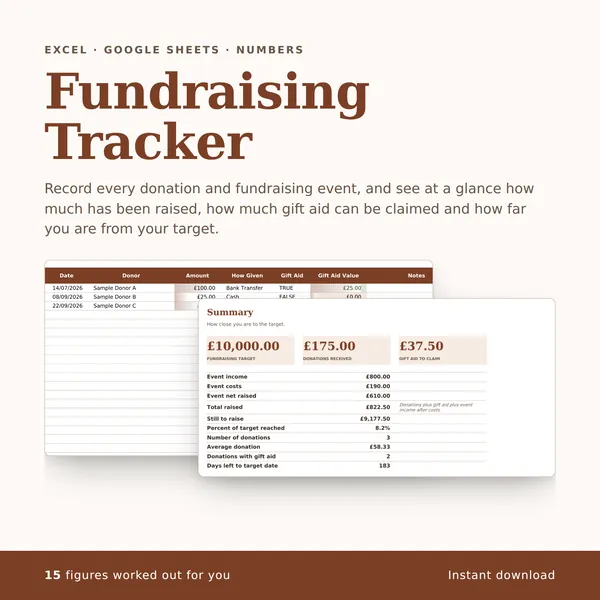
Record every donation and fundraising event, and see at a glance how much has been raised, how much gift aid can be claimed and how far you are from your target.
15 figures work themselves out£4.99
-
Volunteer Rota
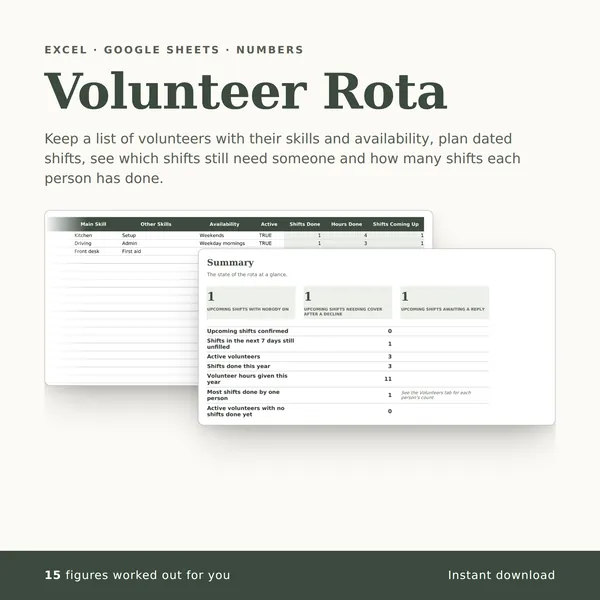
Keep a list of volunteers with their skills and availability, plan dated shifts, see which shifts still need someone and how many shifts each person has done.
15 figures work themselves out£4.99
-
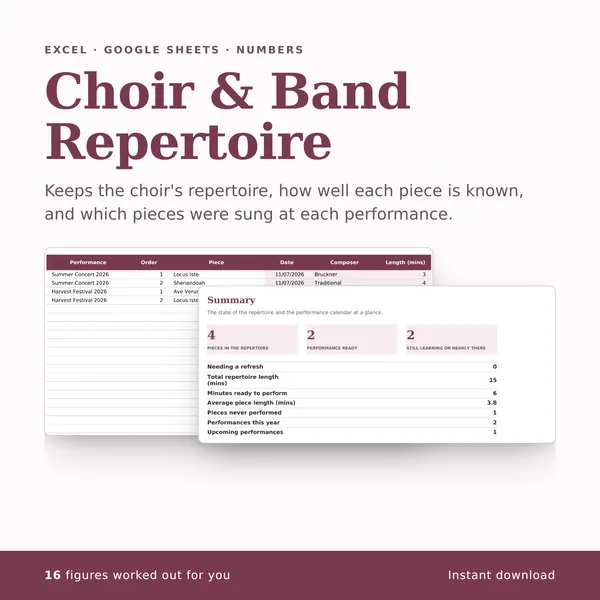
Choir & Band Repertoire
Keeps the choir's repertoire, how well each piece is known, and which pieces were sung at each performance.
16 figures work themselves out£4.99