
Choir & Band Repertoire
Made for musical directors and band leaders.
Keeps the choir's repertoire, how well each piece is known, and which pieces were sung at each performance. The summary carries a chart that redraws itself as you type.
Of the 19 columns, you fill in 13 and the other 6 work themselves out, and all 10 figures on the summary do too. There is room for 860 rows of your own.
£4.99one payment, yours to keep
- Opens in Excel, Google Sheets and Numbers
- Delivered straight away
- No macros, nothing to install
- Change it free before you buy
Payment is handled by Stripe. Your card details go to them and never to us. Sales are final, which is why every tab, column and calculation is shown on this page first.
Already have a spreadsheet of your own? Check it for mistakes, free.
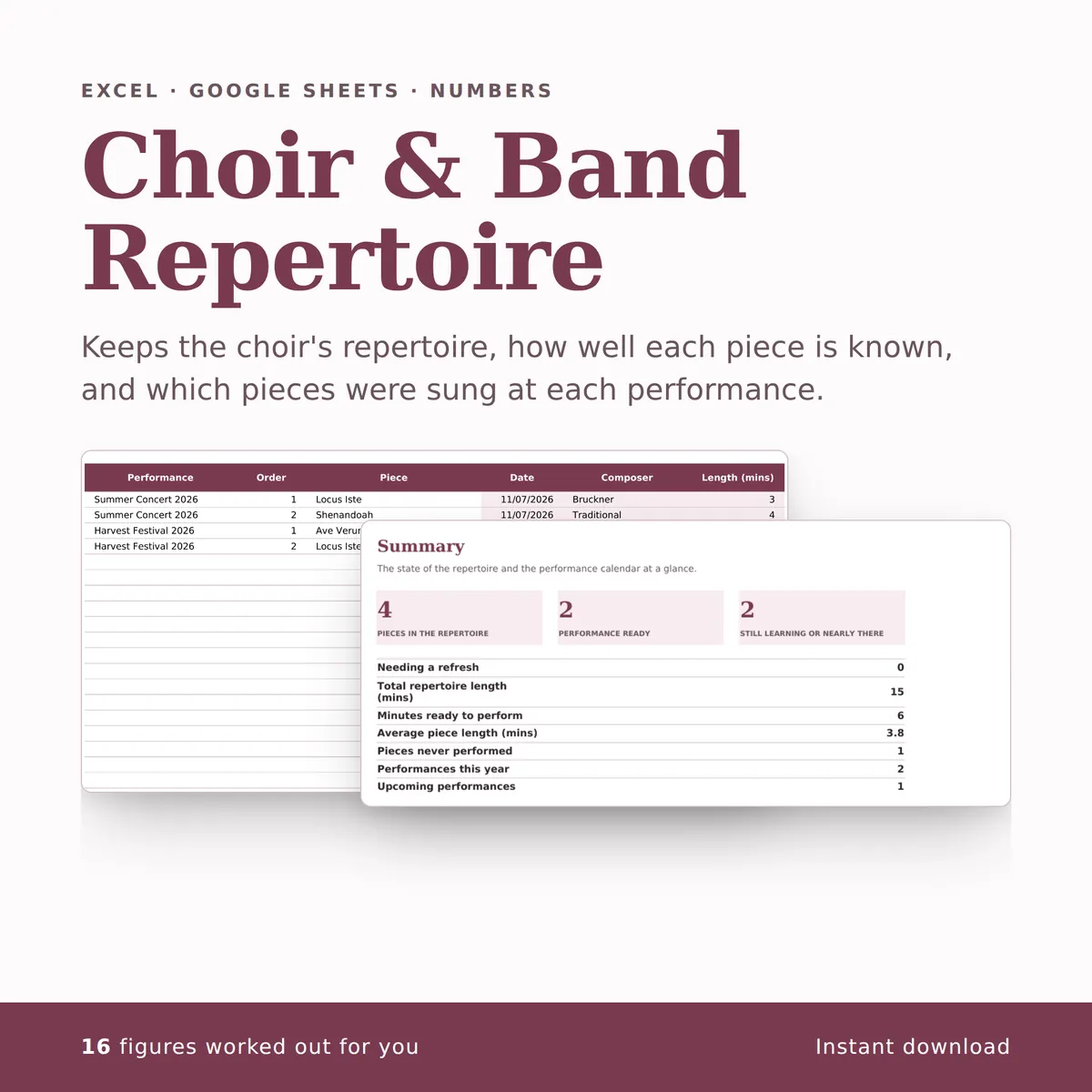
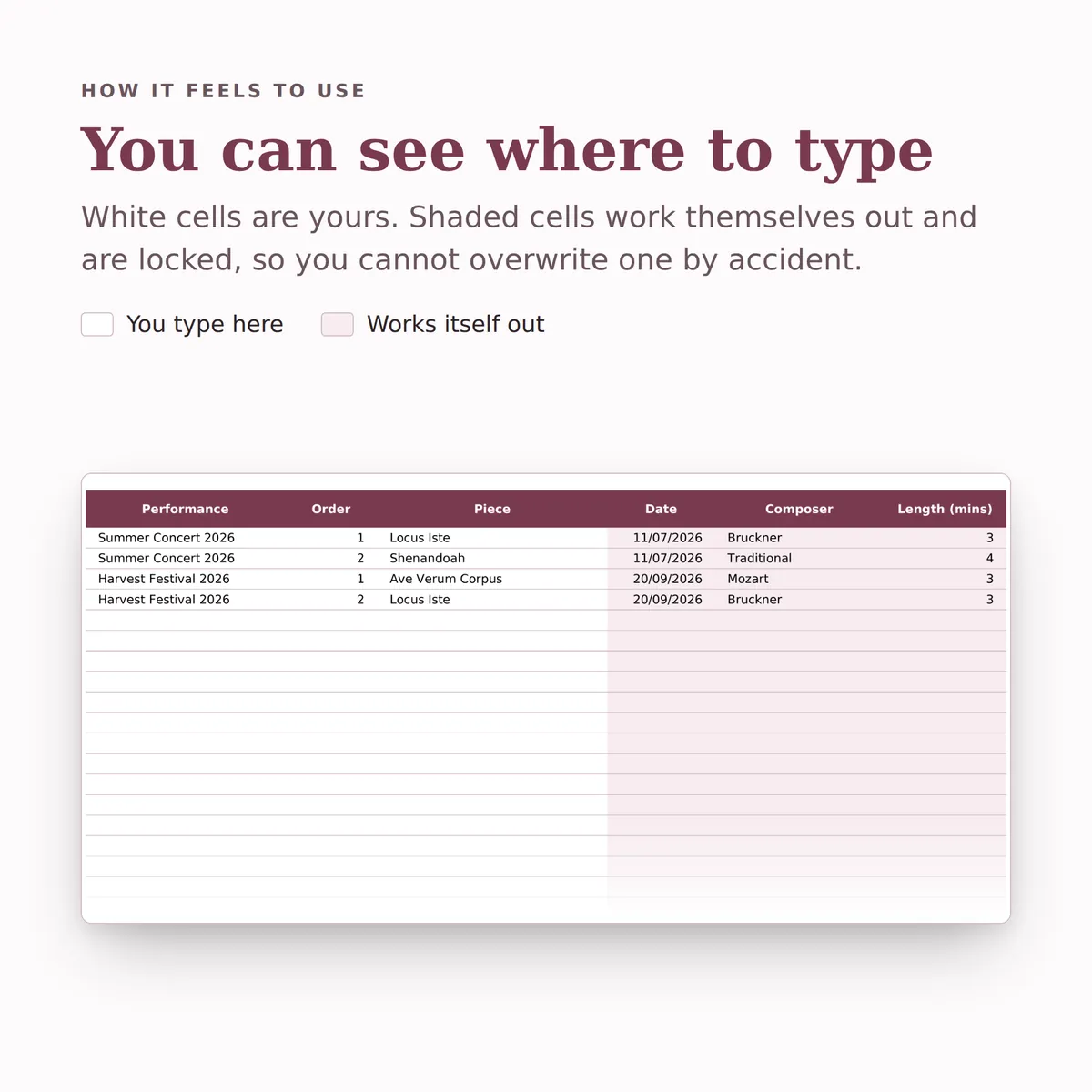
- A new row is typed into the Repertoire tab, one cell at a time, in the white cells a person fills in.
- The shaded cells in that row fill themselves in.
- The figures on the Summary tab change to include the new row.
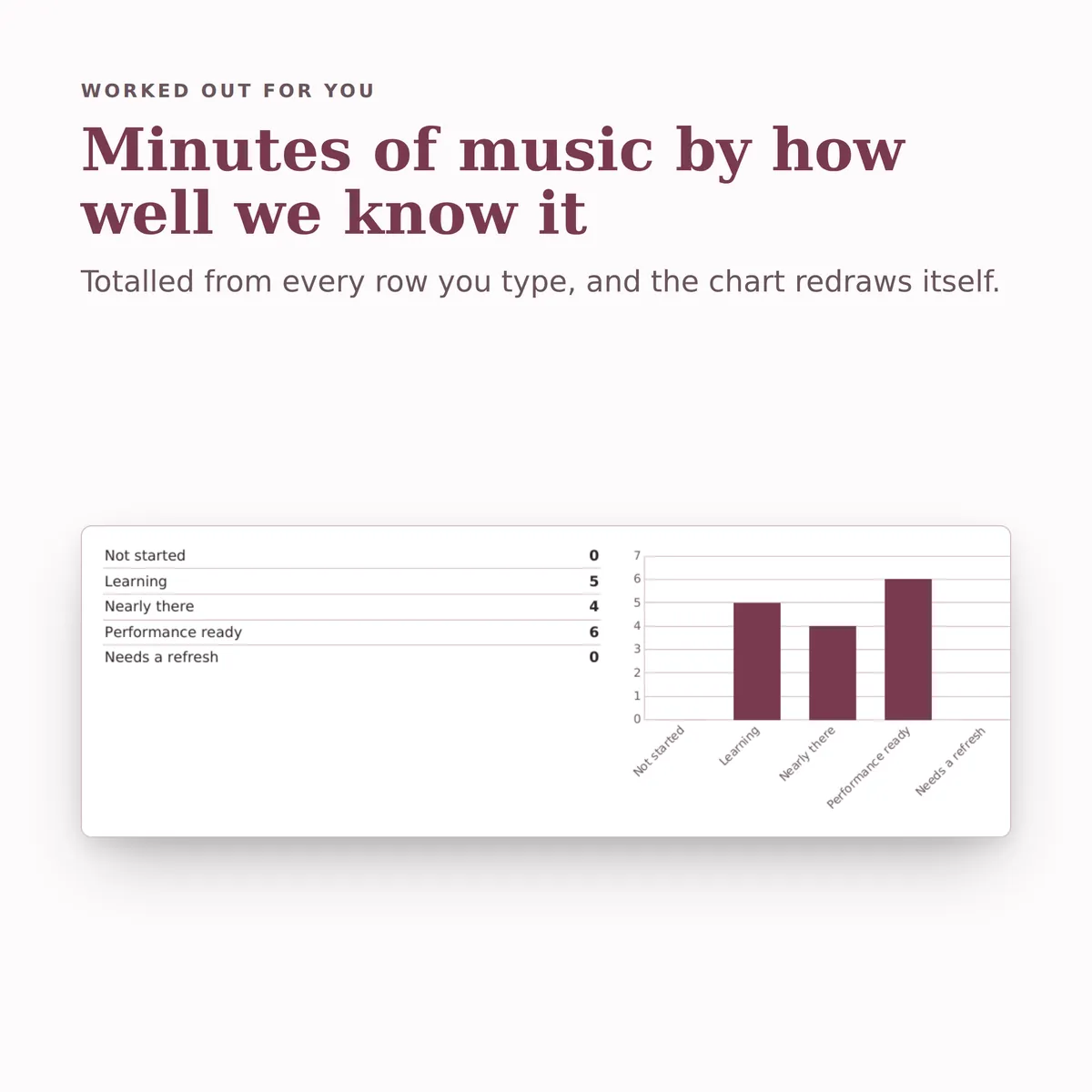
- The chart, Minutes of music by how well we know it, redraws with it.
Everything inside, before you pay
This is the whole design: every tab, every column and how each calculated one is worked out. White cells are yours to fill in; the shaded ones work themselves out and are locked so a formula cannot be overwritten by accident. There is room for 860 rows. Open any tab to see its columns.
Repertoire
7 columns
| Column | What goes in it | Worked out as |
|---|---|---|
| Title | Keep each title unique so it can be picked on the Setlists tab.Type any text. | |
| Composer | Type any text. | |
| Arrangement | Arranger or edition, or Original.Type any text. | |
| Length (mins) | Type a number. | |
| How Well We Know It | Pick one: Not started, Learning, Nearly there, Performance ready or Needs a refresh. | |
| Voice Parts | Pick one: SATB, SSAATTBB, SAB, SSA, SA, TTBB or Unison. | |
| Times Performed | Fills itself in. | The number of rows on Setlists where Piece matches this row's Title. The formulaIF(ISBLANK([title]), "", COUNTIF([Setlists!piece], [title])) |
Performances
6 columns
| Column | What goes in it | Worked out as |
|---|---|---|
| Performance | Give each performance a unique name so it can be picked on the Setlists tab.Type any text. | |
| Date | Type a date. | |
| Venue | Type any text. | |
| Type | Pick one: Concert, Service, Wedding, Competition, Community event or Other. | |
| Pieces Sung | Fills itself in. | The number of rows on Setlists where Performance matches this row's Performance. The formulaIF(ISBLANK([name]), "", COUNTIF([Setlists!performance], [name])) |
| Music (mins) | Fills itself in. | The total of Length (mins) on Setlists where Performance matches this row's Performance. The formulaIF(ISBLANK([name]), "", SUMIF([Setlists!performance], [name], [Setlists!duration])) |
Setlists
6 columns
| Column | What goes in it | Worked out as |
|---|---|---|
| Performance | Pick one of the Performance entries on Performances. | |
| Order | Position in the programme: 1 for the opening piece.Type a number. | |
| Piece | Pick one of the Title entries on Repertoire. | |
| Date | Fills itself in. | Worked out from this row's Performance, using Date and Performance on Performances. The formulaIF(ISBLANK([performance]), "", IFERROR(INDEX([Performances!date], MATCH([performance], [Performances!name], 0)), "")) |
| Composer | Fills itself in. | Worked out from this row's Piece, using Composer and Title on Repertoire. The formulaIF(ISBLANK([piece]), "", IFERROR(INDEX([Repertoire!composer], MATCH([piece], [Repertoire!title], 0)), "")) |
| Length (mins) | Fills itself in. | Worked out from this row's Piece, using Length (mins) and Title on Repertoire. The formulaIF(ISBLANK([piece]), "", IFERROR(INDEX([Repertoire!duration], MATCH([piece], [Repertoire!title], 0)), "")) |
Summary
10 figures
| Figure | Worked out as |
|---|---|
| Pieces in the repertoire | The number of rows on Repertoire with Title filled in. The formulaCOUNTA([Repertoire!title]) |
| Performance ready | The number of rows on Repertoire where How Well We Know It is “Performance ready”. The formulaCOUNTIF([Repertoire!readiness], "Performance ready") |
| Still learning or nearly there | Worked out from How Well We Know It on Repertoire. The formulaCOUNTIF([Repertoire!readiness], "Learning") + COUNTIF([Repertoire!readiness], "Nearly there") |
| Needing a refresh | The number of rows on Repertoire where How Well We Know It is “Needs a refresh”. The formulaCOUNTIF([Repertoire!readiness], "Needs a refresh") |
| Total repertoire length (mins) | The total of Length (mins) on Repertoire. The formulaSUM([Repertoire!duration]) |
| Minutes ready to perform | The total of Length (mins) on Repertoire where How Well We Know It is “Performance ready”. The formulaSUMIF([Repertoire!readiness], "Performance ready", [Repertoire!duration]) |
| Average piece length (mins) | The average of Length (mins) on Repertoire. The formulaIFERROR(ROUND(AVERAGE([Repertoire!duration]), 1), 0) |
| Pieces never performed | The number of rows on Repertoire where Times Performed is 0. The formulaCOUNTIF([Repertoire!times_performed], 0) |
| Performances this year | Worked out from Date on Performances. The formulaCOUNTIFS([Performances!date], ">=" & DATE(YEAR(TODAY()), 1, 1), [Performances!date], "<=" & TODAY()) |
| Upcoming performances | Worked out from Date on Performances. The formulaCOUNTIF([Performances!date], ">" & TODAY()) |
More in Clubs
-
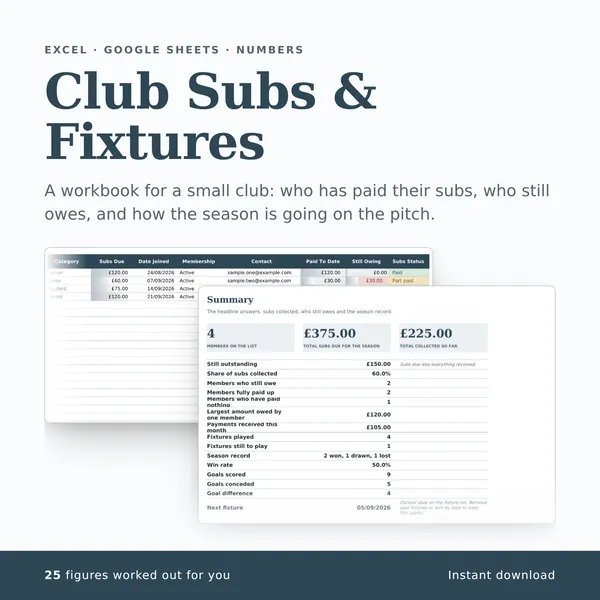
Club Subs & Fixtures
A workbook for a small club: who has paid their subs, who still owes, and how the season is going on the pitch.
25 figures work themselves out£4.99
-
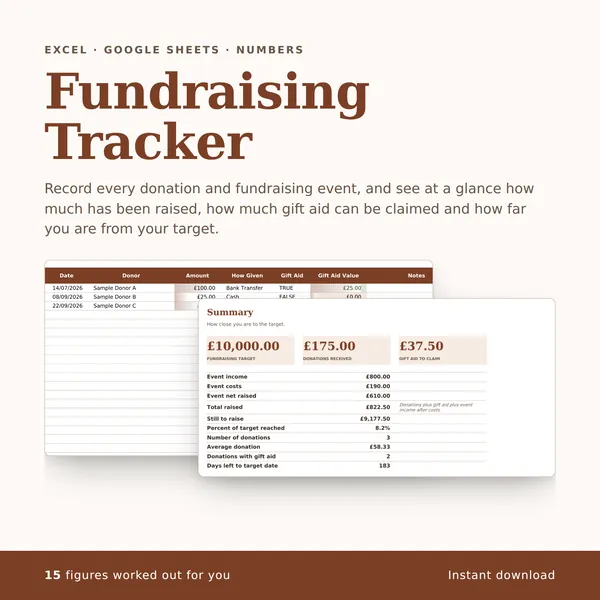
Fundraising Tracker
Record every donation and fundraising event, and see at a glance how much has been raised, how much gift aid can be claimed and how far you are from your target.
15 figures work themselves out£4.99
-
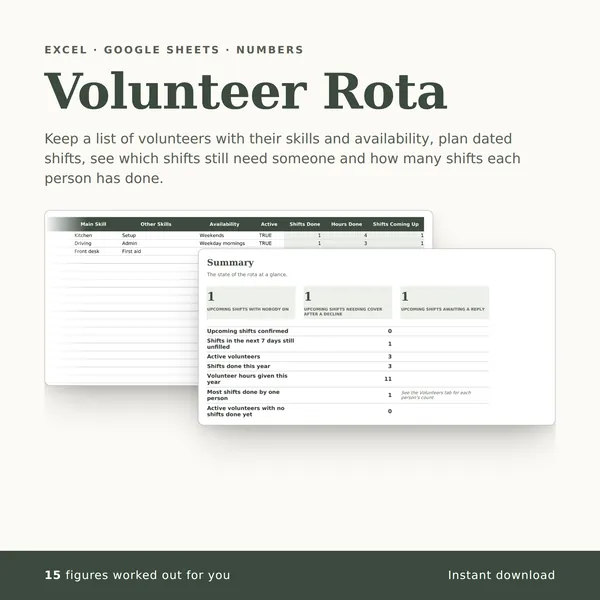
Volunteer Rota
Keep a list of volunteers with their skills and availability, plan dated shifts, see which shifts still need someone and how many shifts each person has done.
15 figures work themselves out£4.99