
Side Hustle Income Tracker
Made for people earning on the side of a day job.
Record income, costs and hours for each side hustle to see which ones are worth it, with totals for this month and this tax year and a tax pot based on your chosen rate. The summary carries a chart that redraws itself as you type.
Of the 23 columns, you fill in 16 and the other 7 work themselves out, and all 12 figures on the summary do too. There is room for 1,420 rows of your own.
£4.99one payment, yours to keep
- Opens in Excel, Google Sheets and Numbers
- Delivered straight away
- No macros, nothing to install
- Change it free before you buy
Payment is handled by Stripe. Your card details go to them and never to us. Sales are final, which is why every tab, column and calculation is shown on this page first.
Already have a spreadsheet of your own? Check it for mistakes, free.
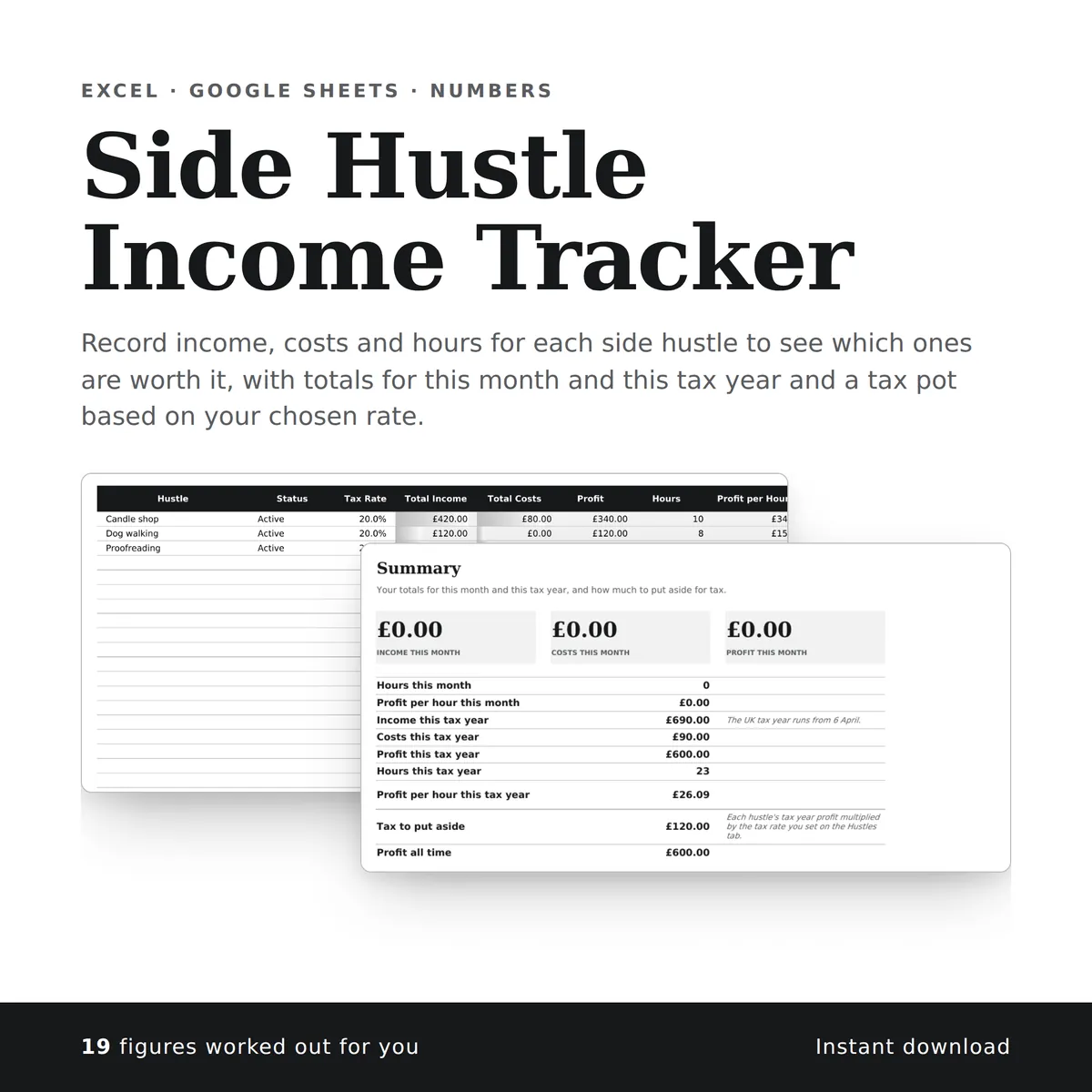
- A new row is typed into the Costs tab, one cell at a time, in the white cells a person fills in.
- The figures on the Summary tab change to include the new row.
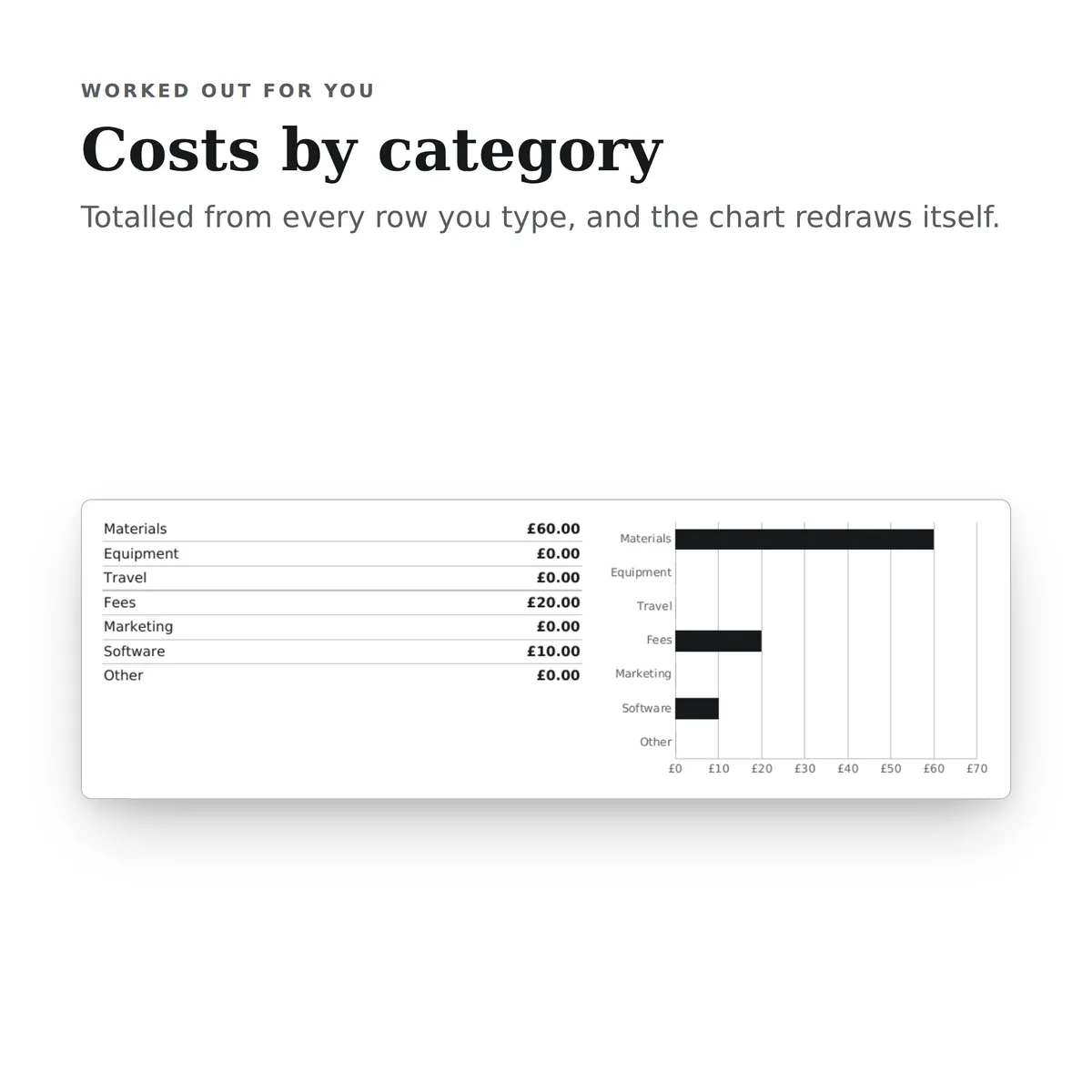
- The chart, Costs by category, redraws with it.
Everything inside, before you pay
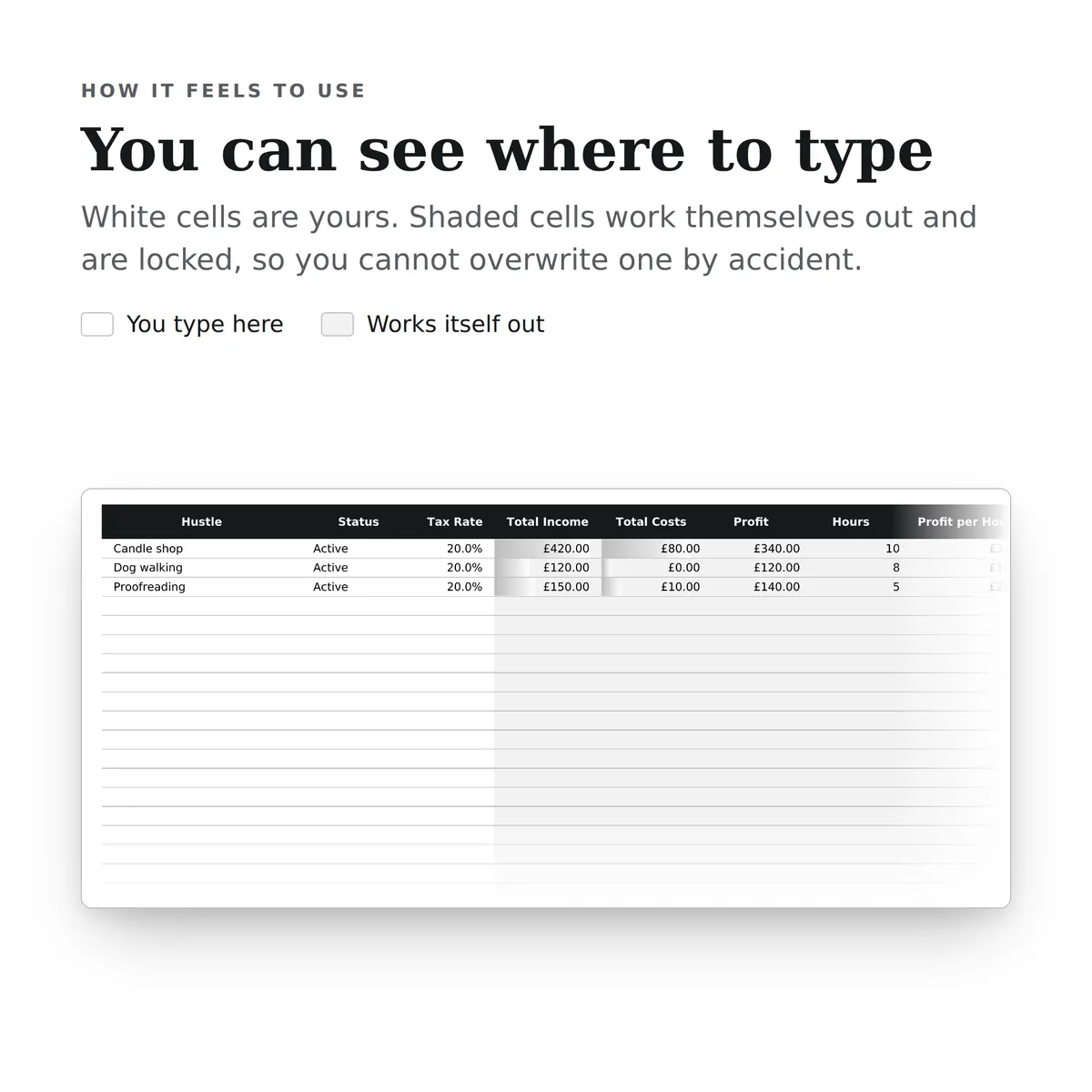
This is the whole design: every tab, every column and how each calculated one is worked out. White cells are yours to fill in; the shaded ones work themselves out and are locked so a formula cannot be overwritten by accident. There is room for 1,420 rows. Open any tab to see its columns.
Hustles
10 columns
| Column | What goes in it | Worked out as |
|---|---|---|
| Hustle | Type any text. | |
| Status | Pick one: Active, Paused or Stopped. | |
| Tax Rate | The share of this tax year's profit to set aside for tax, e.g. 20%.Type a percentage, like 20%. | |
| Total Income | Fills itself in. | The total of Amount on Income where Hustle matches this row's Hustle. The formulaIF(ISBLANK([name]), "", SUMIF([Income!hustle], [name], [Income!amount])) |
| Total Costs | Fills itself in. | The total of Amount on Costs where Hustle matches this row's Hustle. The formulaIF(ISBLANK([name]), "", SUMIF([Costs!hustle], [name], [Costs!amount])) |
| Profit | Fills itself in. | Worked out from this row's Hustle, Total Income and Total Costs. The formulaIF(ISBLANK([name]), "", [income]-[costs]) |
| Hours | Fills itself in. | The total of Hours on Hours where Hustle matches this row's Hustle. The formulaIF(ISBLANK([name]), "", SUMIF([Hours!hustle], [name], [Hours!hours])) |
| Profit per Hour | Fills itself in. | Worked out from this row's Hustle, Profit and Hours. The formulaIF(ISBLANK([name]), "", IFERROR([profit]/[hours], 0)) |
| Tax Year Profit | Fills itself in. | Worked out from this row's Hustle, using Amount, Hustle and Date on Income and Amount, Hustle and Date on Costs. The formulaIF(ISBLANK([name]), "", SUMIFS([Income!amount], [Income!hustle], [name], [Income!date], ">="&DATE(YEAR(TODAY())-IF(TODAY()<DATE(YEAR(TODAY()),4,6),1,0),4,6)) - SUMIFS([Costs!amount], [Costs!hustle], [name], [Costs!date], ">="&DATE(YEAR(TODAY())-IF(TODAY()<DATE(YEAR(TODAY()),4,6),1,0),4,6))) |
| Tax to Set Aside | Fills itself in. | Worked out from this row's Hustle, Tax Year Profit and Tax Rate. The formulaIF(ISBLANK([name]), "", ROUND(MAX([ty_profit], 0)*[tax_rate], 2)) |
Income
4 columns
| Column | What goes in it |
|---|---|
| Date | Type a date. |
| Hustle | Pick one of the Hustle entries on Hustles. |
| Description | Type any text. |
| Amount | Type an amount in £. |
Costs
5 columns
| Column | What goes in it |
|---|---|
| Date | Type a date. |
| Hustle | Pick one of the Hustle entries on Hustles. |
| Category | Pick one: Materials, Equipment, Travel, Fees, Marketing, Software or Other. |
| Description | Type any text. |
| Amount | Type an amount in £. |
Hours
4 columns
| Column | What goes in it |
|---|---|
| Date | Type a date. |
| Hustle | Pick one of the Hustle entries on Hustles. |
| Hours | Type a number. |
| Notes | Type any text. |
Summary
12 figures
| Figure | Worked out as |
|---|---|
| Income this month | Worked out from Amount and Date on Income. The formulaSUMIFS([Income!amount], [Income!date], ">="&(EOMONTH(TODAY(),-1)+1), [Income!date], "<="&EOMONTH(TODAY(),0)) |
| Costs this month | Worked out from Amount and Date on Costs. The formulaSUMIFS([Costs!amount], [Costs!date], ">="&(EOMONTH(TODAY(),-1)+1), [Costs!date], "<="&EOMONTH(TODAY(),0)) |
| Profit this month | Worked out from Amount and Date on Income and Amount and Date on Costs. The formulaSUMIFS([Income!amount], [Income!date], ">="&(EOMONTH(TODAY(),-1)+1), [Income!date], "<="&EOMONTH(TODAY(),0)) - SUMIFS([Costs!amount], [Costs!date], ">="&(EOMONTH(TODAY(),-1)+1), [Costs!date], "<="&EOMONTH(TODAY(),0)) |
| Hours this month | Worked out from Hours and Date on Hours. The formulaSUMIFS([Hours!hours], [Hours!date], ">="&(EOMONTH(TODAY(),-1)+1), [Hours!date], "<="&EOMONTH(TODAY(),0)) |
| Profit per hour this month | Worked out from Amount and Date on Income, Amount and Date on Costs and Hours and Date on Hours. The formulaIFERROR((SUMIFS([Income!amount], [Income!date], ">="&(EOMONTH(TODAY(),-1)+1), [Income!date], "<="&EOMONTH(TODAY(),0)) - SUMIFS([Costs!amount], [Costs!date], ">="&(EOMONTH(TODAY(),-1)+1), [Costs!date], "<="&EOMONTH(TODAY(),0))) / SUMIFS([Hours!hours], [Hours!date], ">="&(EOMONTH(TODAY(),-1)+1), [Hours!date], "<="&EOMONTH(TODAY(),0)), 0) |
| Income this tax year | The UK tax year runs from 6 April. Worked out from Amount and Date on Income. The formulaSUMIFS([Income!amount], [Income!date], ">="&DATE(YEAR(TODAY())-IF(TODAY()<DATE(YEAR(TODAY()),4,6),1,0),4,6)) |
| Costs this tax year | Worked out from Amount and Date on Costs. The formulaSUMIFS([Costs!amount], [Costs!date], ">="&DATE(YEAR(TODAY())-IF(TODAY()<DATE(YEAR(TODAY()),4,6),1,0),4,6)) |
| Profit this tax year | The total of Tax Year Profit on Hustles. The formulaSUM([Hustles!ty_profit]) |
| Hours this tax year | Worked out from Hours and Date on Hours. The formulaSUMIFS([Hours!hours], [Hours!date], ">="&DATE(YEAR(TODAY())-IF(TODAY()<DATE(YEAR(TODAY()),4,6),1,0),4,6)) |
| Profit per hour this tax year | Worked out from Tax Year Profit on Hustles and Hours and Date on Hours. The formulaIFERROR(SUM([Hustles!ty_profit]) / SUMIFS([Hours!hours], [Hours!date], ">="&DATE(YEAR(TODAY())-IF(TODAY()<DATE(YEAR(TODAY()),4,6),1,0),4,6)), 0) |
| Tax to put aside | Each hustle's tax year profit multiplied by the tax rate you set on the Hustles tab. The total of Tax to Set Aside on Hustles. The formulaSUM([Hustles!tax_set_aside]) |
| Profit all time | Worked out from Amount on Income and Amount on Costs. The formulaSUM([Income!amount]) - SUM([Costs!amount]) |
More in Business
-
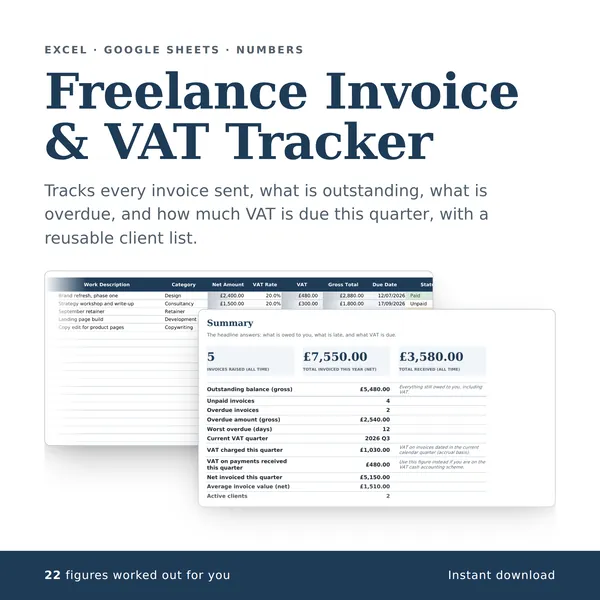
Freelance Invoice & VAT Tracker
Tracks every invoice sent, what is outstanding, what is overdue, and how much VAT is due this quarter, with a reusable client list.
22 figures work themselves out£4.99
-
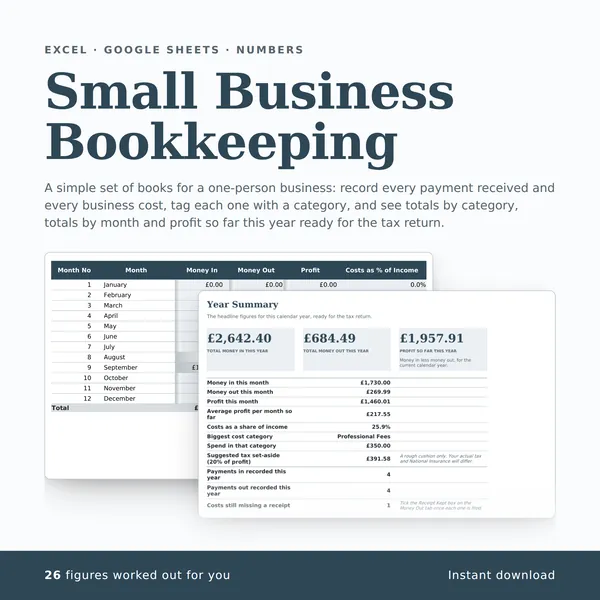
Small Business Bookkeeping
A simple set of books for a one-person business: record every payment received and every business cost, tag each one with a category, and see totals by category, totals by month and profit so far this year ready for the tax return.
26 figures work themselves out£4.99
-
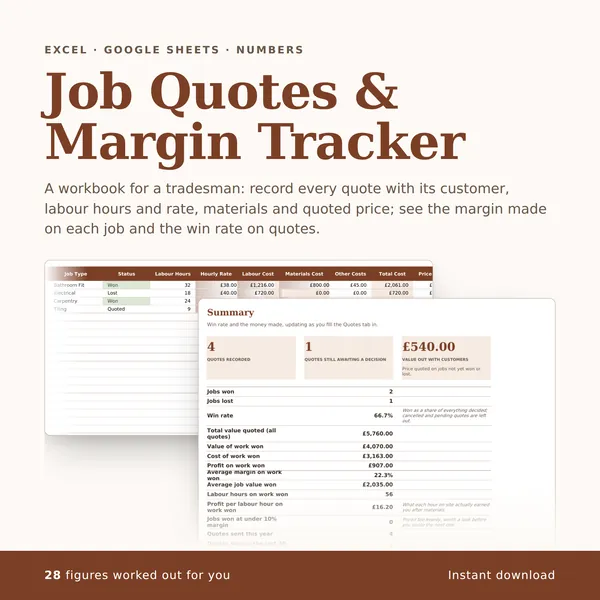
Job Quotes & Margin Tracker
A workbook for a tradesman: record every quote with its customer, labour hours and rate, materials and quoted price; see the margin made on each job and the win rate on quotes.
28 figures work themselves out£4.99
-
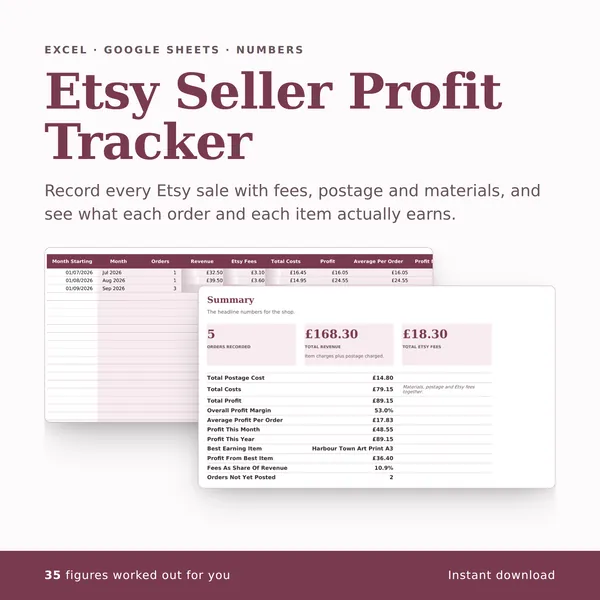
Etsy Seller Profit Tracker
Record every Etsy sale with fees, postage and materials, and see what each order and each item actually earns.
35 figures work themselves out£4.99