Templates › Business and freelance
Client & Project Tracker
Made for agencies, consultants and freelancers juggling work.
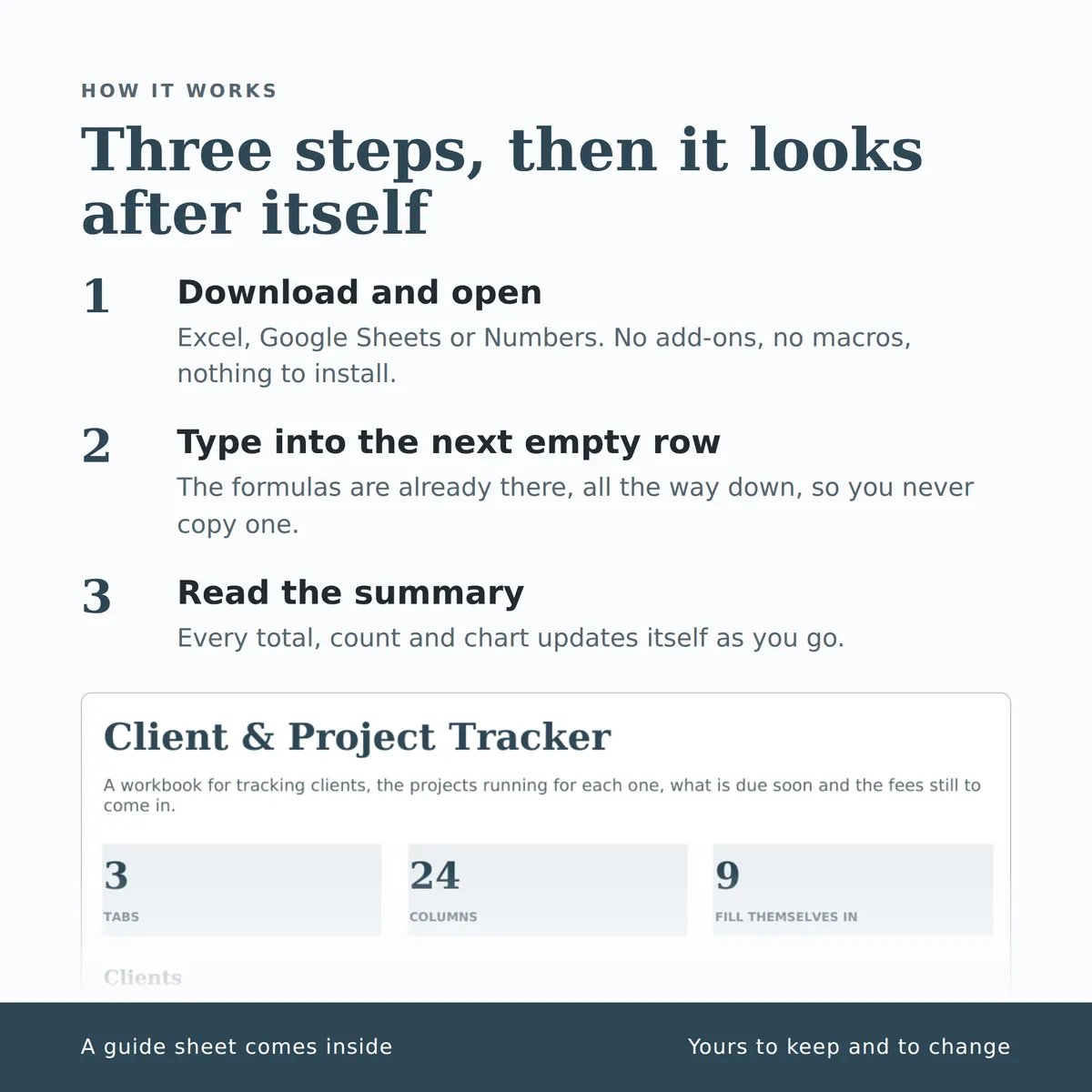
A workbook for tracking clients, the projects running for each one, what is due soon and the fees still to come in. The summary carries a chart that redraws itself as you type.
- Tabs
- 3
- Columns
- 24
- Fill themselves in
- 23
£7one payment, yours to keep
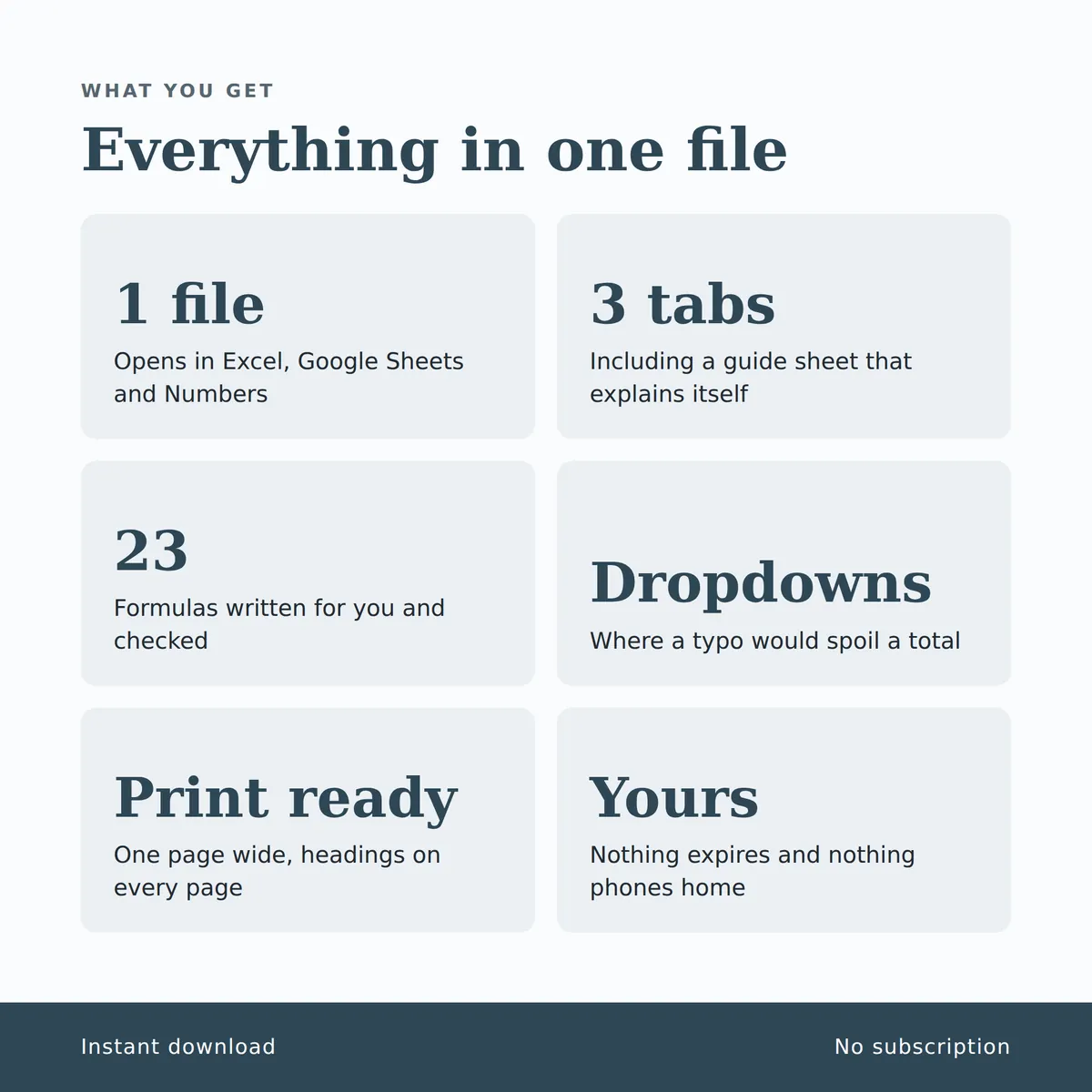
- Opens in Excel, Google Sheets and Numbers
- Delivered straight away
- No macros, nothing to install
- Change it free before you buy
Payment is handled by Stripe. Your card details go to them and never to us. Sales are final, which is why every tab, column and calculation is shown on this page first.

Everything inside, before you pay
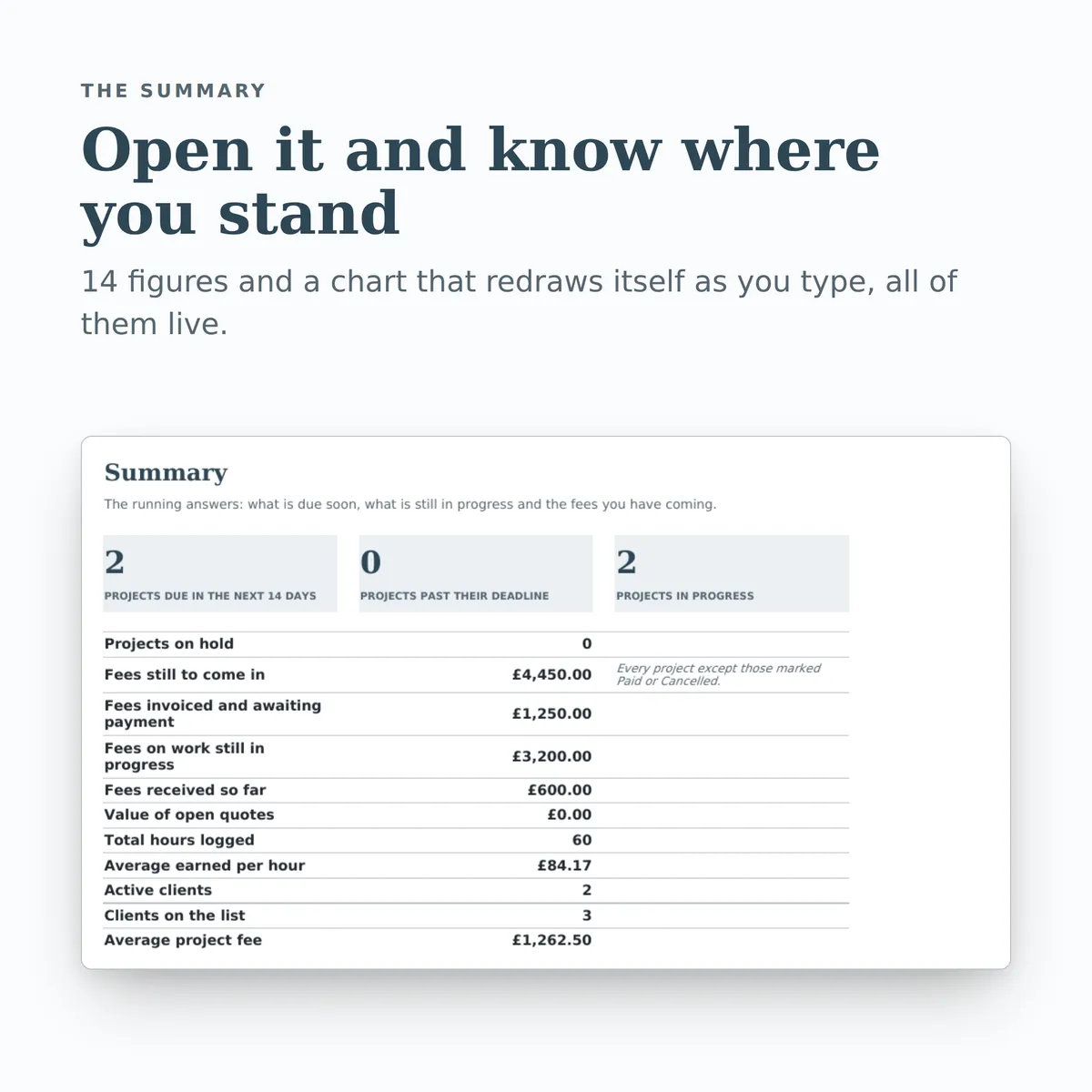
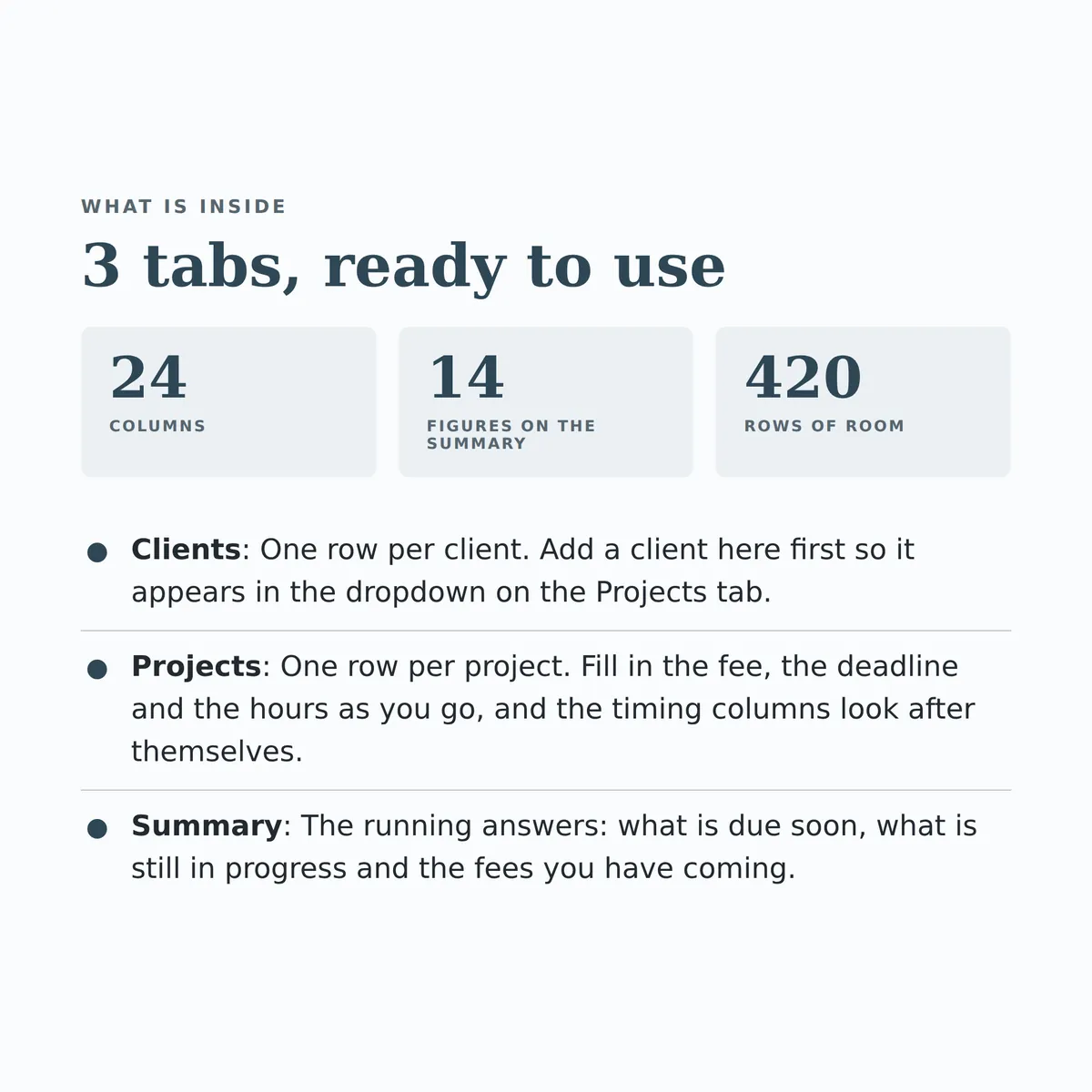
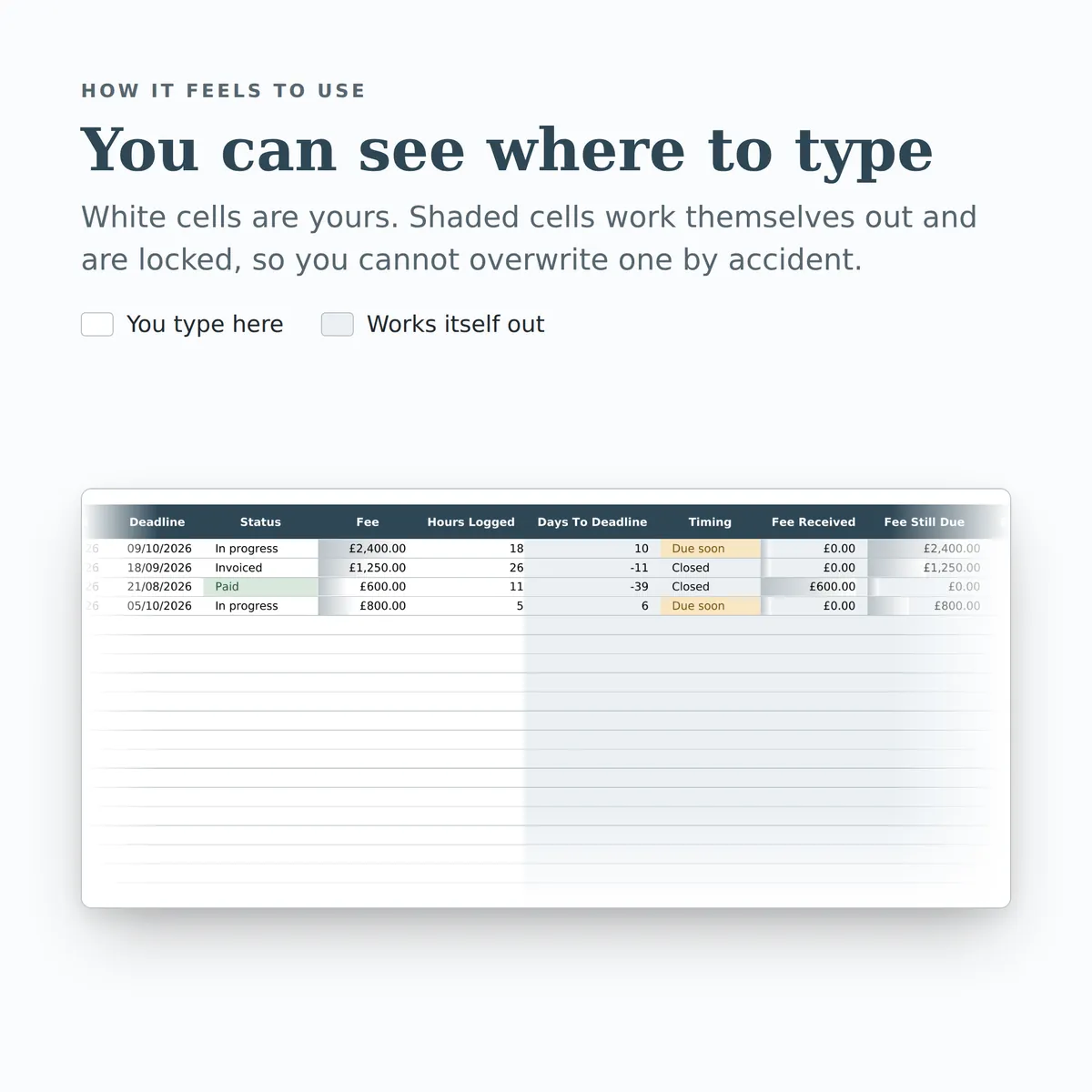
This is the whole design: every tab, every column and how each calculated one is worked out. White cells are yours to fill in; the shaded ones work themselves out and are locked so a formula cannot be overwritten by accident. There is room for 420 rows.
Clients
| Column | Type | Worked out as |
|---|---|---|
| Client | text | |
| Main Contact | text | |
| text | ||
| Phone | text | |
| Client Status | choice (list) | |
| Standard Hourly Rate | currency | |
| Projects | number | IF(ISBLANK([client_name]), "", COUNTIF([Projects!client], [client_name])) |
| Total Fees | currency | IF(ISBLANK([client_name]), "", SUMIF([Projects!client], [client_name], [Projects!fee])) |
| Fees Outstanding | currency | IF(ISBLANK([client_name]), "", SUMIF([Projects!client], [client_name], [Projects!fee]) - SUMIF([Projects!client], [client_name], [Projects!fee_paid])) |
| Hours Logged | number | IF(ISBLANK([client_name]), "", SUMIF([Projects!client], [client_name], [Projects!hours_logged])) |
| Notes | text |
Projects
| Column | Type | Worked out as |
|---|---|---|
| Project | text | |
| Client | choice (from Clients › client_name) | |
| What It Is | text | |
| Started | date | |
| Deadline | date | |
| Status | choice (list) | |
| Fee | currency | |
| Hours Logged | number | |
| Days To Deadline | number | IF(ISBLANK([deadline]), "", [deadline] - TODAY()) |
| Timing | text | IF(ISBLANK([deadline]), "", IF(OR([status]="Paid", [status]="Cancelled", [status]="Invoiced", [status]="Delivered"), "Closed", IF([deadline]-TODAY() < 0, "Overdue", IF([deadline]-TODAY() <= 14, "Due soon", "On track")))) |
| Fee Received | currency | IF(ISBLANK([fee]), "", IF([status]="Paid", [fee], 0)) |
| Fee Still Due | currency | IF(ISBLANK([fee]), "", IF(OR([status]="Paid", [status]="Cancelled"), 0, [fee])) |
| Effective Hourly Rate | currency | IF(ISBLANK([fee]), "", IFERROR(ROUND([fee]/[hours_logged], 2), 0)) |
Summary
| Measure | Worked out as |
|---|---|
| Projects due in the next 14 days | COUNTIF([Projects!timing], "Due soon") |
| Projects past their deadline | COUNTIF([Projects!timing], "Overdue") |
| Projects in progress | COUNTIF([Projects!status], "In progress") |
| Projects on hold | COUNTIF([Projects!status], "On hold") |
| Fees still to come in | SUM([Projects!fee_due]) |
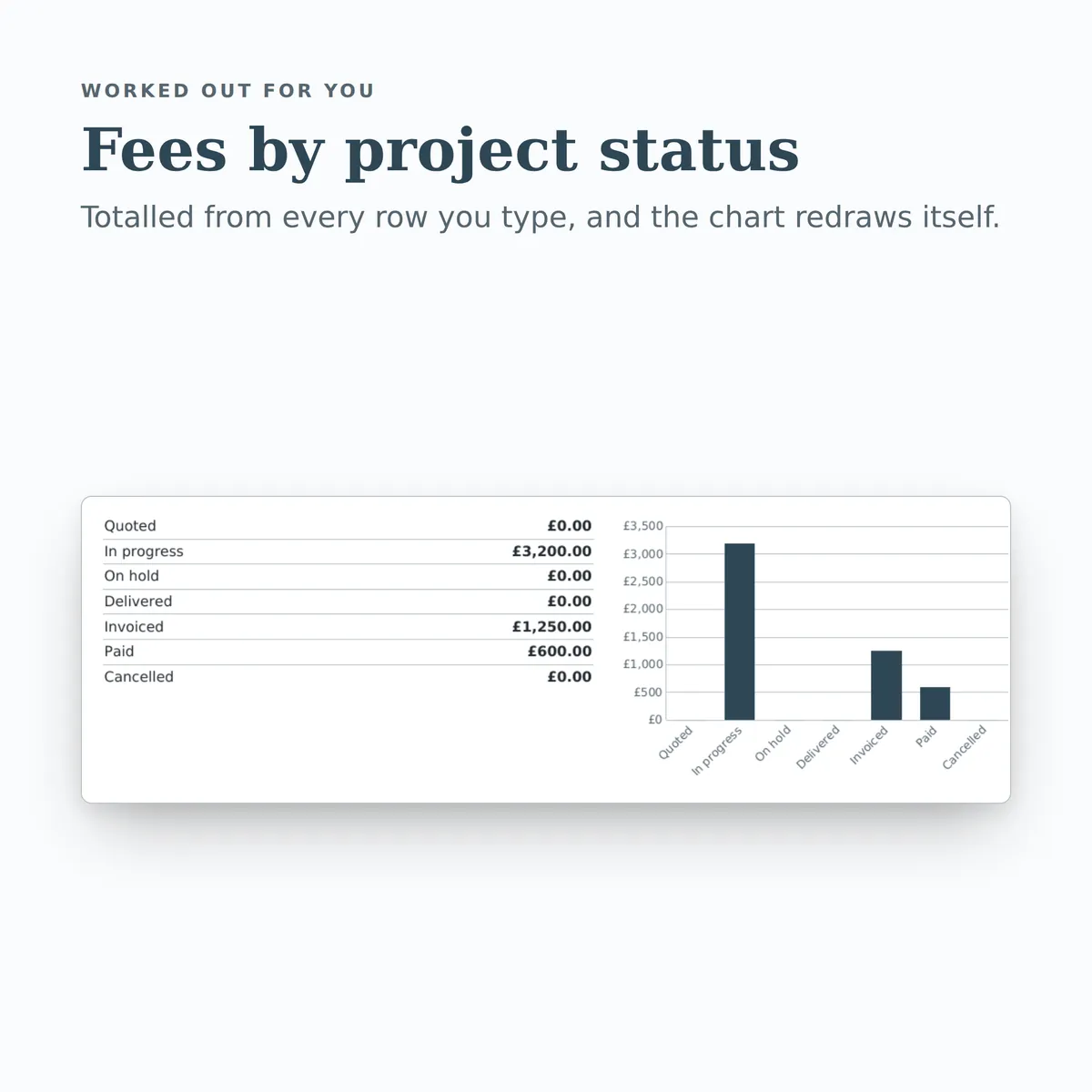
| Fees invoiced and awaiting payment | SUMIF([Projects!status], "Invoiced", [Projects!fee]) |
| Fees on work still in progress | SUMIF([Projects!status], "In progress", [Projects!fee]) |
| Fees received so far | SUM([Projects!fee_paid]) |
| Value of open quotes | SUMIF([Projects!status], "Quoted", [Projects!fee]) |
| Total hours logged | SUM([Projects!hours_logged]) |
| Average earned per hour | IFERROR(ROUND(SUM([Projects!fee])/SUM([Projects!hours_logged]), 2), 0) |
| Active clients | COUNTIF([Clients!client_status], "Active") |
| Clients on the list | COUNTA([Clients!client_name]) |
| Average project fee | IFERROR(ROUND(SUM([Projects!fee])/COUNT([Projects!fee]), 2), 0) |
More in Business and freelance
-
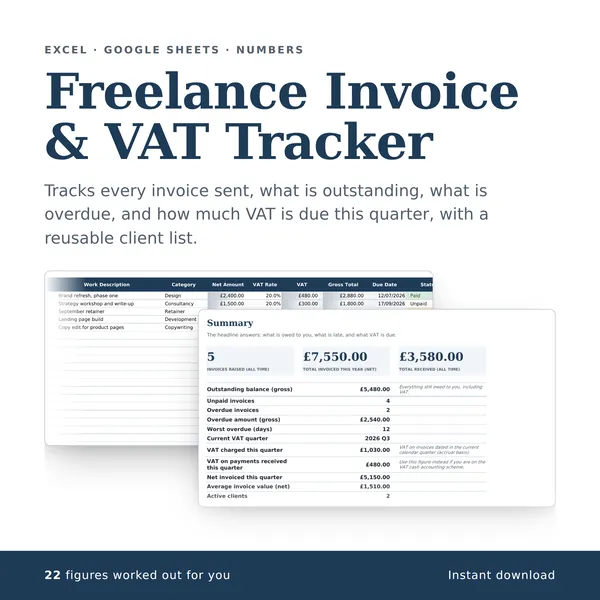
Freelance Invoice & VAT Tracker
Tracks every invoice sent, what is outstanding, what is overdue, and how much VAT is due this quarter, with a reusable client list.
25 columns, 22 fill themselves in£7
-
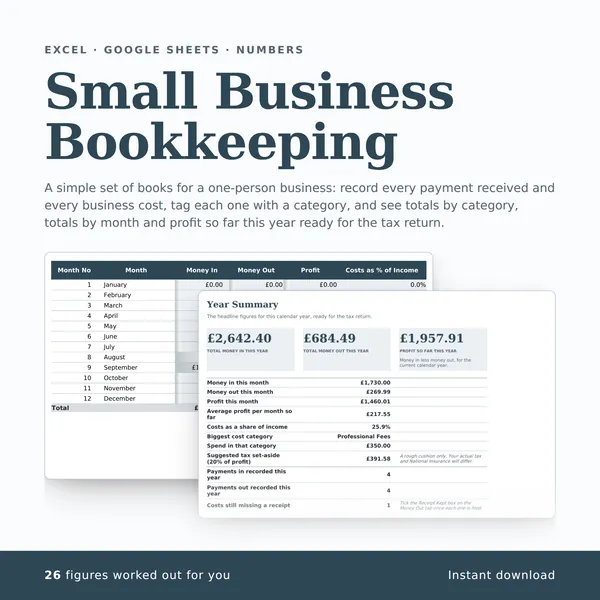
Small Business Bookkeeping
A simple set of books for a one-person business: record every payment received and every business cost, tag each one with a category, and see totals by category, totals by month and profit so far this year ready for the tax return.
29 columns, 26 fill themselves in£7
-
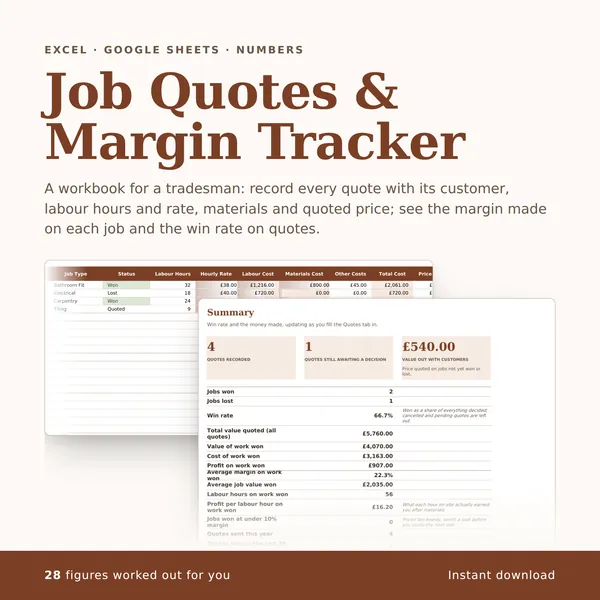
Job Quotes & Margin Tracker
A workbook for a tradesman: record every quote with its customer, labour hours and rate, materials and quoted price; see the margin made on each job and the win rate on quotes.
36 columns, 28 fill themselves in£7
-

Etsy Seller Profit Tracker
Record every Etsy sale with fees, postage and materials, and see what each order and each item actually earns.
40 columns, 35 fill themselves in£7