
Sinking Funds Tracker
Made for households tired of big yearly bills catching them out.
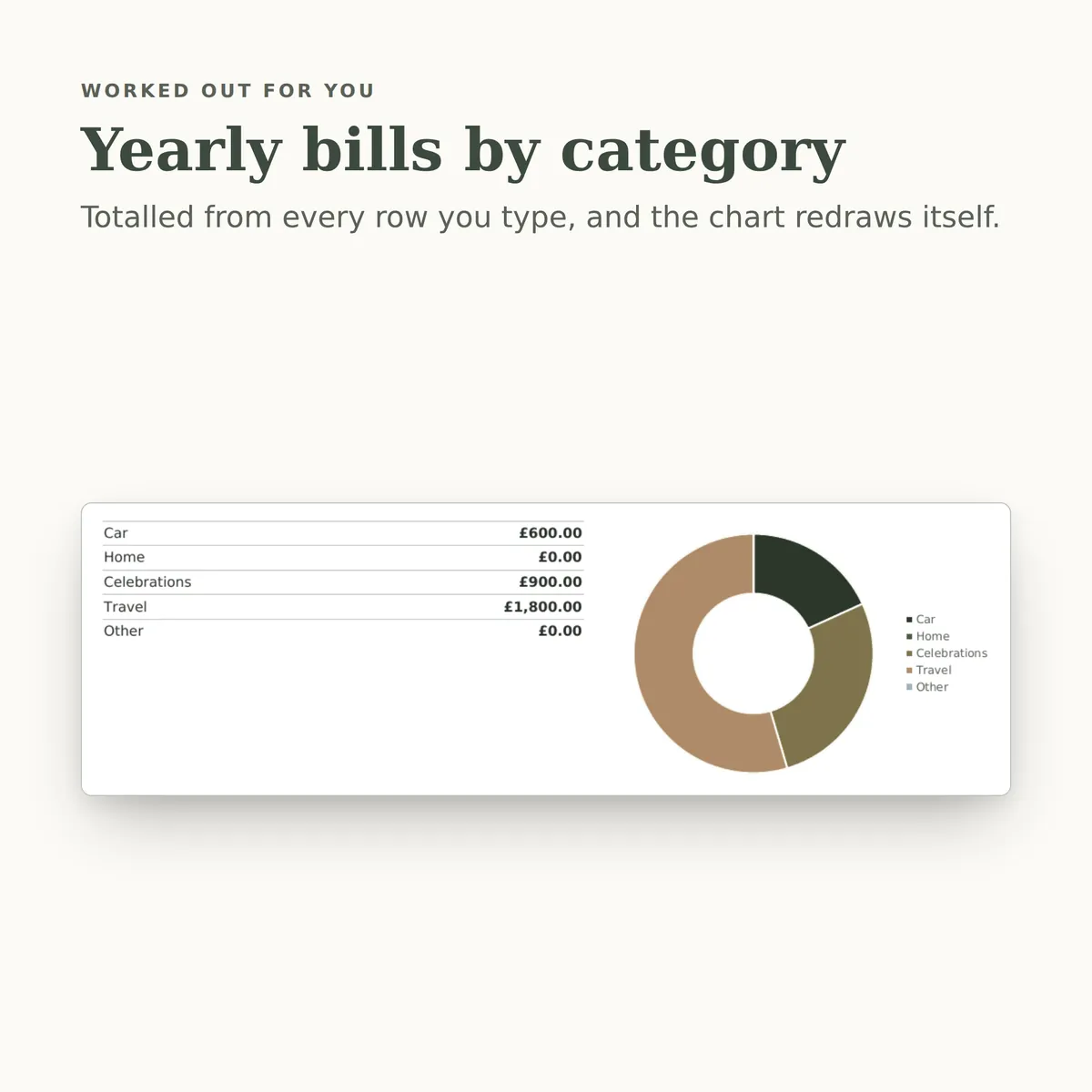
One fund for each big yearly bill, a log of every payment in or out, and a summary showing each balance and whether it will be ready in time. The summary carries a chart that redraws itself as you type.
Of the 16 columns, you fill in 9 and the other 7 work themselves out, and all 11 figures on the summary do too. There is room for 640 rows of your own.
£4.99one payment, yours to keep
- Opens in Excel, Google Sheets and Numbers
- Delivered straight away
- No macros, nothing to install
- Change it free before you buy
Payment is handled by Stripe. Your card details go to them and never to us. Sales are final, which is why every tab, column and calculation is shown on this page first.
Already have a spreadsheet of your own? Check it for mistakes, free.
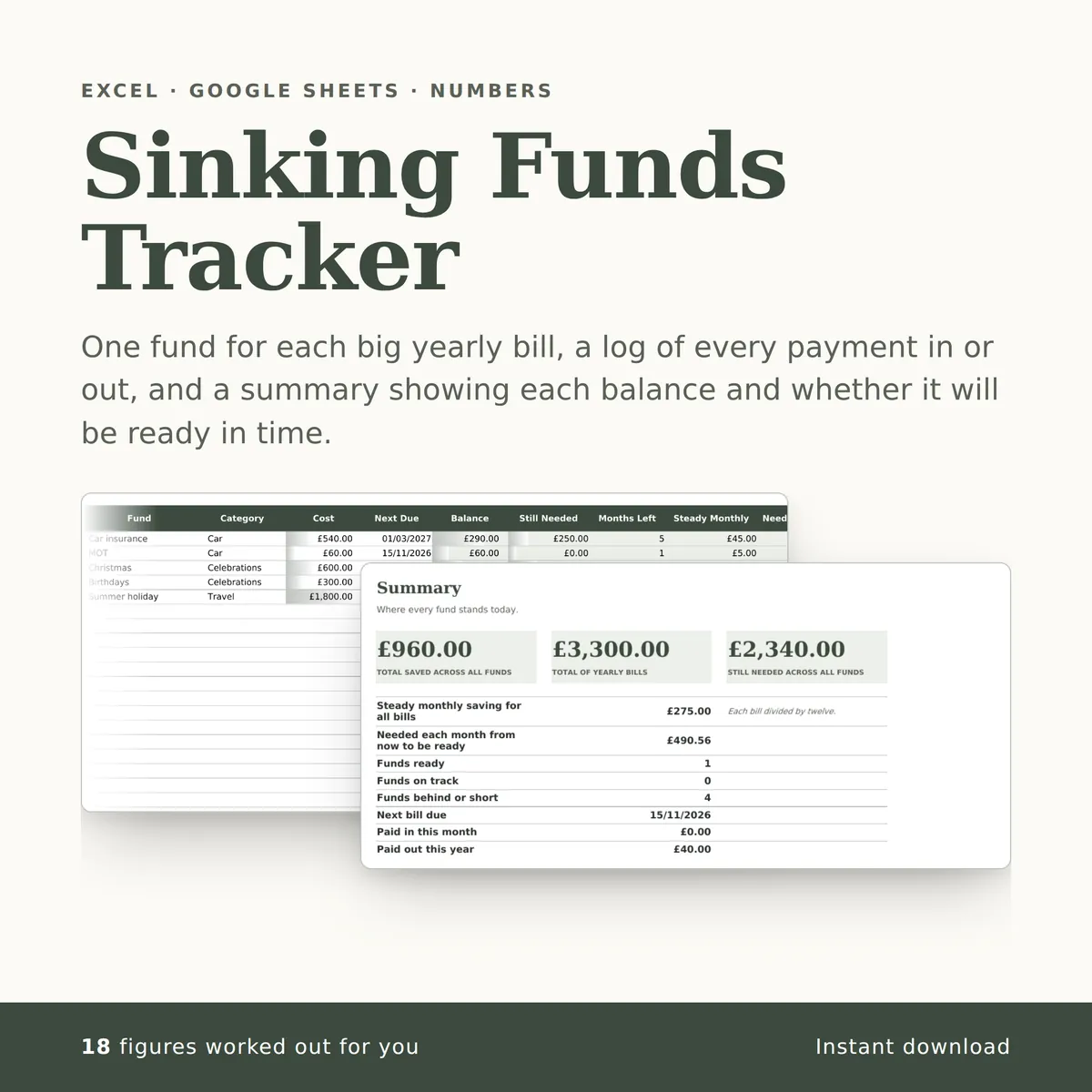
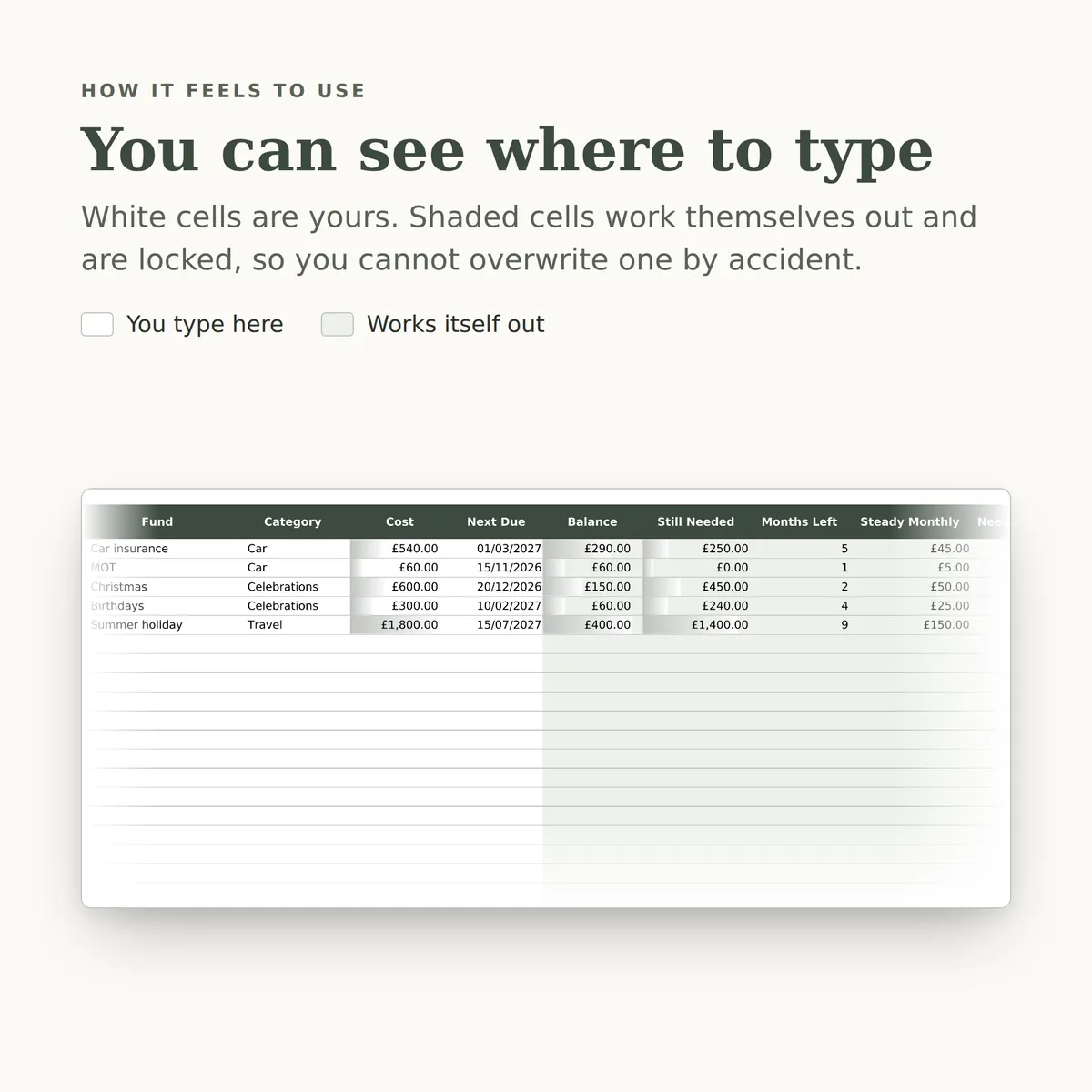
- A new row is typed into the Funds tab, one cell at a time, in the white cells a person fills in.
- The shaded cells in that row fill themselves in.
- The figures on the Summary tab change to include the new row.
- The chart, Yearly bills by category, redraws with it.
Everything inside, before you pay
This is the whole design: every tab, every column and how each calculated one is worked out. White cells are yours to fill in; the shaded ones work themselves out and are locked so a formula cannot be overwritten by accident. There is room for 640 rows. Open any tab to see its columns.
Funds
10 columns
| Column | What goes in it | Worked out as |
|---|---|---|
| Fund | Type any text. | |
| Category | Pick one: Car, Home, Celebrations, Travel or Other. | |
| Cost | Type an amount in £. | |
| Next Due | When the bill next has to be paid. Move it on a year once it is paid.Type a date. | |
| Balance | Fills itself in. | The total of Change to Fund on Log where Fund matches this row's Fund. The formulaIF(ISBLANK([fund]), "", SUMIF([Log!fund], [fund], [Log!change])) |
| Still Needed | Fills itself in. | Worked out from this row's Fund and Cost, using Fund and Change to Fund on Log. The formulaIF(OR(ISBLANK([fund]), ISBLANK([target])), "", MAX(0, [target] - SUMIF([Log!fund], [fund], [Log!change]))) |
| Months Left | Fills itself in. | Worked out from this row's Next Due. The formulaIF(ISBLANK([due_date]), "", MAX(0, (YEAR([due_date]) - YEAR(TODAY())) * 12 + MONTH([due_date]) - MONTH(TODAY()))) |
| Steady Monthly | Fills itself in. | The Cost divided by 12. The formulaIF(ISBLANK([target]), "", ROUND([target] / 12, 2)) |
| Needed Each Month Now | Fills itself in. | Worked out from this row's Fund, Cost and Next Due, using Fund and Change to Fund on Log. The formulaIF(OR(ISBLANK([fund]), ISBLANK([target]), ISBLANK([due_date])), "", ROUND(IFERROR(MAX(0, [target] - SUMIF([Log!fund], [fund], [Log!change])) / MAX(0, (YEAR([due_date]) - YEAR(TODAY())) * 12 + MONTH([due_date]) - MONTH(TODAY())), MAX(0, [target] - SUMIF([Log!fund], [fund], [Log!change]))), 2)) |
| Ready In Time? | On track means saving the steady monthly amount from here will cover the bill.Fills itself in. | Worked out from this row's Fund, Cost and Next Due, using Fund and Change to Fund on Log. The formulaIF(OR(ISBLANK([fund]), ISBLANK([target]), ISBLANK([due_date])), "", IF(SUMIF([Log!fund], [fund], [Log!change]) >= [target], "Ready", IF(MAX(0, (YEAR([due_date]) - YEAR(TODAY())) * 12 + MONTH([due_date]) - MONTH(TODAY())) = 0, "Short", IF(SUMIF([Log!fund], [fund], [Log!change]) >= [target] - [target] / 12 * MAX(0, (YEAR([due_date]) - YEAR(TODAY())) * 12 + MONTH([due_date]) - MONTH(TODAY())), "On track", "Behind")))) |
Log
6 columns
| Column | What goes in it | Worked out as |
|---|---|---|
| Date | Type a date. | |
| Fund | Pick one of the Fund entries on Funds. | |
| In or Out | Pick one: Paid in or Paid out. | |
| Amount | Always enter a positive amount. In or Out sets the direction.Type an amount in £. | |
| Change to Fund | Fills itself in. | Worked out from this row's Amount and In or Out. The formulaIF(ISBLANK([amount]), "", IF([direction] = "Paid out", -[amount], [amount])) |
| Details | Type any text. |
Summary
11 figures
| Figure | Worked out as |
|---|---|
| Total saved across all funds | The total of Change to Fund on Log. The formulaSUM([Log!change]) |
| Total of yearly bills | The total of Cost on Funds. The formulaSUM([Funds!target]) |
| Still needed across all funds | The total of Still Needed on Funds. The formulaSUM([Funds!shortfall]) |
| Steady monthly saving for all bills | Each bill divided by twelve. The total of Steady Monthly on Funds. The formulaSUM([Funds!steady_monthly]) |
| Needed each month from now to be ready | The total of Needed Each Month Now on Funds. The formulaSUM([Funds!needed_monthly]) |
| Funds ready | The number of rows on Funds where Ready In Time? is “Ready”. The formulaCOUNTIF([Funds!status], "Ready") |
| Funds on track | The number of rows on Funds where Ready In Time? is “On track”. The formulaCOUNTIF([Funds!status], "On track") |
| Funds behind or short | Worked out from Ready In Time? on Funds. The formulaCOUNTIF([Funds!status], "Behind") + COUNTIF([Funds!status], "Short") |
| Next bill due | The smallest Next Due on Funds. The formulaIF(COUNT([Funds!due_date]) = 0, "", MIN([Funds!due_date])) |
| Paid in this month | Worked out from Amount, In or Out and Date on Log. The formulaSUMIFS([Log!amount], [Log!direction], "Paid in", [Log!date], ">=" & DATE(YEAR(TODAY()), MONTH(TODAY()), 1)) |
| Paid out this year | Worked out from Amount, In or Out and Date on Log. The formulaSUMIFS([Log!amount], [Log!direction], "Paid out", [Log!date], ">=" & DATE(YEAR(TODAY()), 1, 1)) |
More in Money
-

Monthly Household Budget
Set a monthly budget for each category, record what you actually spend and earn, then see where you went over, what is left and how much you saved.
26 figures work themselves out£4.99
-
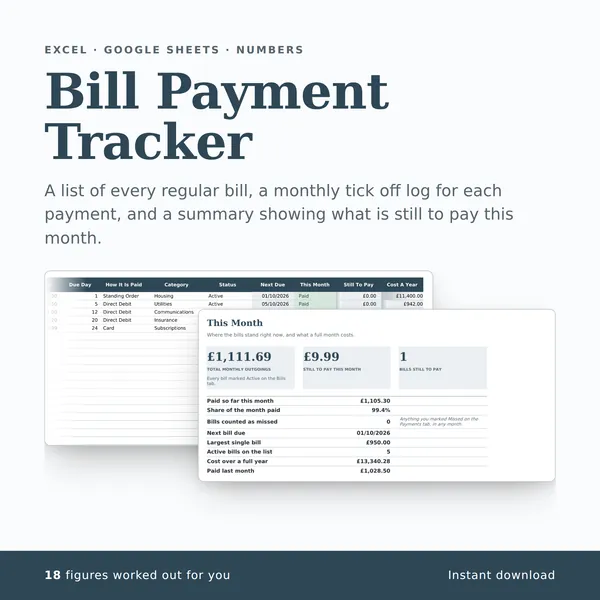
Bill Payment Tracker
A list of every regular bill, a monthly tick off log for each payment, and a summary showing what is still to pay this month.
18 figures work themselves out£4.99
-
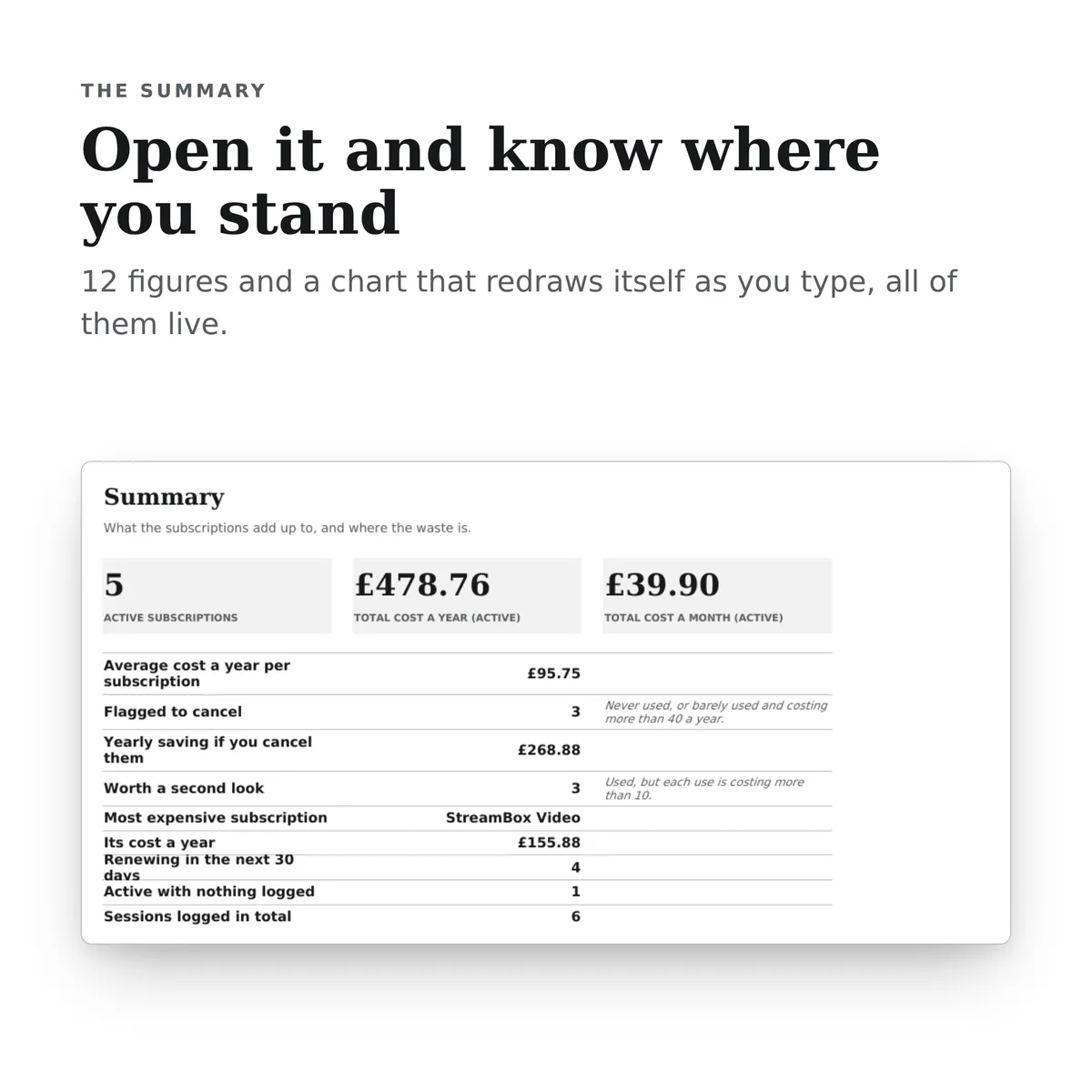
Subscription Review
A workbook for listing every subscription, what it really costs a year, how often it gets used, and which ones are worth cancelling.
19 figures work themselves out£4.99
-
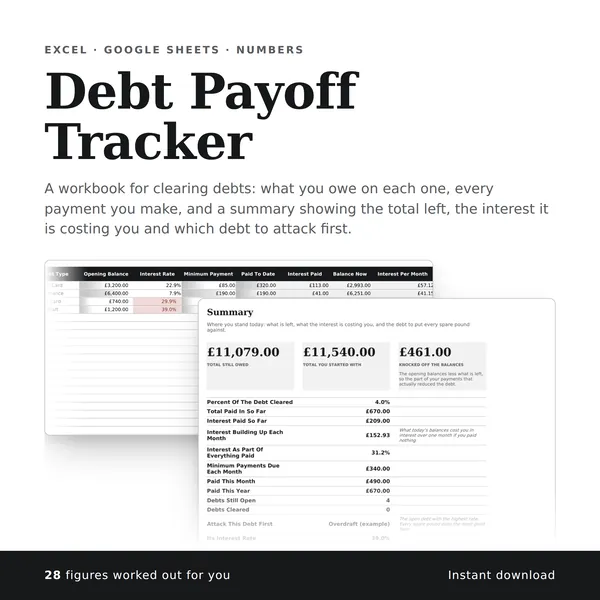
Debt Payoff Tracker
A workbook for clearing debts: what you owe on each one, every payment you make, and a summary showing the total left, the interest it is costing you and which debt to attack first.
28 figures work themselves out£4.99