
Savings Goals Tracker
Made for savers with several pots on the go.
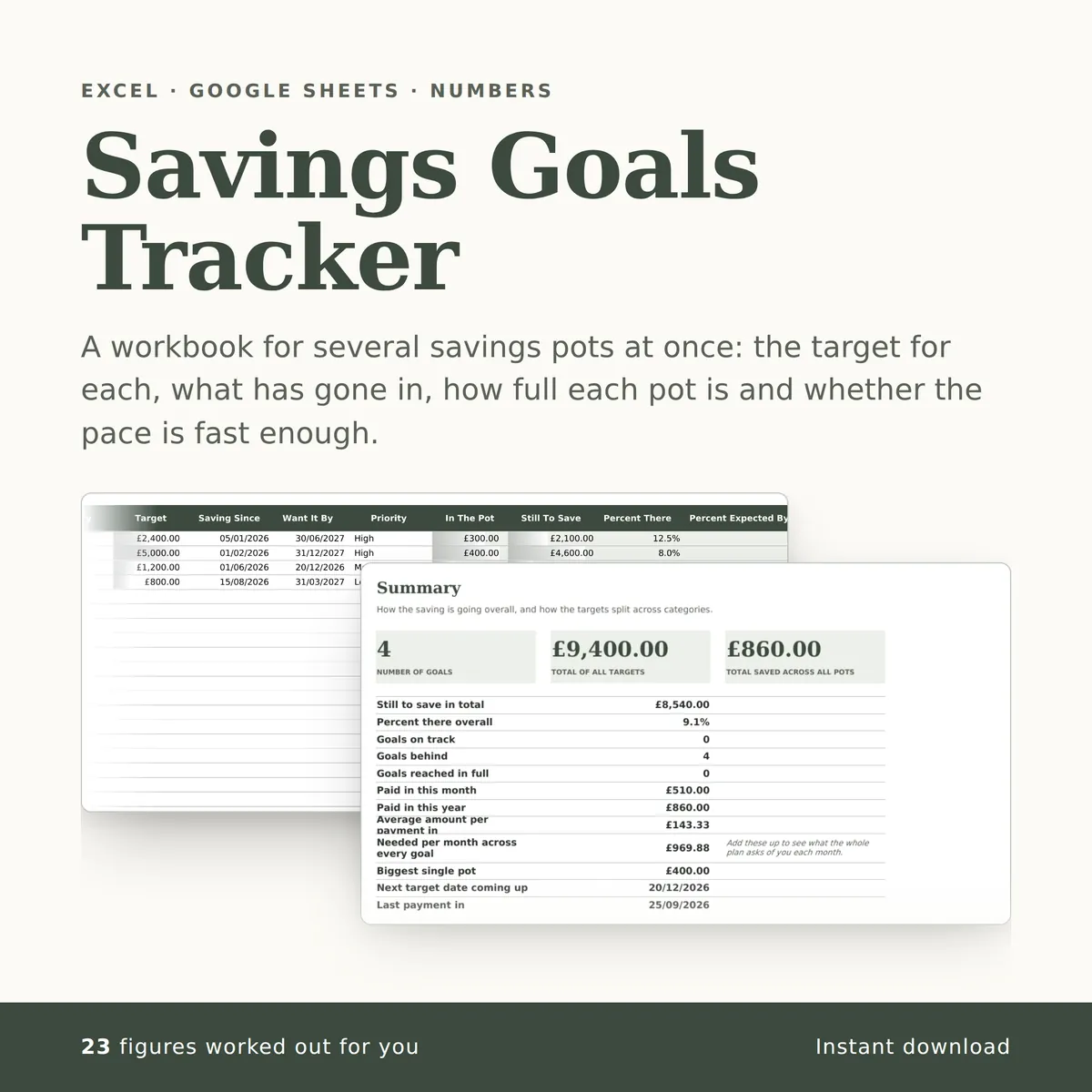
A workbook for several savings pots at once: the target for each, what has gone in, how full each pot is and whether the pace is fast enough. The summary carries a chart that redraws itself as you type.
Of the 20 columns, you fill in 12 and the other 8 work themselves out, and all 15 figures on the summary do too. There is room for 640 rows of your own.
£4.99one payment, yours to keep
- Opens in Excel, Google Sheets and Numbers
- Delivered straight away
- No macros, nothing to install
- Change it free before you buy
Payment is handled by Stripe. Your card details go to them and never to us. Sales are final, which is why every tab, column and calculation is shown on this page first.
Already have a spreadsheet of your own? Check it for mistakes, free.
- A new row is typed into the Goals tab, one cell at a time, in the white cells a person fills in.
- The shaded cells in that row fill themselves in.
- The figures on the Summary tab change to include the new row.
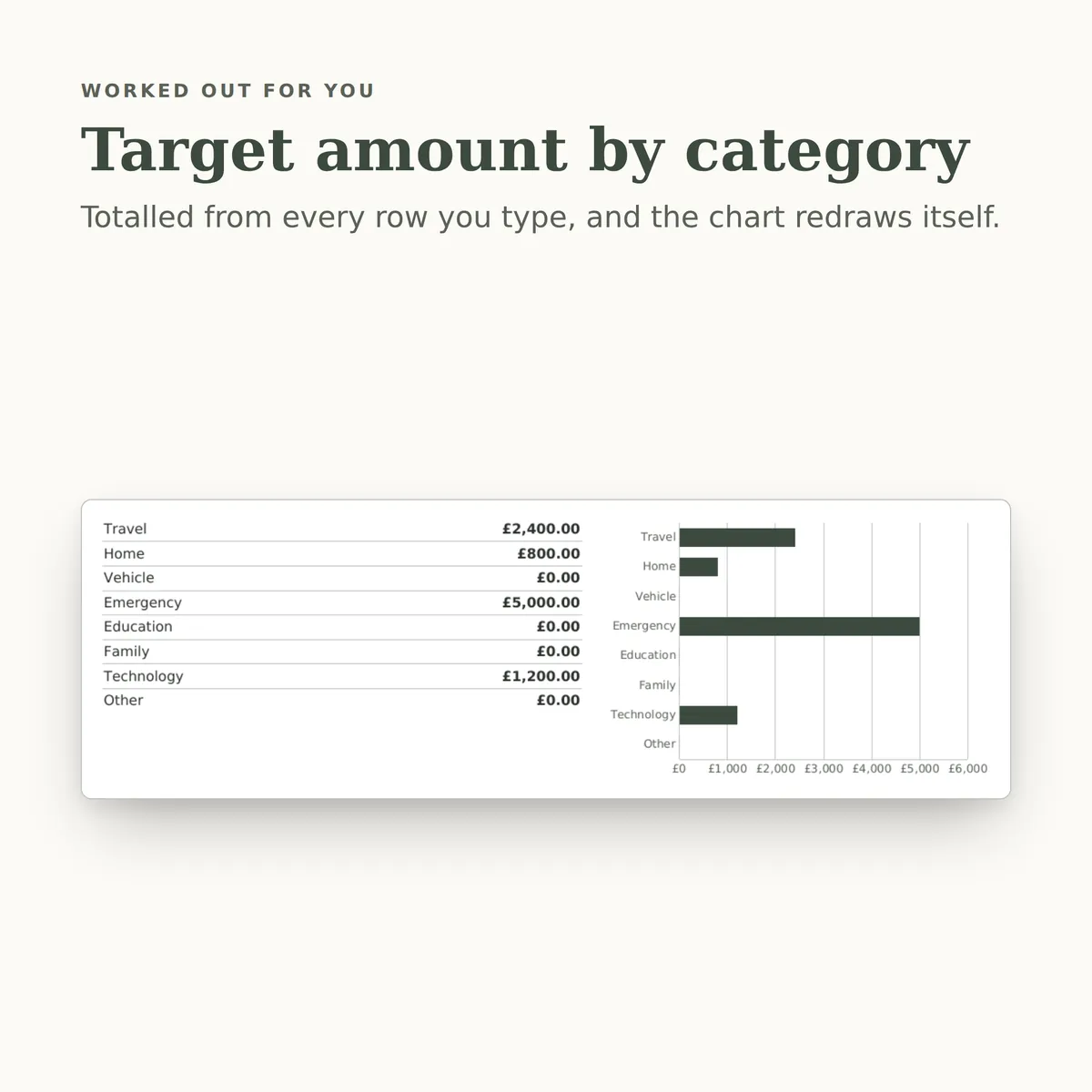
- The chart, Target amount by category, redraws with it.
Everything inside, before you pay
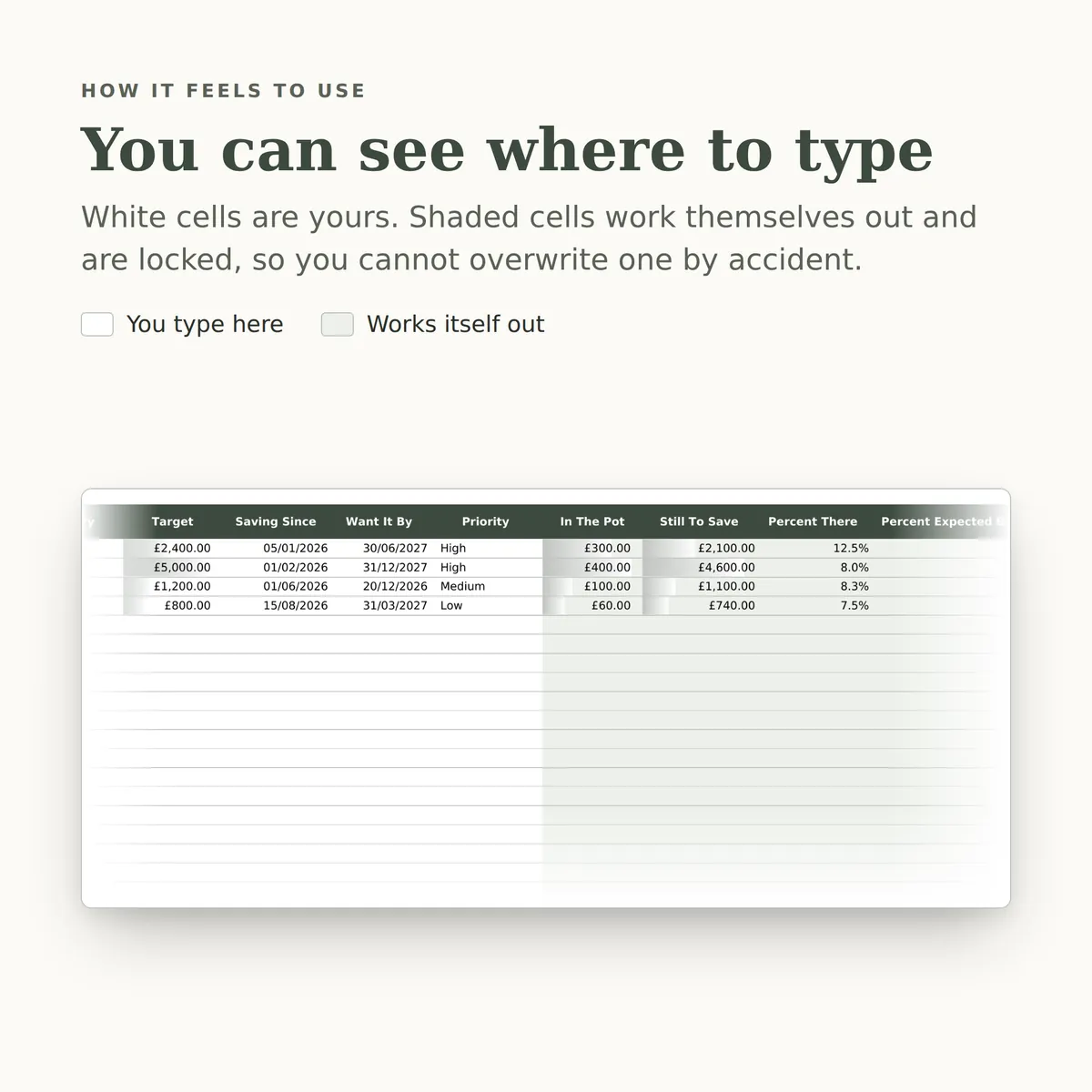
This is the whole design: every tab, every column and how each calculated one is worked out. White cells are yours to fill in; the shaded ones work themselves out and are locked so a formula cannot be overwritten by accident. There is room for 640 rows. Open any tab to see its columns.
Goals
14 columns
| Column | What goes in it | Worked out as |
|---|---|---|
| Goal | Use this exact wording when you record a payment in, so the two tabs match.Type any text. | |
| Category | Pick one: Travel, Home, Vehicle, Emergency, Education, Family, Technology or Other. | |
| Target | Type an amount in £. | |
| Saving Since | When you started putting money aside. Used to judge whether you are on pace.Type a date. | |
| Want It By | Type a date. | |
| Priority | Pick one: High, Medium or Low. | |
| In The Pot | Fills itself in. | The total of Amount In on Contributions where Goal matches this row's Goal. The formulaIF(ISBLANK([goal_name]),"",SUMIF([Contributions!goal],[goal_name],[Contributions!amount])) |
| Still To Save | Fills itself in. | Worked out from this row's Goal and Target, using Goal and Amount In on Contributions. The formulaIF(OR(ISBLANK([goal_name]),ISBLANK([target_amount])),"",MAX(0,[target_amount]-SUMIF([Contributions!goal],[goal_name],[Contributions!amount]))) |
| Percent There | Fills itself in. | Worked out from this row's Goal and Target, using Goal and Amount In on Contributions. The formulaIF(OR(ISBLANK([goal_name]),ISBLANK([target_amount])),"",IFERROR(SUMIF([Contributions!goal],[goal_name],[Contributions!amount])/[target_amount],0)) |
| Percent Expected By Now | How far through the saving period you are, so you can compare it with the percentage actually in the pot.Fills itself in. | Worked out from this row's Saving Since and Want It By. The formulaIF(OR(ISBLANK([start_date]),ISBLANK([target_date])),"",MIN(1,MAX(0,IFERROR((TODAY()-[start_date])/([target_date]-[start_date]),0)))) |
| Days Left | Fills itself in. | Worked out from this row's Want It By. The formulaIF(ISBLANK([target_date]),"",[target_date]-TODAY()) |
| Needed Per Month | Fills itself in. | Worked out from this row's Target, Want It By and Goal, using Goal and Amount In on Contributions. The formulaIF(OR(ISBLANK([target_amount]),ISBLANK([target_date])),"",ROUND(MAX(0,[target_amount]-SUMIF([Contributions!goal],[goal_name],[Contributions!amount]))/MAX(1,ROUNDUP(([target_date]-TODAY())/30.4,0)),2)) |
| On Track | Fills itself in. | Worked out from this row's Goal, Target, Saving Since and Want It By, using Goal and Amount In on Contributions. The formulaIF(OR(ISBLANK([goal_name]),ISBLANK([target_amount])),"",IF(SUMIF([Contributions!goal],[goal_name],[Contributions!amount])>=[target_amount],"Complete",IF(IFERROR(SUMIF([Contributions!goal],[goal_name],[Contributions!amount])/[target_amount],0)>=IFERROR((TODAY()-[start_date])/([target_date]-[start_date]),0),"On Track","Behind"))) |
| Notes | Type any text. |
Contributions
6 columns
| Column | What goes in it | Worked out as |
|---|---|---|
| Date Paid In | Type a date. | |
| Goal | Pick one of the Goal entries on Goals. | |
| Amount In | Type an amount in £. | |
| How | Pick one: Standing Order, Bank Transfer, Cash, Round Up, Windfall or Other. | |
| Month | Fills itself in. | Worked out from this row's Date Paid In. The formulaIF(ISBLANK([date]),"",TEXT([date],"MMM YYYY")) |
| Note | Type any text. |
Summary
15 figures
| Figure | Worked out as |
|---|---|
| Number of goals | The number of rows on Goals with Goal filled in. The formulaCOUNTA([Goals!goal_name]) |
| Total of all targets | The total of Target on Goals. The formulaSUM([Goals!target_amount]) |
| Total saved across all pots | The total of Amount In on Contributions. The formulaSUM([Contributions!amount]) |
| Still to save in total | Worked out from Target on Goals and Amount In on Contributions. The formulaMAX(0,SUM([Goals!target_amount])-SUM([Contributions!amount])) |
| Percent there overall | Worked out from Amount In on Contributions and Target on Goals. The formulaIFERROR(SUM([Contributions!amount])/SUM([Goals!target_amount]),0) |
| Goals on track | The number of rows on Goals where On Track is “On Track”. The formulaCOUNTIF([Goals!status],"On Track") |
| Goals behind | The number of rows on Goals where On Track is “Behind”. The formulaCOUNTIF([Goals!status],"Behind") |
| Goals reached in full | The number of rows on Goals where On Track is “Complete”. The formulaCOUNTIF([Goals!status],"Complete") |
| Paid in this month | Worked out from Amount In and Date Paid In on Contributions. The formulaSUMIFS([Contributions!amount],[Contributions!date],">="&DATE(YEAR(TODAY()),MONTH(TODAY()),1),[Contributions!date],"<="&EOMONTH(TODAY(),0)) |
| Paid in this year | Worked out from Amount In and Date Paid In on Contributions. The formulaSUMIFS([Contributions!amount],[Contributions!date],">="&DATE(YEAR(TODAY()),1,1),[Contributions!date],"<="&DATE(YEAR(TODAY()),12,31)) |
| Average amount per payment in | Worked out from Amount In on Contributions. The formulaIFERROR(SUM([Contributions!amount])/COUNT([Contributions!amount]),0) |
| Needed per month across every goal | Add these up to see what the whole plan asks of you each month. The total of Needed Per Month on Goals. The formulaSUM([Goals!monthly_needed]) |
| Biggest single pot | The largest In The Pot on Goals. The formulaMAX([Goals!saved]) |
| Next target date coming up | The smallest Want It By on Goals. The formulaIF(COUNT([Goals!target_date])=0, "", MIN([Goals!target_date])) |
| Last payment in | The largest Date Paid In on Contributions. The formulaIF(COUNT([Contributions!date])=0, "", MAX([Contributions!date])) |
More in Money
-

Monthly Household Budget
Set a monthly budget for each category, record what you actually spend and earn, then see where you went over, what is left and how much you saved.
26 figures work themselves out£4.99
-
Bill Payment Tracker
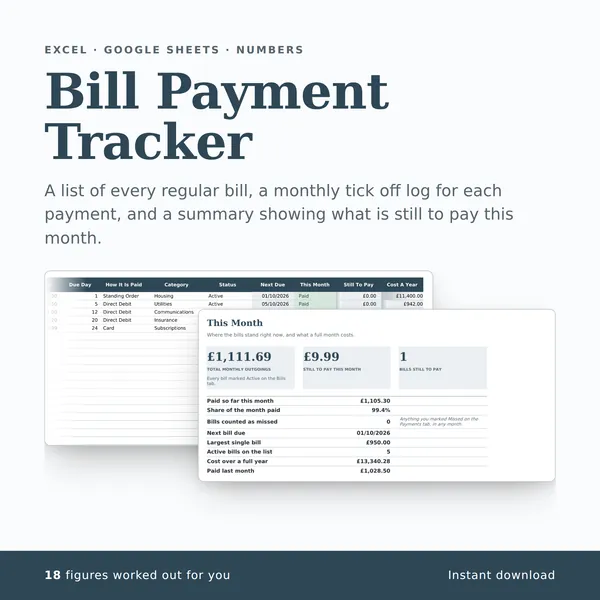
A list of every regular bill, a monthly tick off log for each payment, and a summary showing what is still to pay this month.
18 figures work themselves out£4.99
-
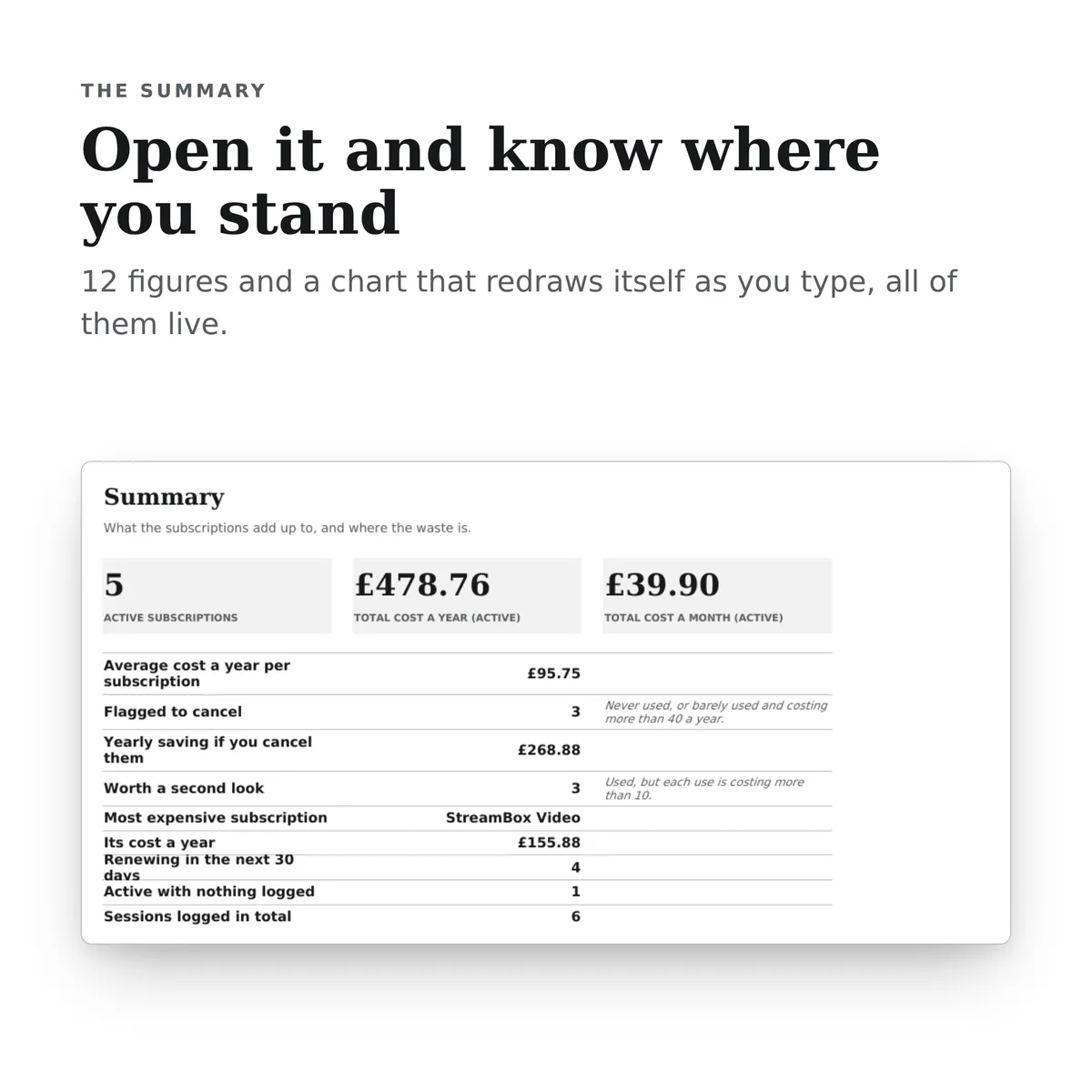
Subscription Review
A workbook for listing every subscription, what it really costs a year, how often it gets used, and which ones are worth cancelling.
19 figures work themselves out£4.99
-
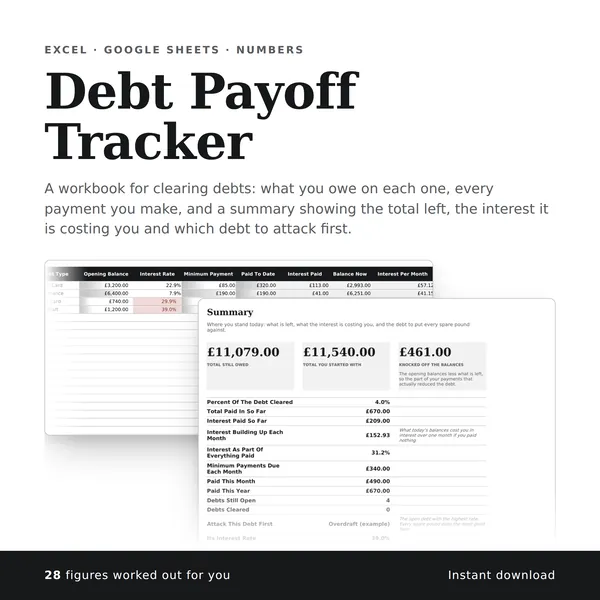
Debt Payoff Tracker
A workbook for clearing debts: what you owe on each one, every payment you make, and a summary showing the total left, the interest it is costing you and which debt to attack first.
28 figures work themselves out£4.99