
Job Application Tracker
Made for anyone job hunting.
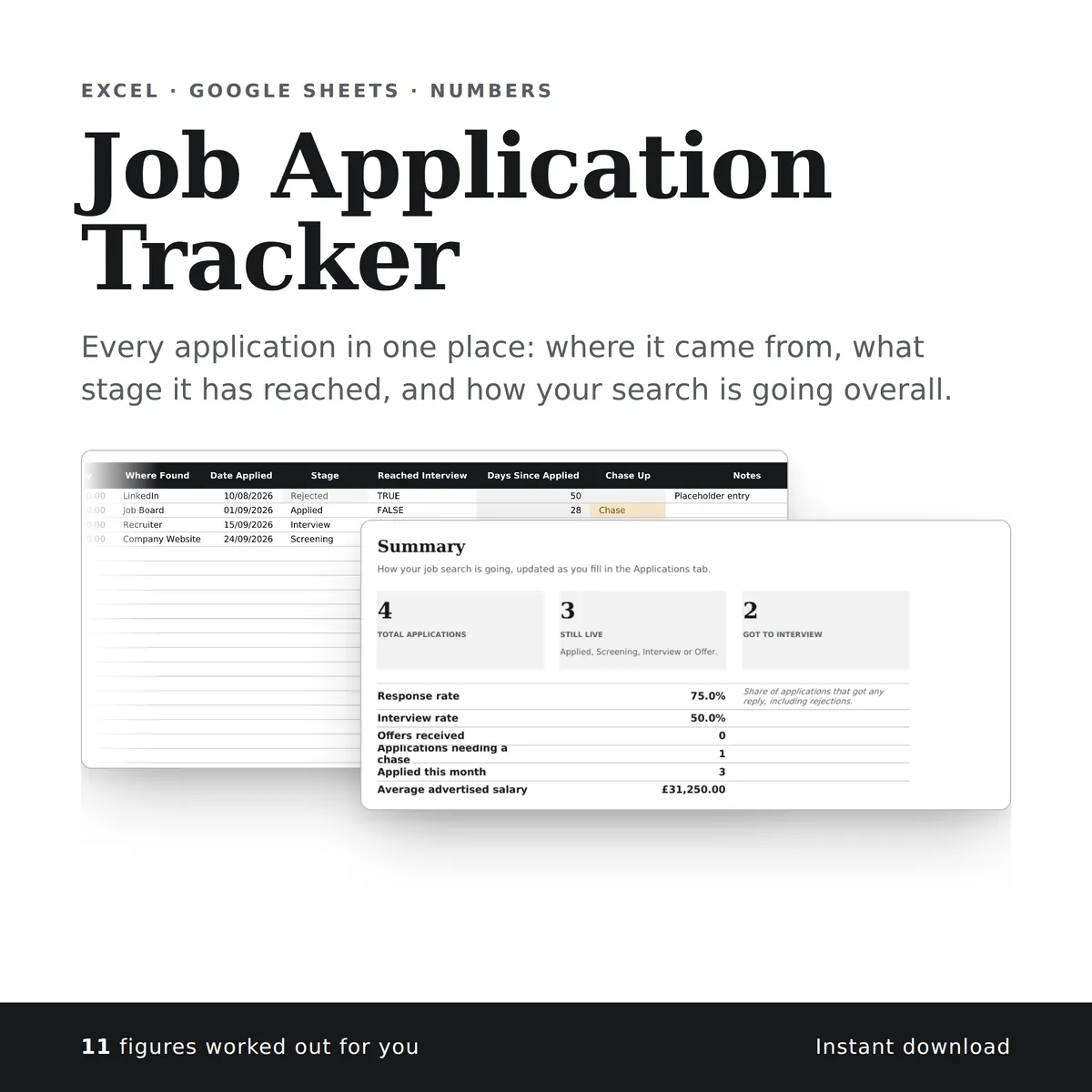
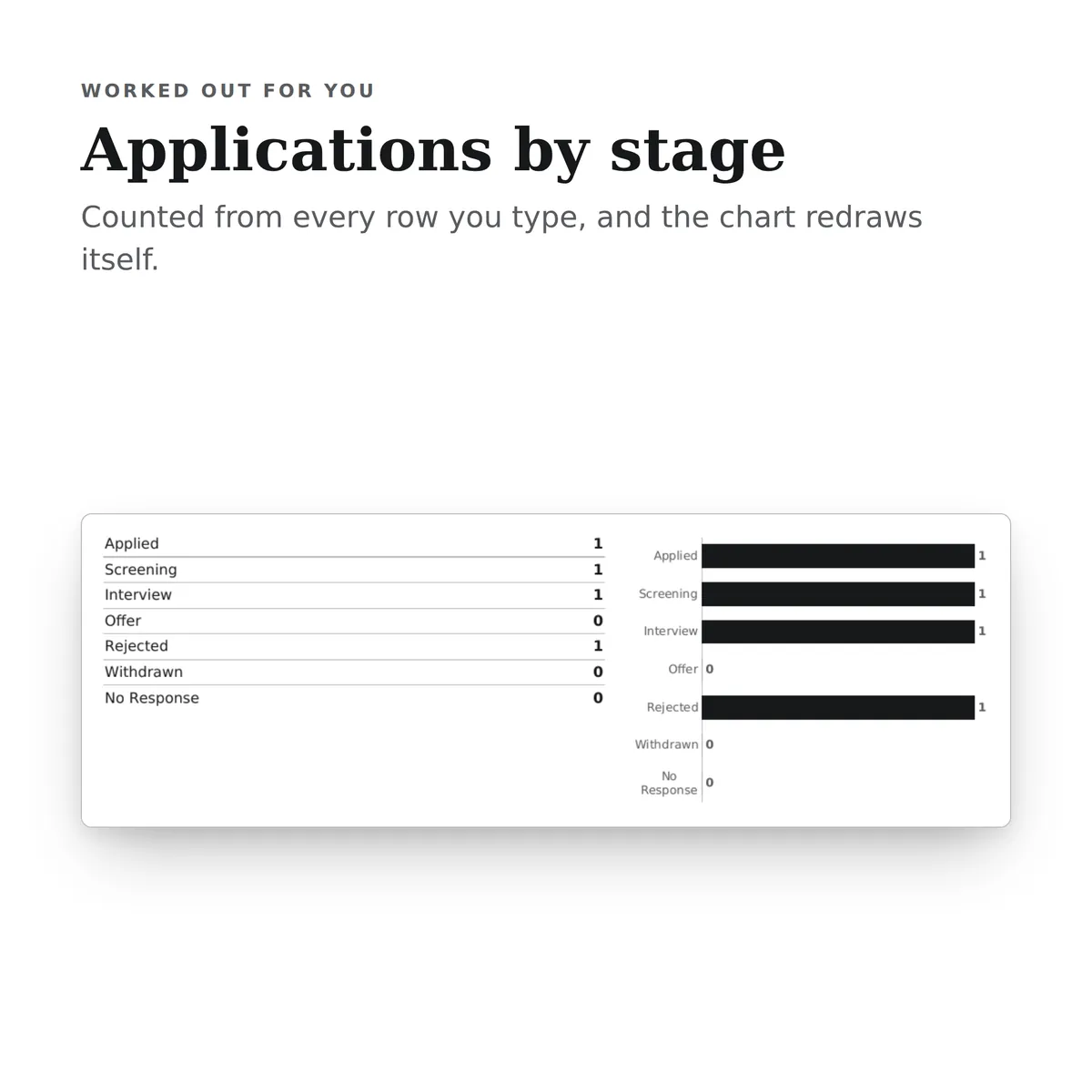
Every application in one place: where it came from, what stage it has reached, and how your search is going overall. The summary carries a chart that redraws itself as you type.
Of the 10 columns, you fill in 8 and the other 2 work themselves out, and all 9 figures on the summary do too. There is room for 300 rows of your own.
£4.99one payment, yours to keep
- Opens in Excel, Google Sheets and Numbers
- Delivered straight away
- No macros, nothing to install
- Change it free before you buy
Payment is handled by Stripe. Your card details go to them and never to us. Sales are final, which is why every tab, column and calculation is shown on this page first.
Already have a spreadsheet of your own? Check it for mistakes, free.
- A new row is typed into the Applications tab, one cell at a time, in the white cells a person fills in.
- The shaded cells in that row fill themselves in.
- The figures on the Summary tab change to include the new row.
- The chart, Applications by stage, recounts with it.
Everything inside, before you pay
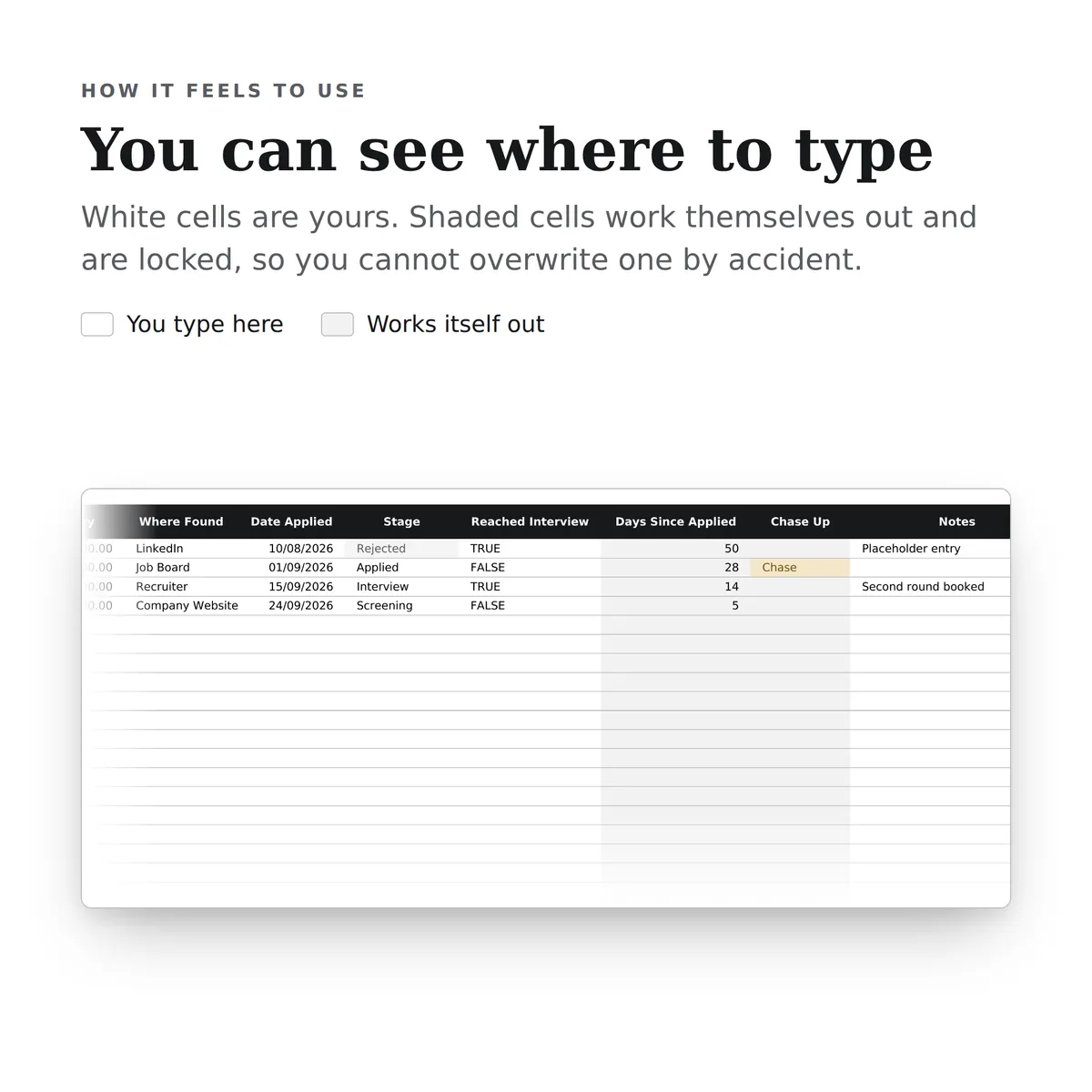
This is the whole design: every tab, every column and how each calculated one is worked out. White cells are yours to fill in; the shaded ones work themselves out and are locked so a formula cannot be overwritten by accident. There is room for 300 rows. Open any tab to see its columns.
Applications
10 columns
| Column | What goes in it | Worked out as |
|---|---|---|
| Company | Type any text. | |
| Role | Type any text. | |
| Salary | Advertised annual salary. Use the midpoint if a range was given.Type an amount in £. | |
| Where Found | Pick one: LinkedIn, Company Website, Job Board, Recruiter, Referral or Other. | |
| Date Applied | Type a date. | |
| Stage | Pick one: Applied, Screening, Interview, Offer, Rejected, Withdrawn or No Response. | |
| Reached Interview | Tick once you get an interview, and leave it ticked even if you are later rejected.Tick it when it applies. | |
| Days Since Applied | Fills itself in. | Worked out from this row's Date Applied. The formulaIF(ISBLANK([date_applied]), "", TODAY()-[date_applied]) |
| Chase Up | Flags applications still at Applied after two weeks with no reply.Fills itself in. | Worked out from this row's Date Applied and Stage. The formulaIF(ISBLANK([date_applied]), "", IF(AND([stage]="Applied", TODAY()-[date_applied]>14), "Chase", "")) |
| Notes | Type any text. |
Summary
9 figures
| Figure | Worked out as |
|---|---|
| Total applications | The number of rows on Applications with Company filled in. The formulaCOUNTA([Applications!company]) |
| Still live | Applied, Screening, Interview or Offer. Worked out from Stage on Applications. The formulaCOUNTIF([Applications!stage], "Applied")+COUNTIF([Applications!stage], "Screening")+COUNTIF([Applications!stage], "Interview")+COUNTIF([Applications!stage], "Offer") |
| Got to interview | Worked out from Reached Interview on Applications. The formulaCOUNTIF([Applications!interviewed], TRUE) |
| Response rate | Share of applications that got any reply, including rejections. Worked out from Company and Stage on Applications. The formulaIFERROR((COUNTA([Applications!company])-COUNTIF([Applications!stage], "Applied")-COUNTIF([Applications!stage], "No Response"))/COUNTA([Applications!company]), 0) |
| Interview rate | Worked out from Reached Interview and Company on Applications. The formulaIFERROR(COUNTIF([Applications!interviewed], TRUE)/COUNTA([Applications!company]), 0) |
| Offers received | The number of rows on Applications where Stage is “Offer”. The formulaCOUNTIF([Applications!stage], "Offer") |
| Applications needing a chase | The number of rows on Applications where Chase Up is “Chase”. The formulaCOUNTIF([Applications!chase_up], "Chase") |
| Applied this month | Worked out from Date Applied on Applications. The formulaCOUNTIFS([Applications!date_applied], ">="&DATE(YEAR(TODAY()), MONTH(TODAY()), 1)) |
| Average advertised salary | The average of Salary on Applications. The formulaIFERROR(AVERAGE([Applications!salary]), 0) |
More in Personal
-
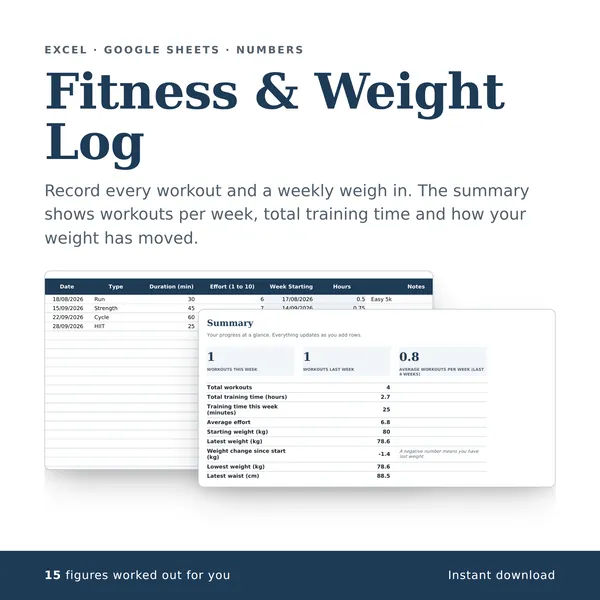
Fitness & Weight Log
Record every workout and a weekly weigh in. The summary shows workouts per week, total training time and how your weight has moved.
15 figures work themselves out£4.99
-
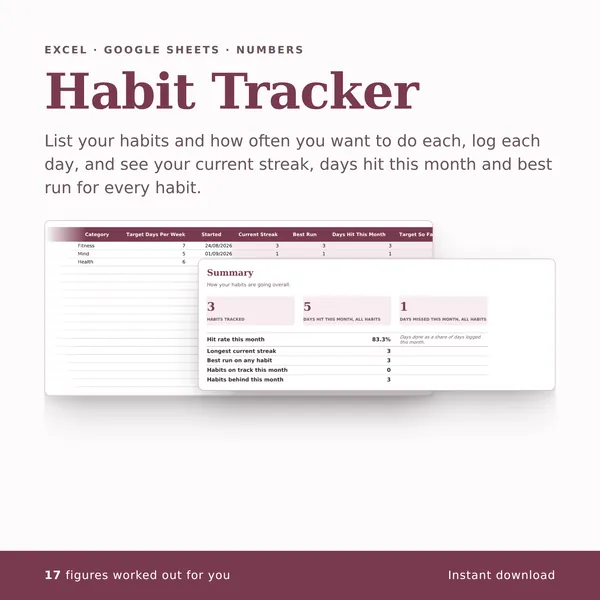
Habit Tracker
List your habits and how often you want to do each, log each day, and see your current streak, days hit this month and best run for every habit.
17 figures work themselves out£4.99
-
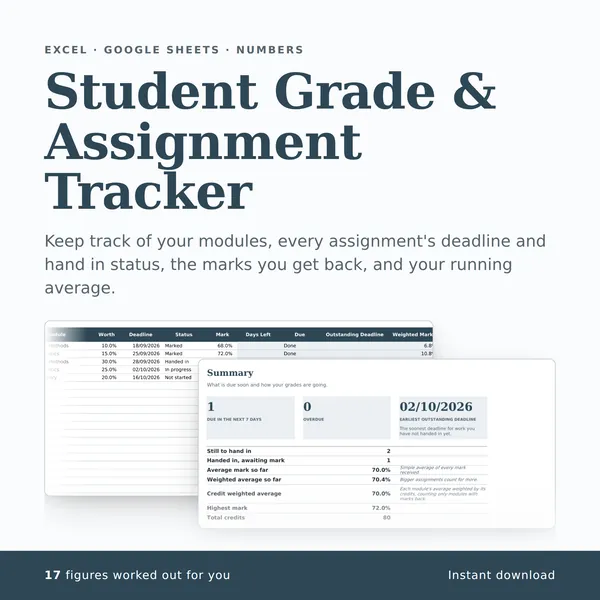
Student Grade & Assignment Tracker
Keep track of your modules, every assignment's deadline and hand in status, the marks you get back, and your running average.
17 figures work themselves out£4.99